Slide 3 of 5 from Free 4-Column Slide Layout Template for PowerPoint
Step 2 in 4-Columm PowerPoint Diagram
4-Column Layout Slide Template for Presentations
- Text Layout
- List Blocks
- Comparison Slide
- 16:9
- 100% Editable
The 4-Column Layout with Editable Titles, part of the Free 4-Column Slide Layout Template for PowerPoint, is ideal for feature comparison and project updates. This structured layout presents four distinct topics side by side, enhancing clarity and engagement in business presentations or educational content. Each column includes editable titles and text areas, allowing for easy customization to suit various needs.
What’s on This Slide
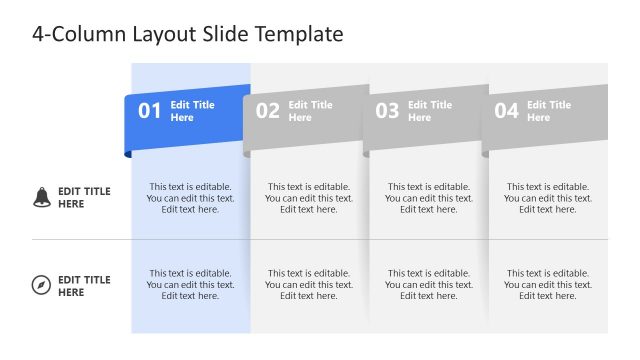
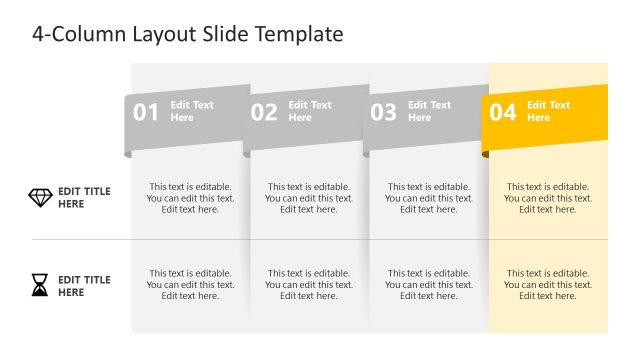
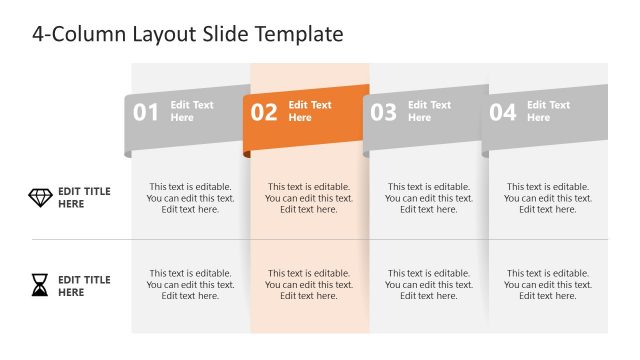
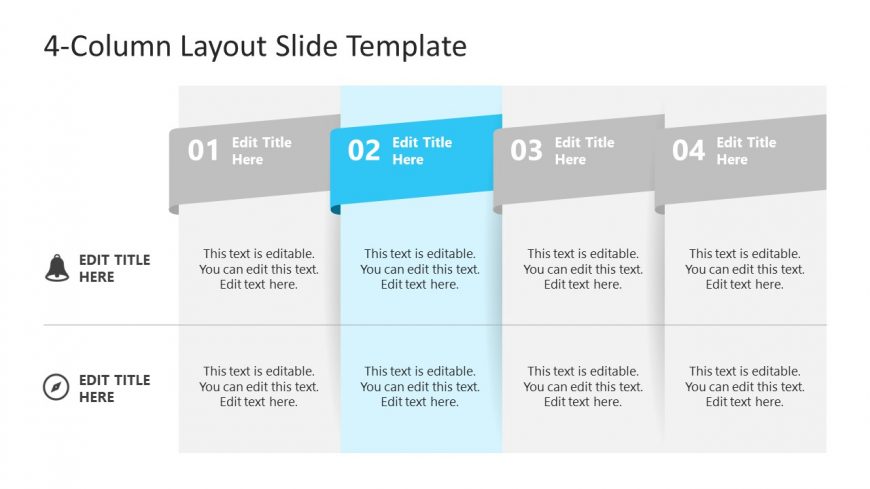
The layout features four vertical columns, each containing a title and editable text area. The first column is aligned to the left, followed by a highlighted second column in blue, which stands out visually. Each column has a title placeholder at the top, with the text aligned to the center. Below the titles, there are text placeholders for content, also centered. The overall background is light, with subtle gradients enhancing the visual separation between columns. The layout maintains a clear hierarchy with the highlighted column drawing attention.
How to Use It
This layout serves as a comparison or categorization tool, allowing for the presentation of four distinct topics or ideas side by side. It is suitable for business presentations, educational content, or project updates where multiple points need to be conveyed simultaneously. This slide fits well in the middle of a presentation, following an introduction and preceding a conclusion or summary slide. It can effectively display features, benefits, or phases of a project in a clear and organized manner.
Text Placeholders & Capacity
Keep your copy within these limits so it fits without resizing. Node body slots can hold approximately 15-20 words each.
| Placeholder | Count | Max characters (approx.) |
|---|---|---|
| Slide title | 1 | 30 |
| Item heading | 4 | 20 |
| Item body | 4 | 100 |
Slide Keywords
Download unlimited PowerPoint templates, charts and graphics for your presentations with our annual plan.
DOWNLOADReturn to Free 4-Column Slide Layout Template for PowerPoint.