Slide 2 of 3 from Column Highlight Style Table for PowerPoint
Column Highlight Style Presentation Table
5-Column Highlight Style Table for PowerPoint
- Table
- Comparison Table
- Comparison Slide
- 16:9
- 100% Editable
What’s on This Slide
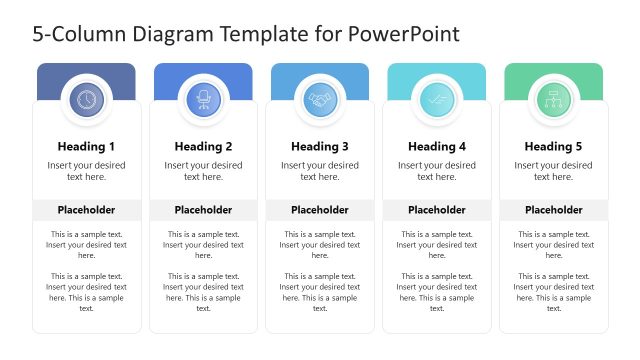
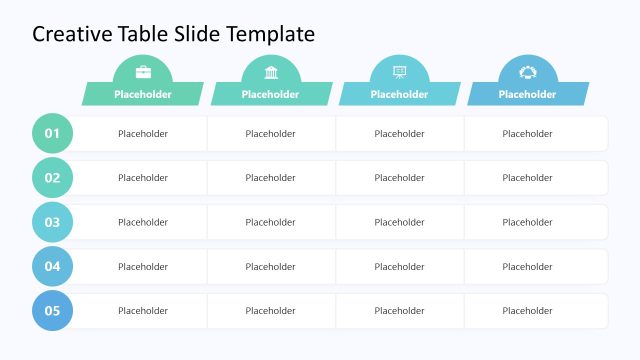
The layout features five vertical columns, each containing multiple rows of placeholders. The first column has a blue header, the second a green header, the third a light green header, the fourth an orange header, and the fifth a red header. The second row of placeholders is highlighted with an orange border, indicating emphasis. Each column is evenly spaced, with a consistent background color for the placeholders. The overall structure is organized and symmetrical, allowing for easy comparison across columns.
How to Use It
This layout serves as a comparison table, ideal for presenting segmented data or features across multiple categories. It fits well in a presentation sequence following an introduction or overview, allowing for detailed analysis of customer or market segmentation. Use it to highlight key attributes or differences among options, making it suitable for product comparisons or feature breakdowns in business settings.
Text Placeholders & Capacity
Keep your copy within these limits so it fits without resizing. Column headers can hold about 3-5 words each, while cells can accommodate 2-4 lines of text.
| Placeholder | Count | Max characters (approx.) |
|---|---|---|
| Column header | 5 | 20 |
| Cell | 30 | 30 |
Slide Keywords
Download unlimited PowerPoint templates, charts and graphics for your presentations with our annual plan.
DOWNLOADReturn to Column Highlight Style Table for PowerPoint.