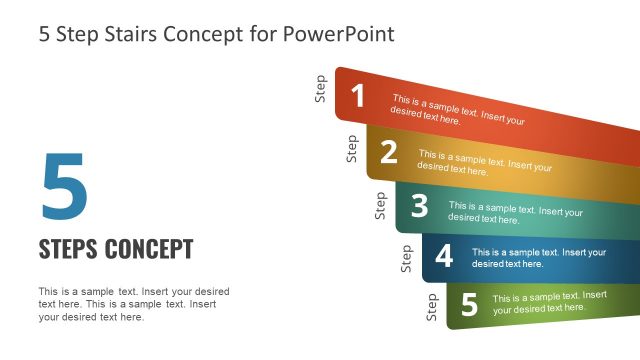
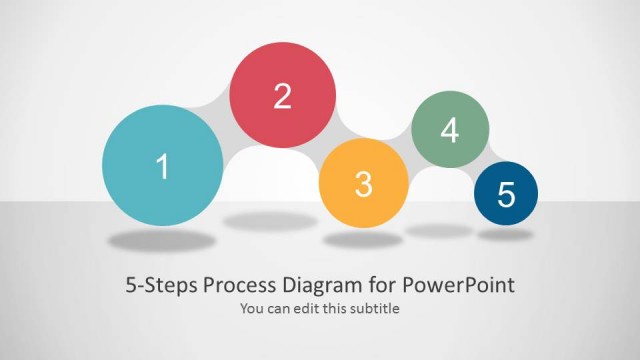
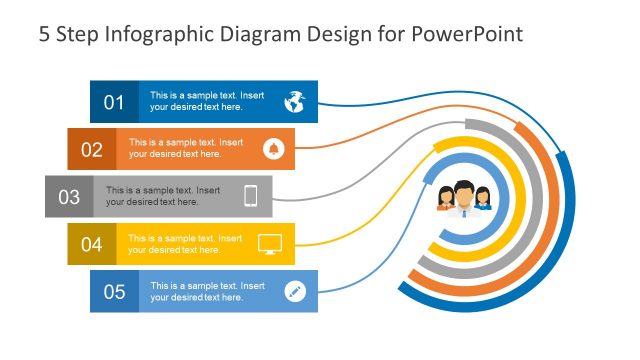
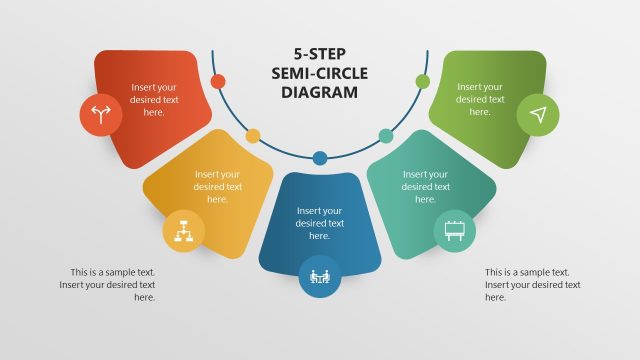
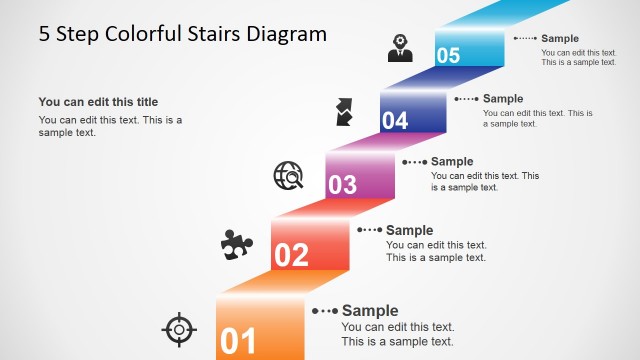
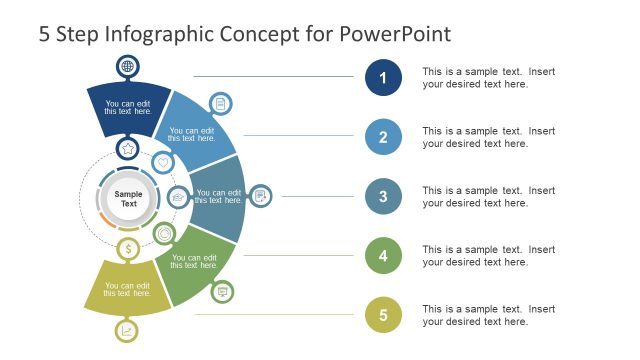
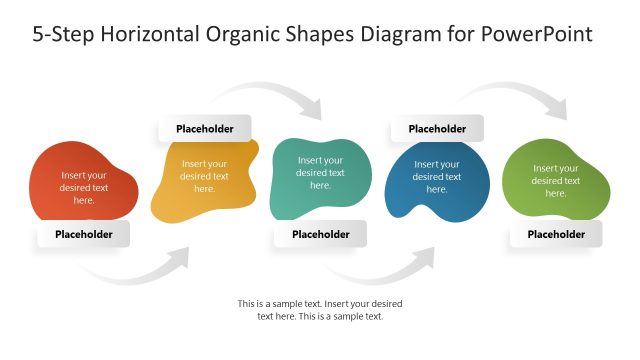
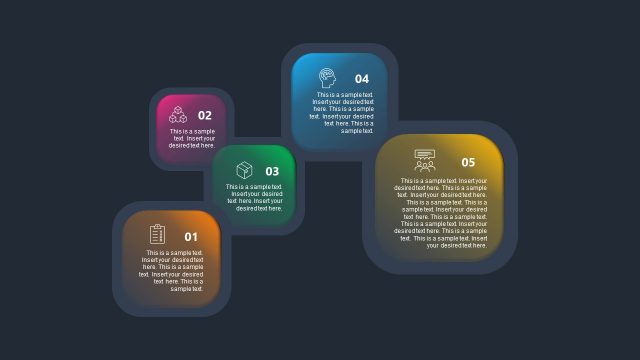
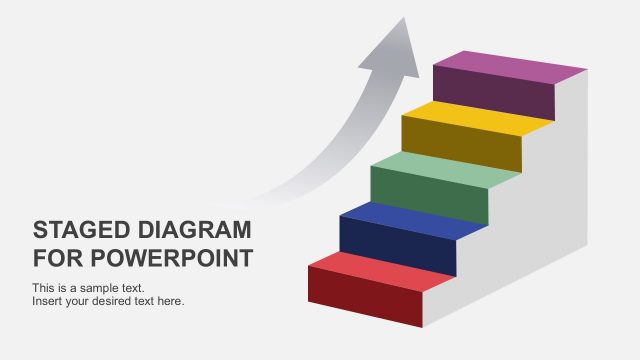
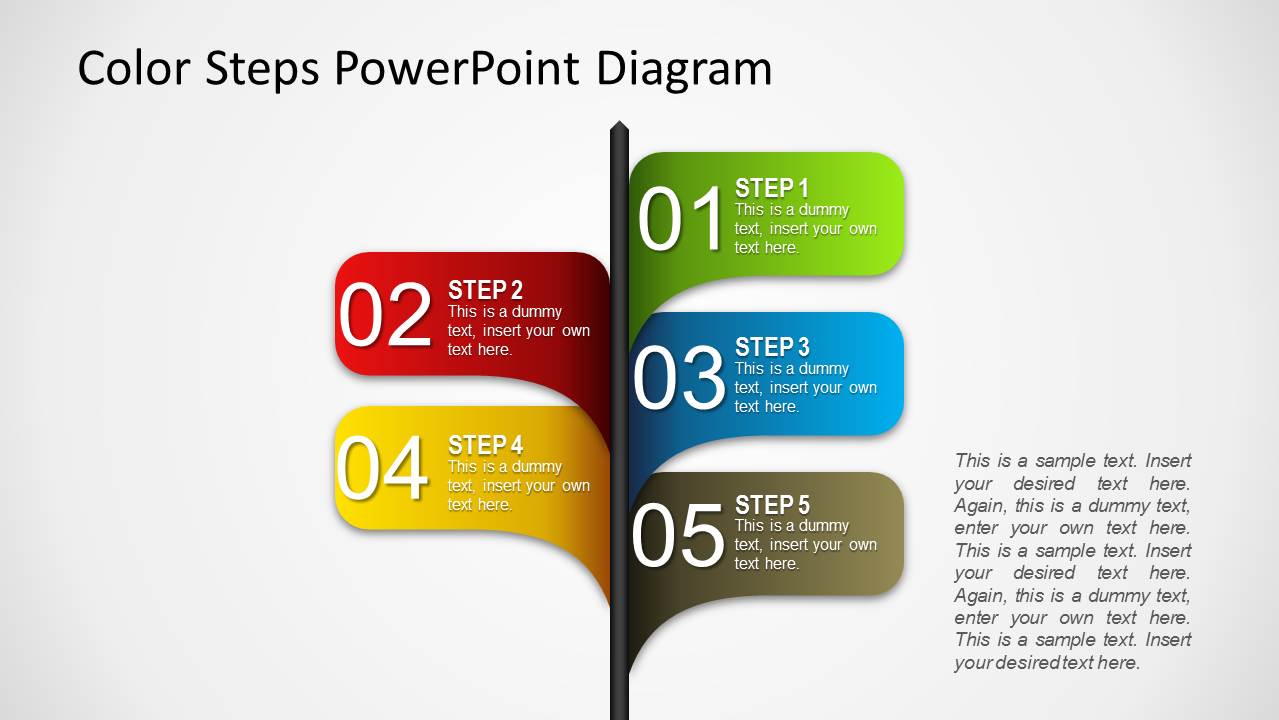
This is a 5 Steps illustration design template created for PowerPoint presentations using PowerPoint shapes. You can edit the 5 steps diagram to describe a process of five steps using PowerPoint and decorate your presentations with awesome styles.
You can use this layout design template to make powerful PowerPoint presentations using creative and unique slide designs with colorful diagrams and shapes that are very easy to copy and paste into your own PowerPoint presentation files.
What’s inside this template
Example presentation scenarios
- A project manager can present a rollout plan by assigning each phase to a numbered ribbon in the five-step process diagram.
- A trainer can introduce a procedure by showing the step callouts first, then adding short instructions in the description text area.
- A consultant can summarize recommendations for an executive audience by using the colorful step shapes to group actions by priority.
- An operations lead can explain handoff points by placing responsibilities into the numbered ribbons around the central vertical divider.
Features
- 100% editable presentation template
- Compatible with Microsoft PowerPoint
- 16:9 aspect ratio slides
- Scalable vector shapes, icons and illustrations
- AI-Ready for Microsoft Copilot and Claude
- Instant access and download
Frequently asked questions
Q: How should a presenter organize content across the five-step diagram?
A: Keep each ribbon label short and action-oriented, such as a phase name or task outcome. Use the smaller text inside each shape for one supporting detail, not a paragraph. Place broader context or assumptions in the separate description area so the diagram remains easy to scan from a distance.
Q: Who is this template best suited for in a business presentation?
A: This template fits presenters who need to explain a process without building a full roadmap. Project managers, trainers, consultants, and operations leads can use the numbered step callouts to make a sequence memorable while reserving the paragraph block for definitions, decision rules, or next actions.
Q: Why does the ribbon-and-divider layout work for process communication?
A: The vertical divider acts like a spine, while the colored ribbons branch out as discrete steps. That structure helps the audience read the process as connected but separable actions. The large numbers create order, and the color changes make each step easier to reference during discussion.
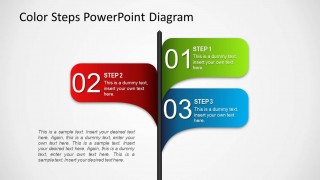
Color 5 Steps Shape for PowerPoint
2-slide PowerPoint presentation template with colorful five-step process shapes and editable description callouts
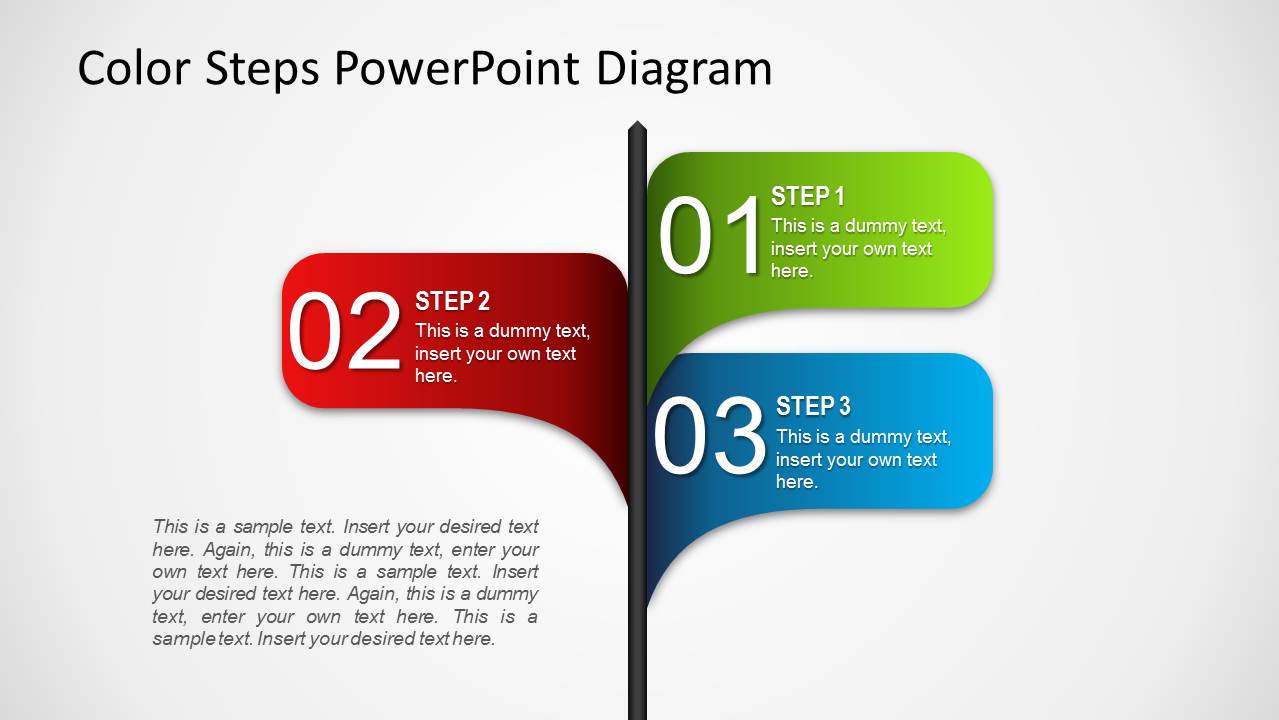
Color 5 Steps Shape for PowerPoint is a 2-slide process diagram template for Microsoft PowerPoint. It includes a colorful five-step ribbon diagram, a vertical divider, numbered step callouts, and paragraph description areas. The diagrams use editable PowerPoint shapes and vector graphics for process, training, and workflow presentations.
- Category
- Shapes
- Rating


 Loading...
- Aspect ratio
- 16:9, 4:3
- Item ID
- 1162
- Colors
 Microsoft PowerPoint
  Microsoft Copilot
  Claude for PowerPoint
 Other formats supported
Subscribe today and get immediate
access to download our PowerPoint templates.