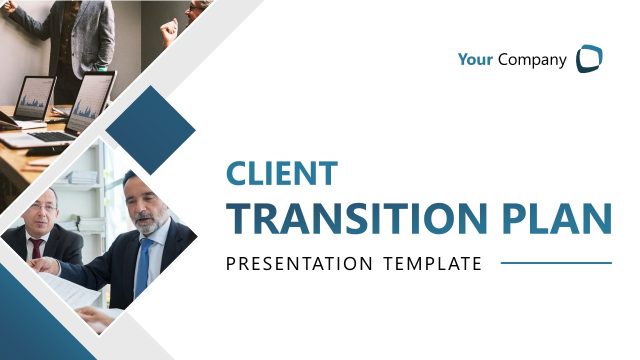
Slide 1 of 11 from Client Meeting Presentation Template
Client Meeting Template for PowerPoint
Client Meeting Presentation Introduction Slide
- Text Layout
- Single Statement
- Context Slide
- 16:9
- 100% Editable
What’s on This Slide
The layout features a deep blue background with a prominent handshake image on the right side, symbolizing partnership. The left side displays a dark area with a light gradient, enhancing the visual hierarchy. The title 'CLIENT MEETING' is positioned at the bottom left in bold white text, while 'PRESENTATION TEMPLATE' is smaller and placed beneath it. There are geometric shapes, including yellow squares and white lines, creating a modern design. Text placeholders exist for both title and subtitle, aligned to the left and centered respectively.
How to Use It
This layout serves as an introductory slide for a client meeting presentation, establishing context and setting the tone. It fits at the beginning of a presentation sequence, immediately following a title slide. Suitable for scenarios such as client onboarding, project kick-offs, or initial business discussions, it effectively conveys professionalism and readiness for collaboration. Use this slide to engage clients and outline the agenda for the meeting.
Text Placeholders & Capacity
Keep your copy within these limits so it fits without resizing. Title slot can accommodate about 6-8 words, subtitle slot can hold around 10-12 words.
| Placeholder | Count | Max characters (approx.) |
|---|---|---|
| Slide title | 1 | 30 |
| Subtitle | 1 | 50 |
Slide Keywords
Download unlimited PowerPoint templates, charts and graphics for your presentations with our annual plan.
DOWNLOADReturn to Client Meeting Presentation Template.