Slide 6 of 7 from Circular Saw Steps PowerPoint Diagram
Circular Saw 6 Steps PowerPoint
Circular Saw Steps PowerPoint Diagram
- Diagram
- Circular Cycle
- Process Slide
- 16:9
- 100% Editable
What’s on This Slide
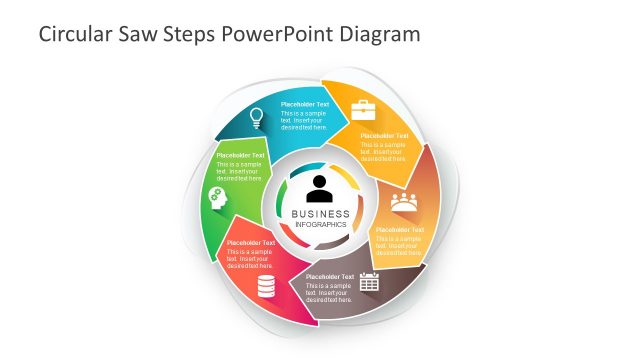
The layout features a circular diagram with six segments arranged in a clockwise flow. Each segment contains a placeholder for text and an icon, with the central area labeled 'BUSINESS INFOGRAPHICS.' The segments are visually distinct, utilizing varying shades of gray and a subtle gradient. The icons include a light bulb, a gear, a calendar, and a group of people, among others. Text placeholders are centrally aligned within each segment, maintaining a consistent visual hierarchy. The overall composition is balanced and emphasizes the circular flow of information.
How to Use It
This layout serves as a circular process flow diagram, ideal for illustrating steps in a business process. It fits well in a presentation sequence after problem identification, leading into solutions or strategies. This structure is useful for business scenarios such as project planning, workflow descriptions, or process improvement presentations. It can effectively communicate a sequence of actions or stages in a visually engaging manner, making it suitable for team meetings or stakeholder updates.
Text Placeholders & Capacity
Keep your copy within these limits so it fits without resizing. Node body slots can hold about 40 characters each.
| Placeholder | Count | Max characters (approx.) |
|---|---|---|
| Item body | 6 | 40 |
| Slide title | 1 | 30 |
Slide Keywords
Download unlimited PowerPoint templates, charts and graphics for your presentations with our annual plan.
DOWNLOADReturn to Circular Saw Steps PowerPoint Diagram.