Slide 2 of 4 from Circular Roadmap for PowerPoint
Business Target Car Roadmap Infographics Slides
Circular Roadmap for Planning and Timelines
- Diagram
- Circular Cycle
- Timeline Slide
- 16:9
- 100% Editable
What’s on This Slide
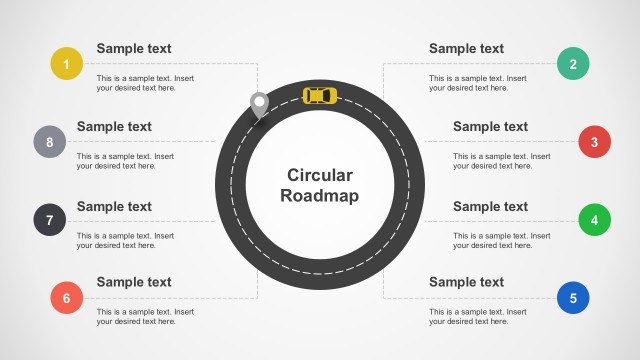
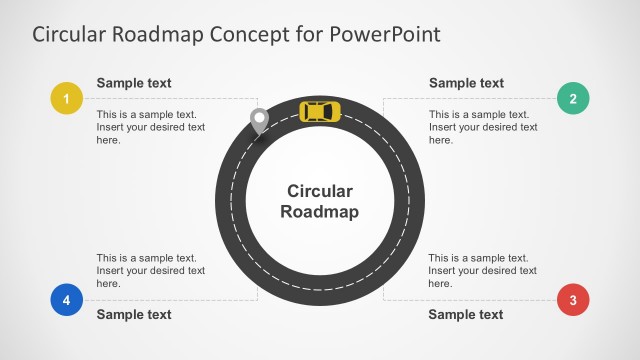
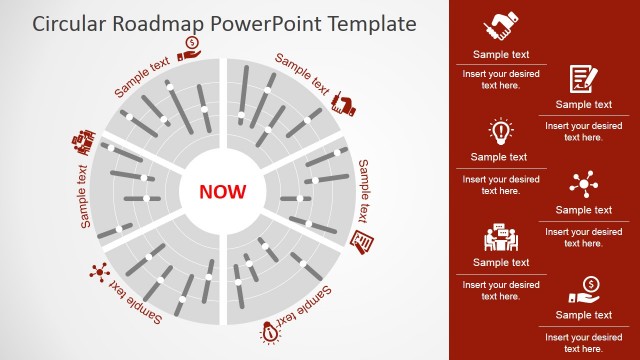
The layout features a circular roadmap at the center, with a car icon positioned at the top. Surrounding the circle are six labeled nodes, each containing a sample text placeholder. The nodes are evenly spaced around the circle, with numbers 1 through 6 indicating their order. The text placeholders are aligned within each node, providing space for additional information. The background is light, enhancing the visibility of the circular design and text. The visual hierarchy emphasizes the central roadmap and the numbered nodes.
How to Use It
This layout serves as a circular roadmap, ideal for illustrating sequential steps or milestones in a project. It fits well in presentations that require a clear visual representation of a timeline or planning process. This format is suitable for business scenarios like product development timelines, project planning, or strategic roadmaps. It can be used to present phases of a project, showing progress and key milestones in a visually engaging manner.
Text Placeholders & Capacity
Keep your copy within these limits so it fits without resizing. Node body slots can hold roughly 15-20 words each.
| Placeholder | Count | Max characters (approx.) |
|---|---|---|
| Item heading | 6 | 20 |
| Item body | 6 | 100 |
| Slide title | 1 | 30 |
Slide Keywords
Download unlimited PowerPoint templates, charts and graphics for your presentations with our annual plan.
DOWNLOADReturn to Circular Roadmap for PowerPoint.