Slide 3 of 8 from Circular Process Diagram with 4 Steps for PowerPoint
slidemodel-template-wide-3
Circular Process Diagram for Presentations
- Diagram
- Circular Cycle
- Process Slide
- 16:9
- 100% Editable
The Circular Process Diagram with 4 Steps slide from the Circular Process Diagram with 4 Steps for PowerPoint template offers a clear visual layout for illustrating cyclical workflows. This slide is designed for business presentations, project management, and training sessions, featuring editable shapes and a clean design that enhances comprehension of sequential steps in process improvement and corporate presentations.
What’s on This Slide
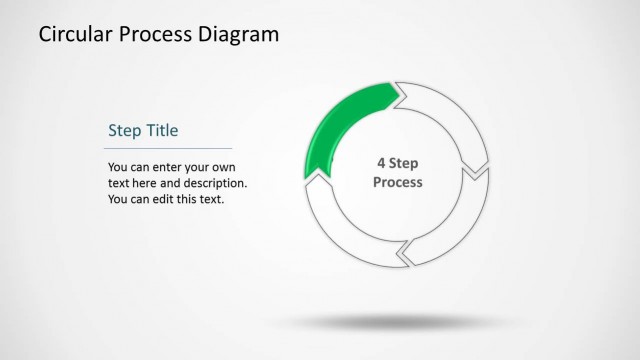
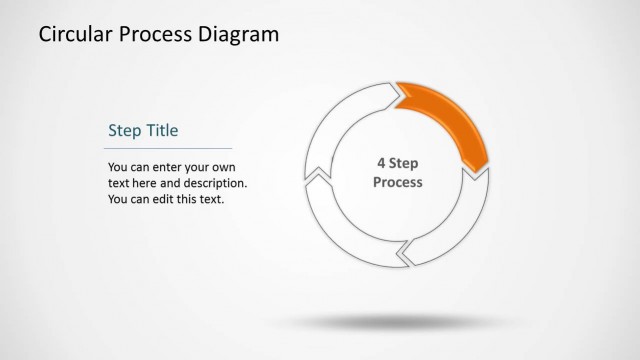
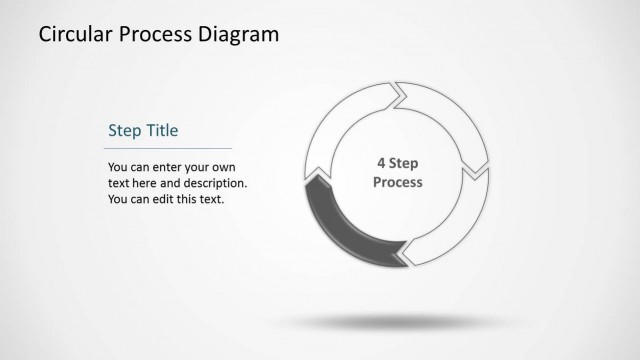
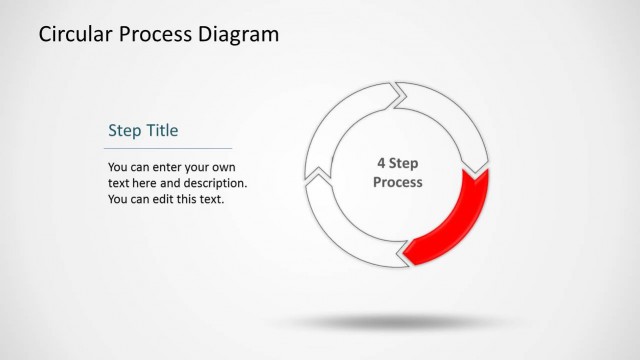
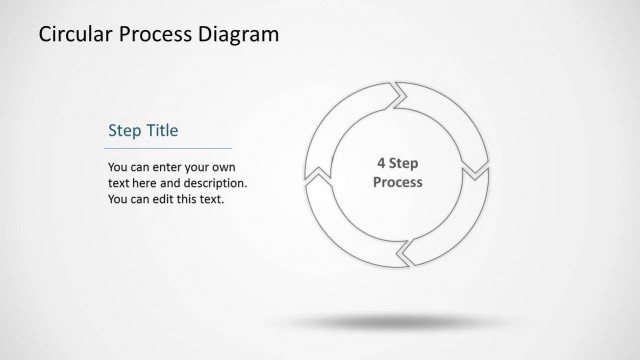
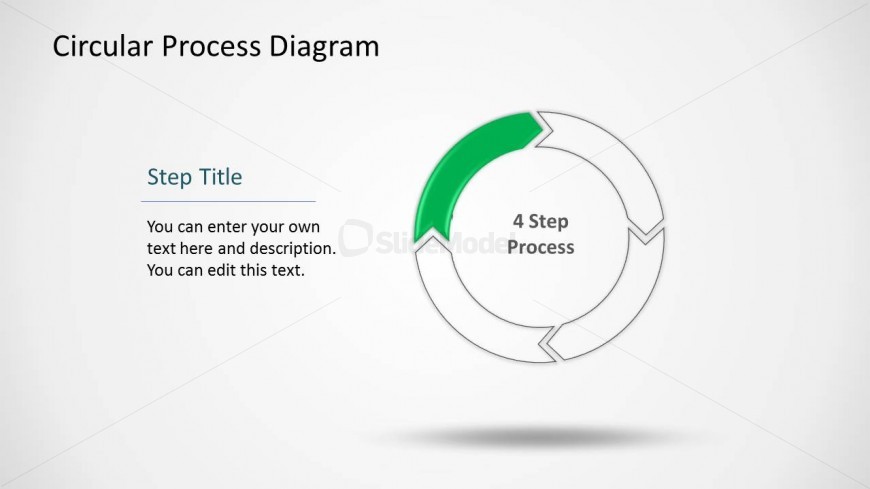
The slide features a circular process diagram positioned centrally. It includes a large circle divided into four segments, with one segment highlighted in green. The title 'Circular Process Diagram' is located at the top, while a text placeholder labeled 'Step Title' is on the left side, accompanied by a description placeholder below it. The placeholders are aligned vertically, with the title in a larger font size. The background is light, enhancing the visibility of the diagram and text elements. The overall layout is clean and organized.
How to Use It
This layout serves as a visual representation of a four-step process, ideal for illustrating cyclical workflows. It fits well in a presentation sequence after introducing a problem or concept, helping to clarify the steps involved in a solution. This structure is useful in business scenarios such as project management, process improvement, or training sessions, where clear, sequential steps are necessary for audience understanding.
Text Placeholders & Capacity
Keep your copy within these limits so it fits without resizing. Text slots can accommodate concise titles and descriptions.
| Placeholder | Count | Max characters (approx.) |
|---|---|---|
| Slide title | 1 | 30 |
| Item heading | 1 | 20 |
| Item body | 1 | 100 |
Slide Keywords
Download unlimited PowerPoint templates, charts and graphics for your presentations with our annual plan.
DOWNLOADReturn to Circular Process Diagram with 4 Steps for PowerPoint.