Slide 1 of 1 from Circular Diagram 4 Steps for PowerPoint
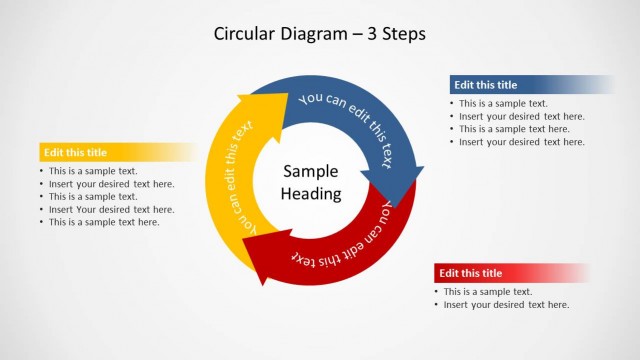
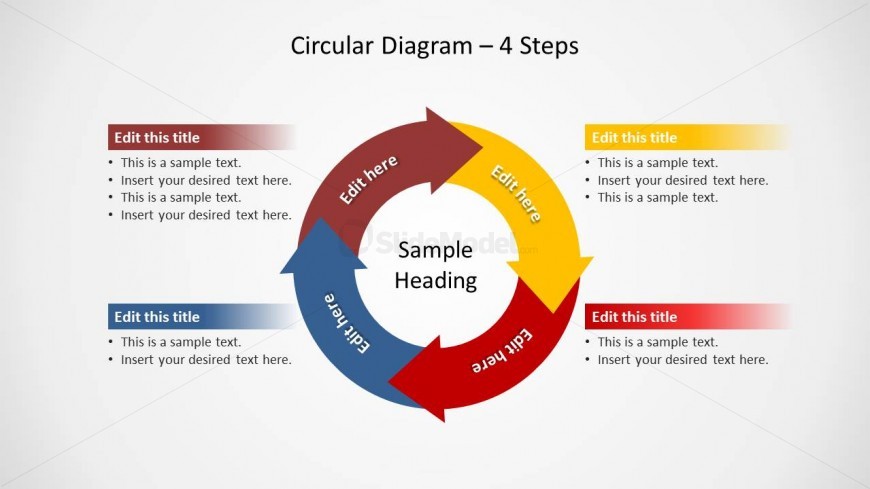
Circular Diagram with Points of Arrows Sticking Out
Circular Diagram 4 Steps for PowerPoint
- Diagram
- Circular Cycle
- Process Slide
- 16:9
- 100% Editable
The Circular Process Diagram with Steps slide from the Circular Diagram 4 Steps for PowerPoint template offers a clear visual for illustrating workflows and project phases. This slide layout uses editable shapes and vector icons to emphasize cyclical processes, making it suitable for business presentations and strategic planning. Its design supports effective communication of sequential steps within a corporate presentation or pitch deck template.
About This Slide
Creative circular diagram design with points of arrows sticking out of the process flow.
What’s on This Slide
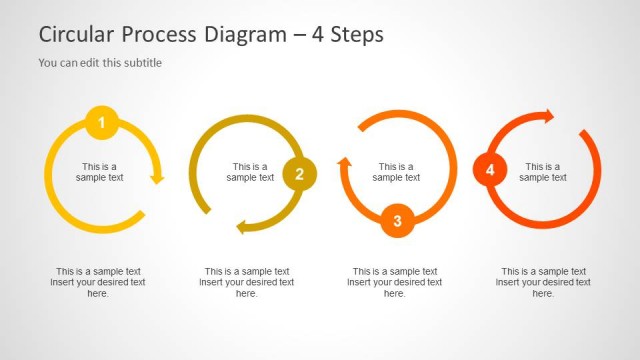
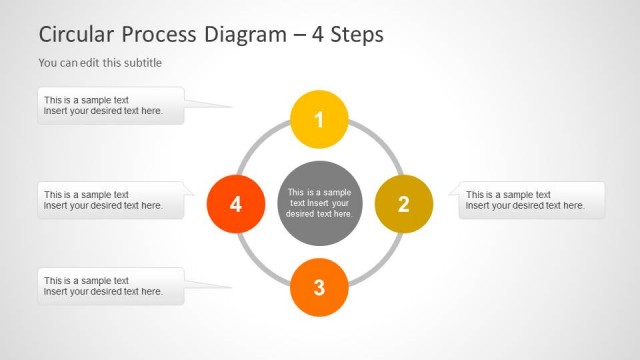
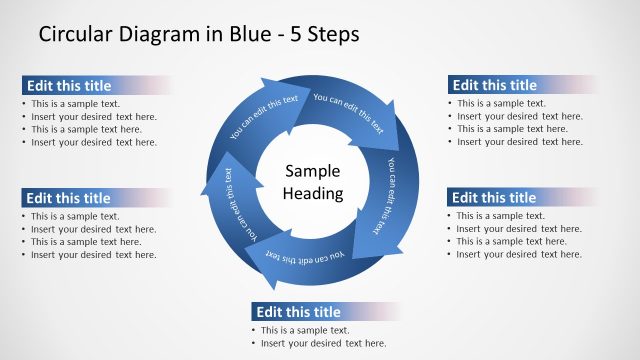
The layout features a central circular diagram with a heading labeled 'Sample Heading.' Surrounding the circle are four callout blocks, each positioned at cardinal points (top, bottom, left, right). The circular diagram consists of colored arrows indicating flow direction. Each callout block contains a title placeholder at the top and bullet text placeholders below. The color scheme includes red, blue, yellow, and green for the arrows, while the background is a light gradient. The overall composition emphasizes the circular flow of the process.
How to Use It
This layout serves as a four-step process diagram, ideal for illustrating workflows or cyclical processes. It fits well in presentations discussing project phases, operational steps, or strategic initiatives. Use it to visually represent a sequence of actions or stages in a business context. This slide is particularly useful for training sessions, project updates, or strategic planning discussions, allowing presenters to convey complex information in a clear, structured manner.
Text Placeholders & Capacity
Keep your copy within these limits so it fits without resizing. Node body slots can hold roughly 15-20 words each.
| Placeholder | Count | Max characters (approx.) |
|---|---|---|
| Slide title | 1 | 30 |
| Item heading | 4 | 20 |
| Item body | 4 | 100 |
Slide Keywords
Download unlimited PowerPoint templates, charts and graphics for your presentations with our annual plan.
DOWNLOADReturn to Circular Diagram 4 Steps for PowerPoint.