Slide 13 of 17 from Circles Company Profile PowerPoint Template
Key Achievements Slide with Circular Shapes Diagram
Key Achievements Overview Slide
- Diagram
- Circular Cycle
- Strategic Analysis Slide
- 16:9
- 100% Editable
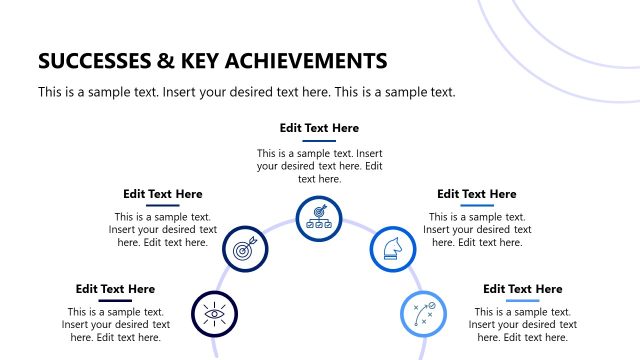
The Key Achievements Overview slide from the Circles Company Profile PowerPoint Template offers a clear visual summary of project milestones and company successes using editable shapes arranged in a circular cycle diagram. This layout is well-suited for corporate presentations and business presentation slide decks that require a concise display of performance metrics and strategic analysis. Its clean design with vector icons supports effective communication in pitch deck templates and Google Slides templates.
What’s on This Slide
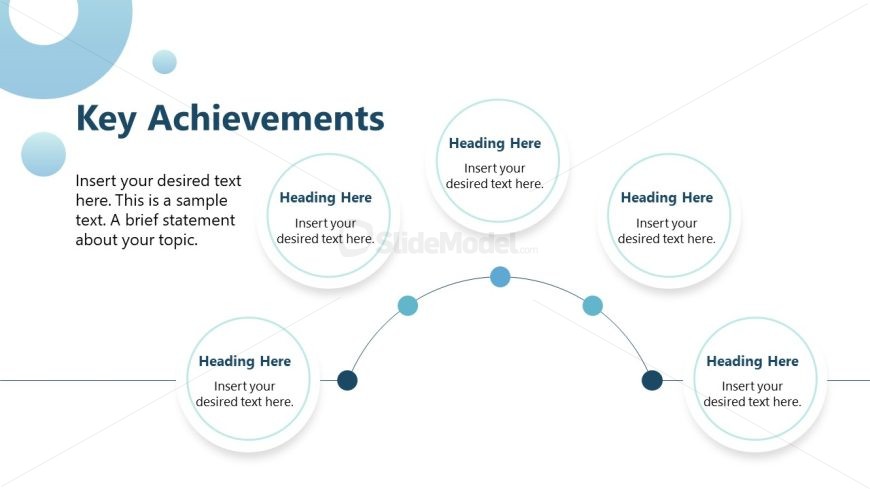
The layout features a central title positioned at the top left, labeled 'Key Achievements.' Below, there is a placeholder for introductory text aligned left. Five circular nodes are arranged in a semi-circular flow, with two nodes on the left, one at the center, and two on the right. Each node contains a heading placeholder and a subtext placeholder, with the nodes connected by a curved line. The background is predominantly white, with light blue circular shapes in the corners, creating a clean and organized visual hierarchy.
How to Use It
This layout serves as a visual summary of key achievements, suitable for highlighting milestones or successes in a business context. It fits well in a presentation sequence after discussing challenges or goals, providing a clear transition to accomplishments. This format is ideal for corporate presentations, project updates, or performance reviews, allowing for a concise display of significant achievements.
Text Placeholders & Capacity
Keep your copy within these limits so it fits without resizing. Node labels can hold about 30 characters each.
| Placeholder | Count | Max characters (approx.) |
|---|---|---|
| Slide title | 1 | 30 |
| Body paragraph | 1 | 150 |
| Item heading | 5 | 30 |
| Item body | 5 | 100 |
Slide Keywords
Download unlimited PowerPoint templates, charts and graphics for your presentations with our annual plan.
DOWNLOADReturn to Circles Company Profile PowerPoint Template.