Slide 7 of 13 from Business Vision PowerPoint Template
Key Achievements PPT Slide – Business Vision Template
Key Achievements Timeline Slide
- Diagram
- Timeline Horizontal
- Strategic Analysis Slide
- 16:9
- 100% Editable
What’s on This Slide
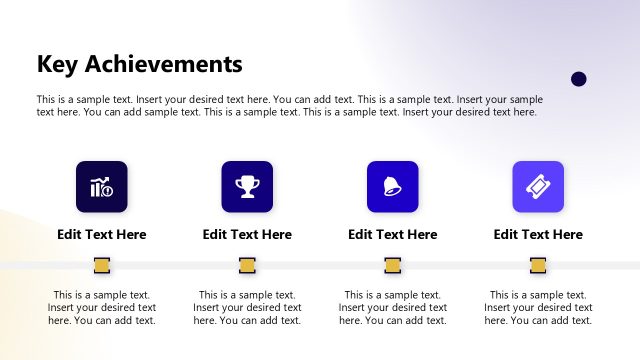
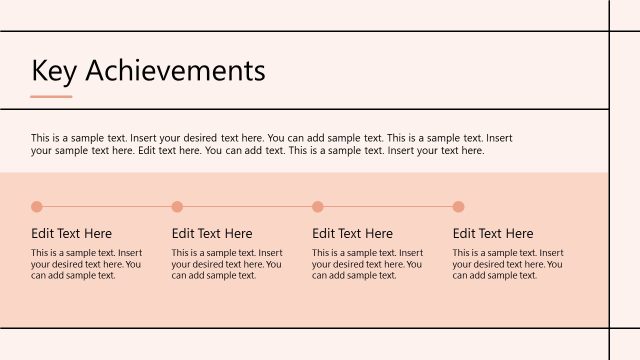
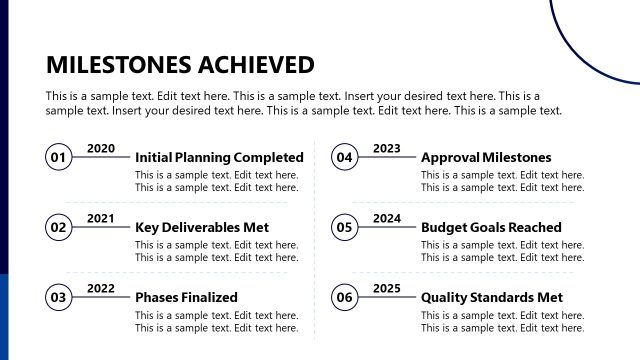
The slide features a horizontal layout with four key achievement nodes evenly spaced across a yellow background. Each node contains an icon above a year label, with a text placeholder below for details. The icons include a building, a network, a chart, and a handshake, representing various achievements. The title is positioned at the top center in a bold font. The overall composition emphasizes clarity and organization, with a visual hierarchy that directs attention from the title to the nodes. The background includes a subtle image of buildings.
How to Use It
This layout serves as a timeline to present key achievements over multiple years. It is suitable for business presentations where milestones need to be highlighted sequentially. This slide fits well after problem framing or analysis slides, providing a clear transition to achievements. It can be used in annual reports, company profiles, or strategic planning sessions to showcase progress and accomplishments effectively.
Text Placeholders & Capacity
Keep your copy within these limits so it fits without resizing. Node body slots can hold roughly 10 words each.
| Placeholder | Count | Max characters (approx.) |
|---|---|---|
| Slide title | 1 | 30 |
| Item heading | 4 | 10 |
| Item body | 4 | 50 |
Slide Keywords
Download unlimited PowerPoint templates, charts and graphics for your presentations with our annual plan.
DOWNLOADReturn to Business Vision PowerPoint Template.