Slide 12 of 22 from Carioca PowerPoint Template
Business Presentation Timeline of Infographics
Process Steps with Icons for Presentations
- Diagram
- Process Flow
- Process Slide
- 16:9
- 100% Editable
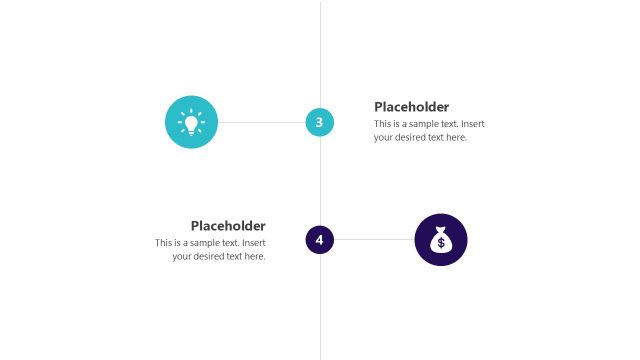
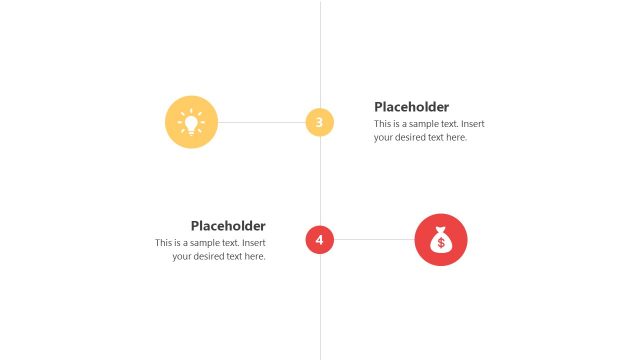
The Process Steps with Icons slide from the Carioca PowerPoint Template offers a clear visual flow for outlining project phases or sales processes. Featuring editable shapes like diamond icons with a light bulb and money bag, this slide enhances business presentations by emphasizing sequential steps. Its clean design and vertical alignment make it a practical choice for corporate presentation slide decks and pitch deck templates requiring structured process visualization.
What’s on This Slide
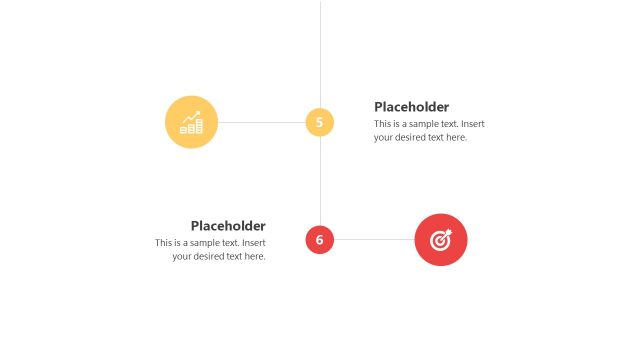
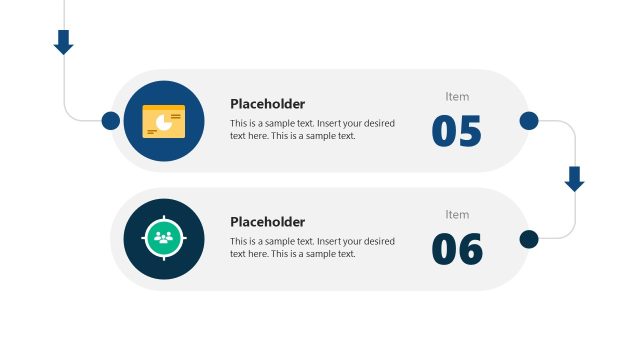
The layout features two diamond-shaped icons positioned at the top left and bottom right corners. Each icon contains a visual representation, one depicting a light bulb and the other a money bag. Text placeholders are aligned vertically in the center, with the first placeholder above the icons and the second below. Each placeholder has a sample text description. The overall composition is symmetrical, with a clean white background enhancing the visual clarity. The icons are colored in purple and dark blue, providing a contrast against the background.
How to Use It
This layout serves as a sequential process overview, ideal for illustrating steps in a business plan or project. It fits well after problem identification slides, providing a clear transition to proposed solutions. Scenarios include presenting project phases, sales processes, or strategic initiatives. The vertical alignment emphasizes a step-by-step progression, making it suitable for both formal presentations and pitches.
Text Placeholders & Capacity
Keep your copy within these limits so it fits without resizing. Node body slots can accommodate roughly 15-20 words each.
| Placeholder | Count | Max characters (approx.) |
|---|---|---|
| Item heading | 2 | 30 |
| Item body | 2 | 100 |
Slide Keywords
Download unlimited PowerPoint templates, charts and graphics for your presentations with our annual plan.
DOWNLOADReturn to Carioca PowerPoint Template.