Slide 11 of 12 from Free Deluxe PowerPoint Template
Infographic PowerPoint Timeline Presentation
Process Flow Slide with Icons and Placeholders
- Diagram
- Process Flow
- Process Slide
- 16:9
- 100% Editable
The Process Flow with Icons slide from the Free Deluxe PowerPoint Template offers a clear and balanced layout for illustrating sequential business processes. Featuring editable shapes and vector icons, this slide template supports effective communication of project stages or workflow steps in corporate presentations and pitch decks.
What’s on This Slide
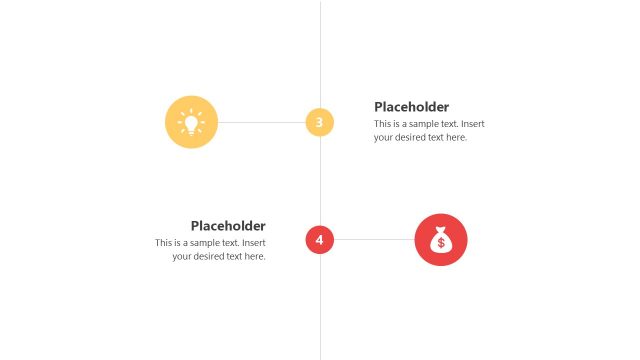
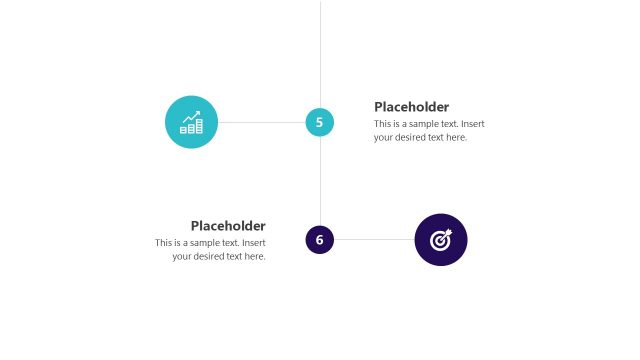
The layout features two circular nodes positioned at the top and bottom center, connected by a horizontal line. The top node is turquoise with a light bulb icon, while the bottom node is dark purple with a dollar sign icon. Each node has a corresponding text placeholder beneath it, aligned centrally. The placeholders contain sample text indicating where content can be inserted. The overall composition is balanced, with a clean white background that enhances visibility and focus on the nodes and text.
How to Use It
This layout serves as a process flow diagram, ideal for illustrating sequential steps or stages in a business context. It fits well after problem identification slides, guiding the audience through proposed solutions or actions. Use this structure when discussing project phases, operational workflows, or strategic initiatives, ensuring clarity in communication. It is suitable for presentations focused on process improvement or financial planning.
Text Placeholders & Capacity
Keep your copy within these limits so it fits without resizing. Each body text slot can hold about 15-20 words comfortably.
| Placeholder | Count | Max characters (approx.) |
|---|---|---|
| Item heading | 2 | 20 |
| Item body | 2 | 80 |
Slide Keywords
Download unlimited PowerPoint templates, charts and graphics for your presentations with our annual plan.
DOWNLOADReturn to Free Deluxe PowerPoint Template.