Slide 6 of 22 from Carioca PowerPoint Template
3 Step PowerPoint of Service
Service Overview Slide for Presentations
- Text Layout
- List Blocks
- Product Overview Slide
- 16:9
- 100% Editable
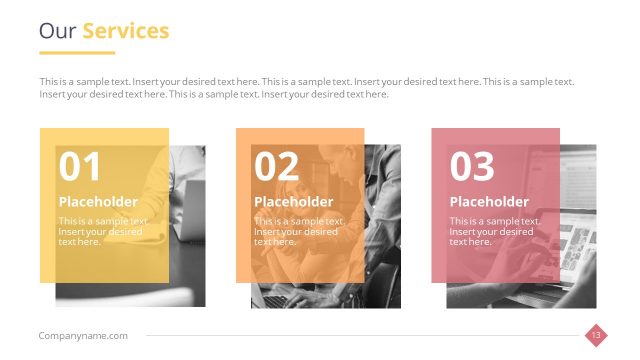
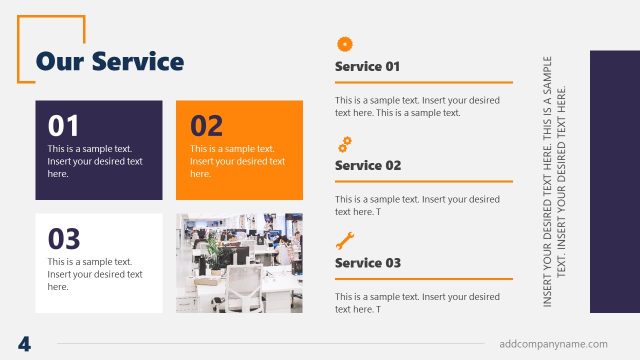
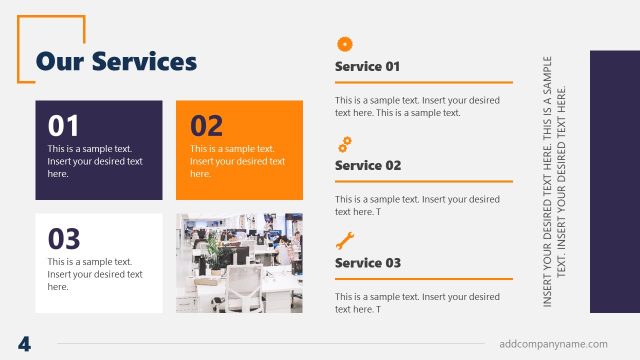
The Service Overview with Icons slide from the Carioca PowerPoint Template offers a clear layout for presenting multiple services using editable shapes and distinct color-coded sections. This slide design supports business presentations and sales pitches by organizing service details with numbered labels and image placeholders, enhancing audience engagement in corporate presentations and pitch decks.
What’s on This Slide
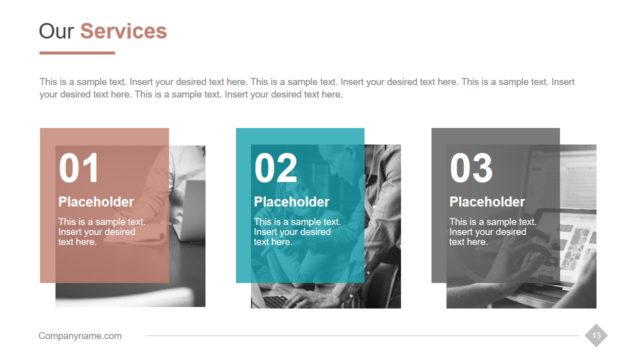
The layout features three rectangular sections arranged horizontally across the slide. Each section contains a number label positioned at the top, with a corresponding image placeholder beneath it. The sections are differentiated by distinct background colors: blue, green, and purple. Text placeholders are located within each section, aligned centrally, and are visually subordinate to the number labels. The slide includes a title at the top left, and a footer at the bottom with a company name placeholder. The overall composition is clean and organized, emphasizing each service distinctly.
How to Use It
This layout functions as a service overview, ideal for presenting multiple offerings in a concise format. It fits well in a presentation sequence after introducing the company or before detailing specific products. This structure is useful in business contexts such as sales pitches, service presentations, or project proposals where clarity and visual differentiation of services are essential. It allows for quick comprehension and engagement from the audience.
Text Placeholders & Capacity
Keep your copy within these limits so it fits without resizing. Node body slots can accommodate roughly 20-25 words each.
| Placeholder | Count | Max characters (approx.) |
|---|---|---|
| Slide title | 1 | 30 |
| Item heading | 3 | 10 |
| Item body | 3 | 100 |
| Footer | 1 | 30 |
Slide Keywords
Download unlimited PowerPoint templates, charts and graphics for your presentations with our annual plan.
DOWNLOADReturn to Carioca PowerPoint Template.