BYOK Diagram PowerPoint Template
Present the five key aspects of the cloud security model using our editable BYOK Diagram PowerPoint Template. The BYOK stands for: “Bring Your Own Key.” It is a cloud security protocol that enables users to generate and manage their own security keys without relying on the service provider. This is an advanced step towards security, compliance, and control. Users can easily delete their keys in case they’re compromised or lost. They can also easily audit key usage with BYOK. Professionals can use this PPT template to demonstrate how the enterprise can benefit from BYOK and manage encryption keys more easily.
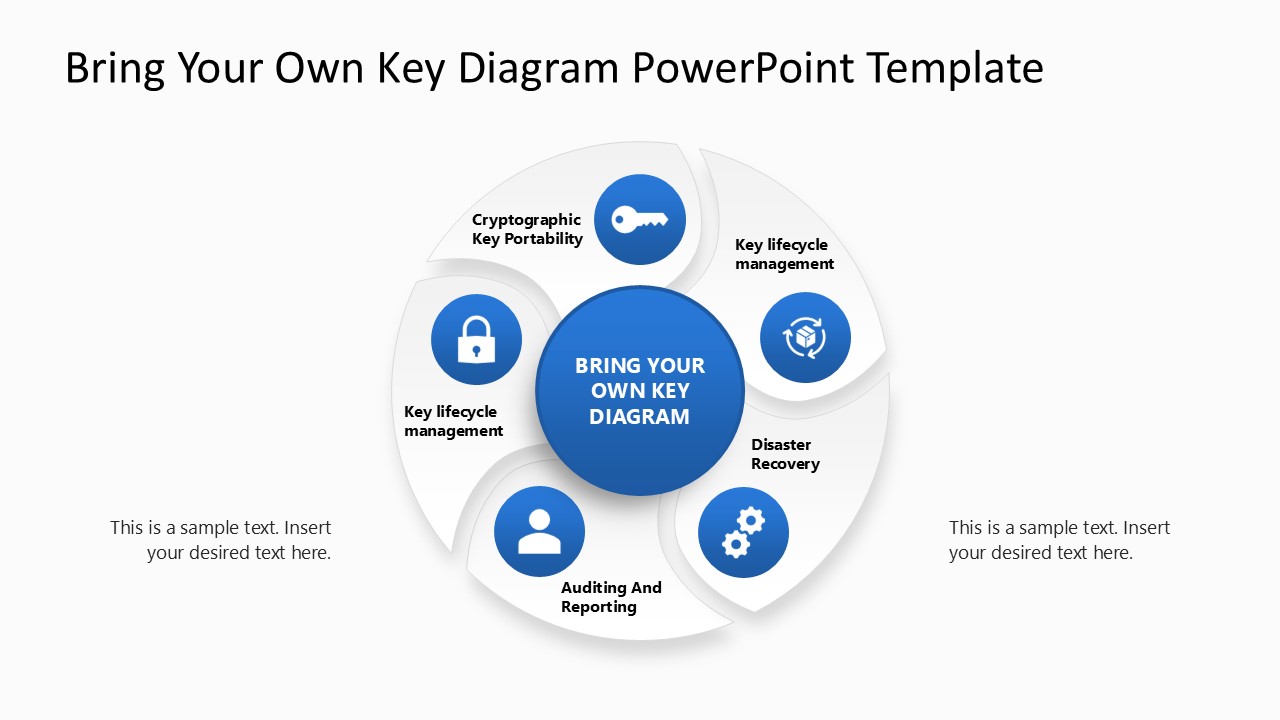
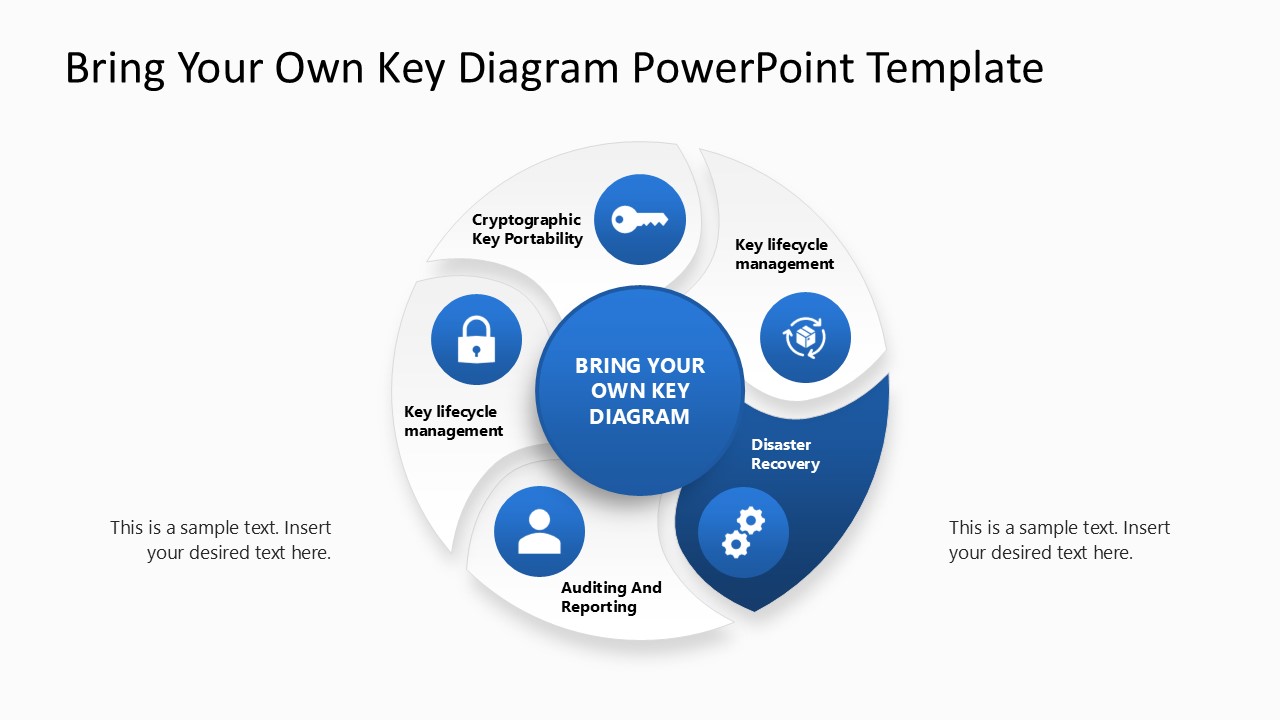
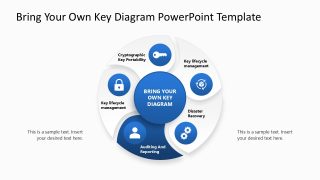
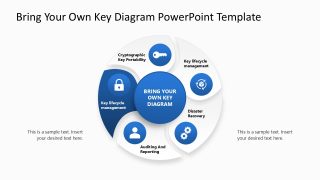
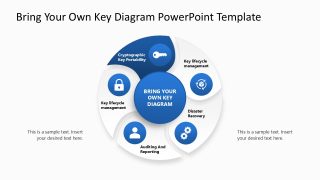
The BYOK Diagram PowerPoint Template has a white and blue color palette that makes the details prominent to the audience. The template shows a circular diagram with five flaps. The central part shows the title ‘Bring Your Own Key’ while in the segments, users can display the following points:
- Cryptographic Key Portability
- Key lifecycle management
- Disaster Recovery.
- Auditing And Reporting
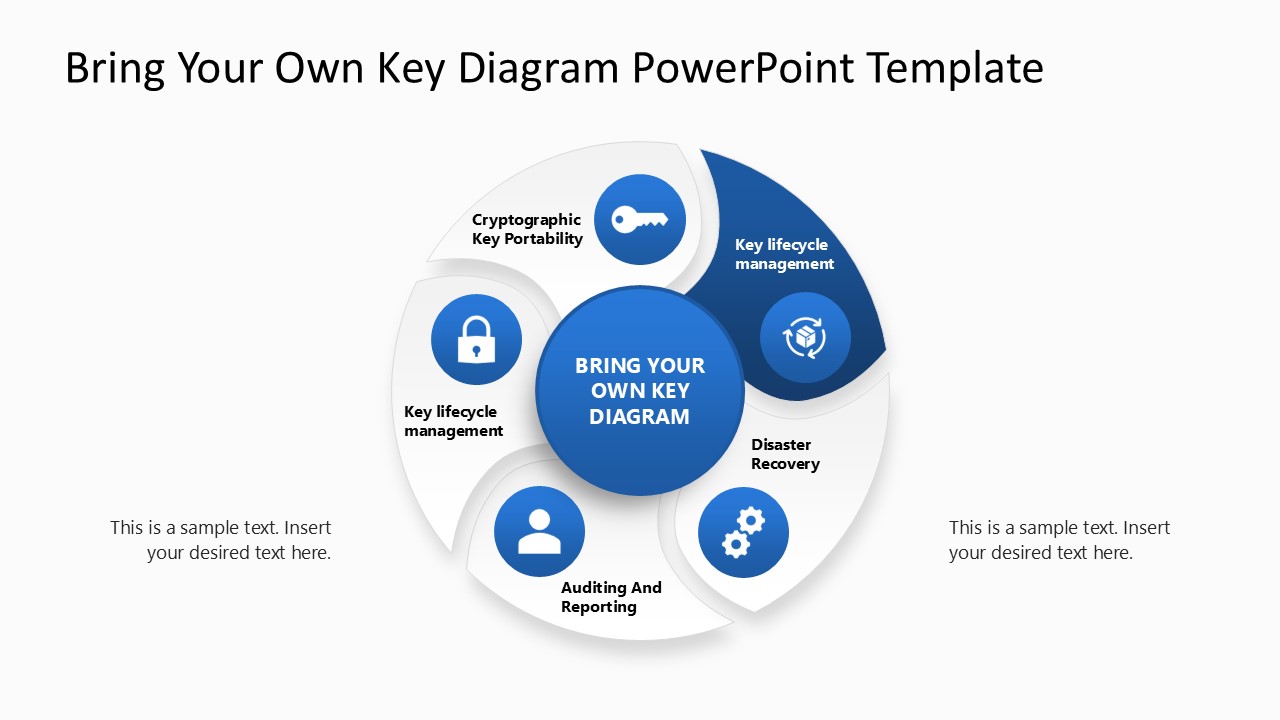
Further, we have provided additional text boxes outside the central diagram so users can easily display their details during core meetings. After the first slide, we have provided the same diagram in the subsequent slides. But there, we used a color highlight to mark one step on each slide. In this way, professionals can effectively explain each component of the BYOK diagram in meetings. Presenters can customize the colors, shapes, or icons to suit their desired aesthetic. Download the BYOK diagram PPT slide template and customize it to effectively showcase cybersecurity protocols. Grab it today!


You must be logged in to download this file.
DOWNLOAD- Category
- Diagrams
- Rating

 Loading...
- Size
- 16x9
- Item ID
- 23412-01
Subscribe today and get immediate
access to download our PowerPoint templates.