Slide 1 of 5 from Business Progress Report Slides for PowerPoint
Business Progress PowerPoint Report Slide
Business Progress Report Slide Layout
- Table
- Data Table
- Performance Management Slide
- 16:9
- 100% Editable
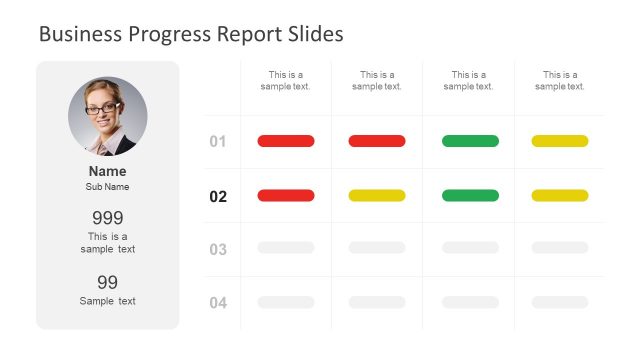
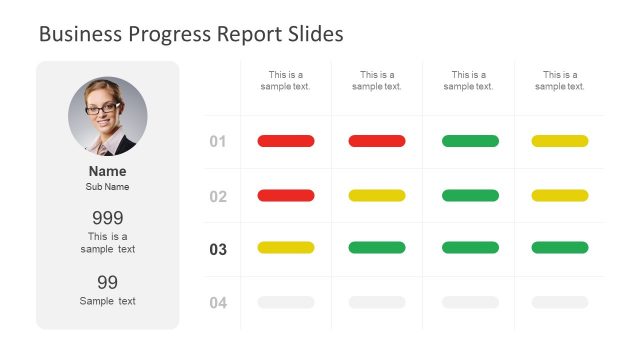
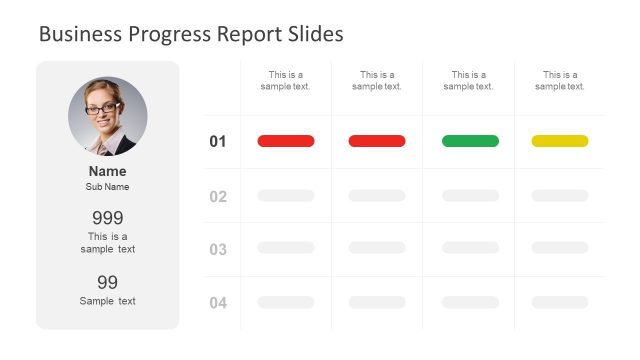
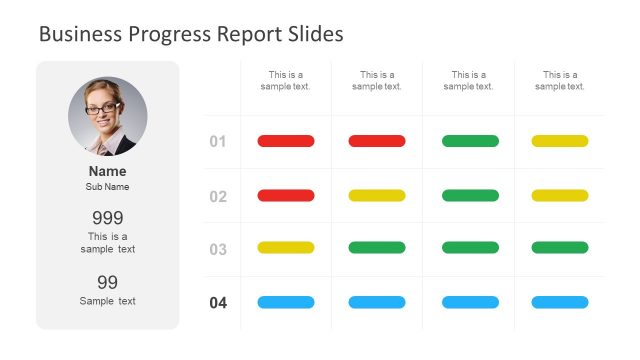
The Progress Report Layout from the Business Progress Report Slides for PowerPoint template offers a structured slide design ideal for employee performance reviews and project updates. This slide template includes editable shapes and a clear grid format to visually compare multiple performance metrics, making it suitable for corporate presentations and business presentation slide decks.
What’s on This Slide
The layout features a left-aligned profile section containing a circular image placeholder, a name, subtitle, and numerical data. To the right, a grid displays four columns labeled 01 to 04, each containing colored progress bars (red, yellow, green) and text placeholders below. The grid is organized in a single row with a consistent height for each entry. Text placeholders are centrally aligned within their respective cells. The overall composition is structured, with a clear visual hierarchy separating the profile from the grid.
How to Use It
This layout serves as a progress report, ideal for summarizing individual or team performance metrics. It fits well at the beginning of a presentation to introduce key stakeholders and their progress. Use it in business contexts such as employee reviews, project updates, or performance assessments. The grid format allows for quick comparisons across multiple metrics, making it suitable for performance tracking and reporting scenarios.
Text Placeholders & Capacity
Keep your copy within these limits so it fits without resizing. Text slots are tight, roughly 5-20 words each.
| Placeholder | Count | Max characters (approx.) |
|---|---|---|
| Item heading | 4 | 2 |
| Item body | 4 | 20 |
| Slide title | 1 | 40 |
| Subtitle | 1 | 20 |
| Body paragraph | 1 | 50 |
Slide Keywords
Download unlimited PowerPoint templates, charts and graphics for your presentations with our annual plan.
DOWNLOAD