Slide 8 of 13 from Business Development PowerPoint Template
Business Development Pipeline Slide for Business Presentation
Business Development Pipeline Slide Overview
- Diagram
- Segmented Wheel
- Process Slide
- 16:9
- 100% Editable
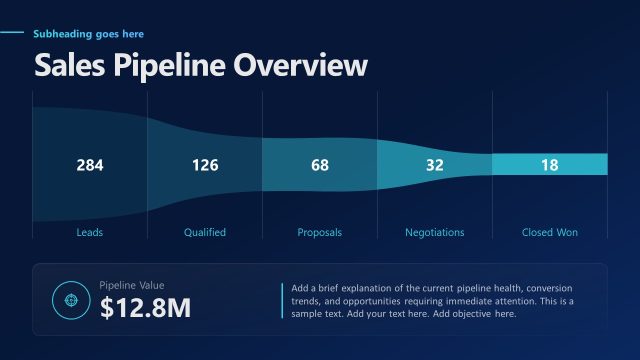
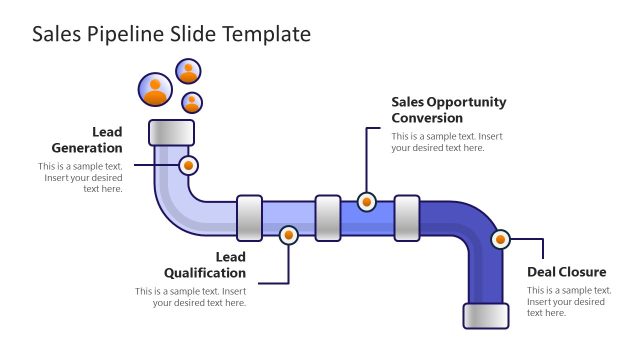
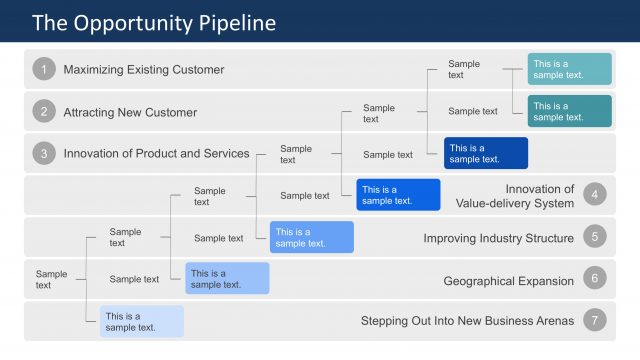
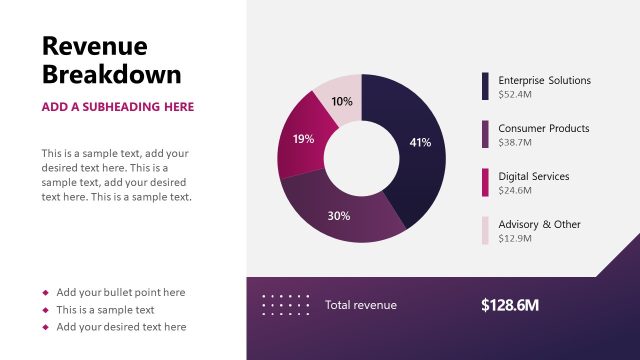
The Business Development Pipeline Slide from the Business Development PowerPoint Template visually outlines key sales stages using a segmented wheel diagram. This slide layout is ideal for business presentations focused on sales performance, strategic planning, and pipeline management. It incorporates editable shapes and vector icons to clearly communicate progress through each phase, making it a practical addition to any corporate presentation or pitch deck template.
What’s on This Slide
The slide features a semi-circular diagram on the right side, displaying five segments representing different stages of a business development pipeline. Each segment is labeled with a stage name and a corresponding numerical value, arranged from largest to smallest. The left side contains a title, a subtitle placeholder, and a brief description at the bottom. An image placeholder is located at the bottom left. The background is light with a subtle pattern, while the segments use a gradient color scheme transitioning from dark to light shades of teal. The overall layout emphasizes the pipeline's stages.
How to Use It
This layout serves as a visual representation of a business development pipeline, illustrating various stages and their respective metrics. It fits well in a presentation discussing sales processes or performance metrics. This slide can be used to communicate progress in sales stages, making it suitable for business reviews or strategic planning sessions. It effectively highlights key objectives and metrics at each stage, providing clarity on the sales process.
Text Placeholders & Capacity
Keep your copy within these limits so it fits without resizing. Node labels can hold about 20 characters each.
| Placeholder | Count | Max characters (approx.) |
|---|---|---|
| Slide title | 1 | 30 |
| Subtitle | 1 | 40 |
| Body paragraph | 1 | 80 |
| Item heading | 5 | 20 |
| Item body | 5 | 30 |
Slide Keywords
Download unlimited PowerPoint templates, charts and graphics for your presentations with our annual plan.
DOWNLOADReturn to Business Development PowerPoint Template.