Slide 12 of 17 from Business Case Studies PowerPoint Template
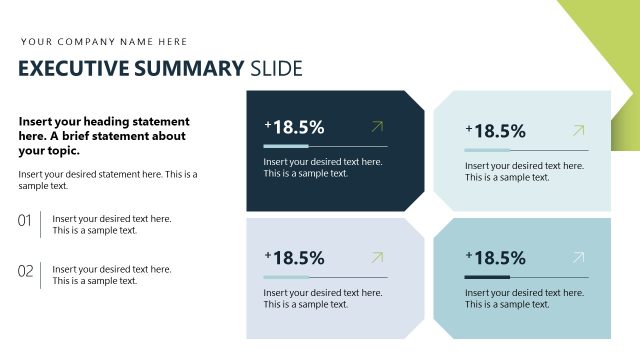
Results and Impact Key Performance Metrics Slide
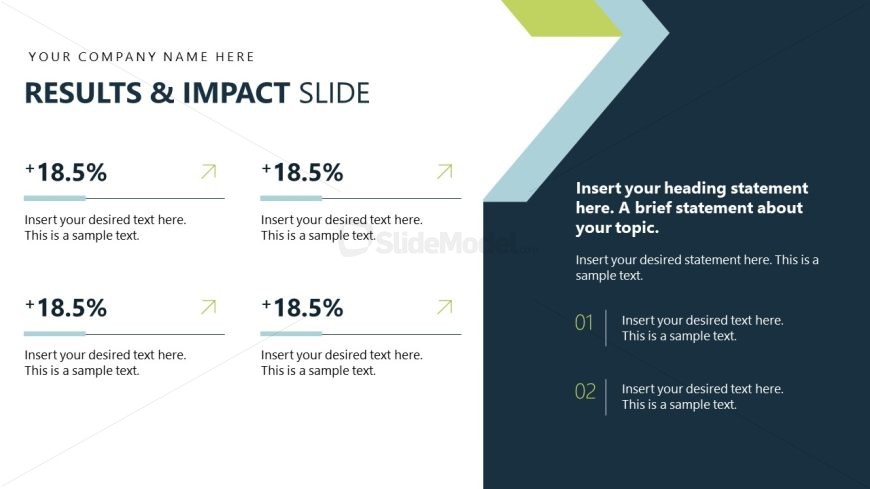
Results and Impact Overview Slide
- Text Layout
- List Blocks
- Evaluation Slide
- 16:9
- 100% Editable
The Results and Impact Overview slide from the Business Case Studies PowerPoint Template is designed to effectively communicate performance metrics and project outcomes. This slide layout uses editable shapes and vector icons to highlight key percentage increases and impact statements, making it suitable for corporate presentations and business presentation slide decks focused on evaluation and results analysis.
What’s on This Slide
The layout features a dark background with a large title at the top left, stating 'RESULTS & IMPACT SLIDE.' Below the title, there are four sections arranged in two columns and two rows. Each section contains a percentage increase indicator, a rightward arrow, and a text placeholder for descriptions. The right column includes a larger text placeholder for a heading statement and two numbered text placeholders for additional details. The visual hierarchy emphasizes the percentage indicators and headings, with clear separation between sections.
How to Use It
This layout serves to present quantitative results and their impact in a concise format. It is suitable for business presentations that require showcasing performance metrics or outcomes of a project. This slide fits well after problem analysis and before discussing proposed solutions, providing a clear transition to results. It can be used in case studies, performance reviews, or project updates to highlight key achievements and impacts.
Text Placeholders & Capacity
Keep your copy within these limits so it fits without resizing. Body slots can accommodate roughly 10-15 words each.
| Placeholder | Count | Max characters (approx.) |
|---|---|---|
| Slide title | 1 | 30 |
| Item body | 4 | 50 |
| Item heading | 4 | 10 |
| Body paragraph | 1 | 100 |
| Callout | 2 | 50 |
Slide Keywords
Download unlimited PowerPoint templates, charts and graphics for your presentations with our annual plan.
DOWNLOADReturn to Business Case Studies PowerPoint Template.