Slide 8 of 8 from Bullet Point Alternative Slides for PowerPoint
Bullet Points Step 4 Bow Shape Diagram PPT
Before and After Comparison Slide
- Diagram
- Comparison Split
- Comparison Slide
- 16:9
- 100% Editable
What’s on This Slide
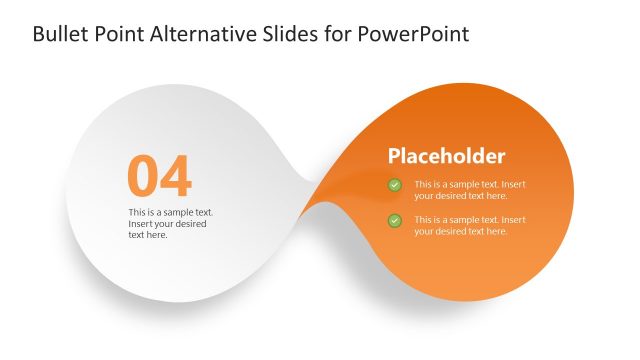
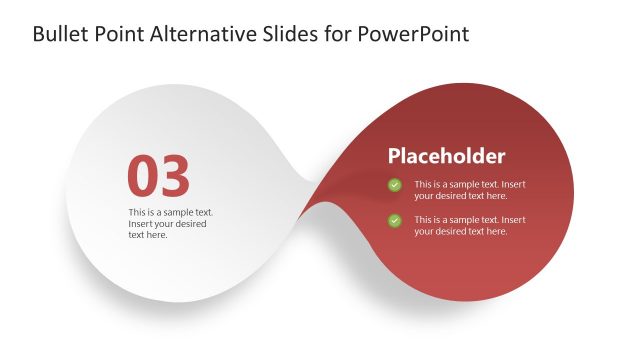
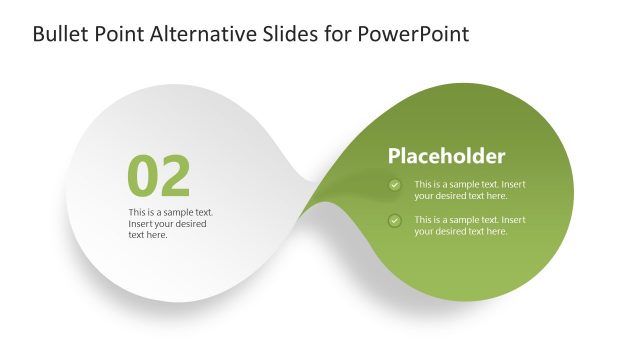
The layout features two circular shapes, one orange and one white, positioned side by side. The left circle contains a title placeholder labeled 'Placeholder' with two green checkmarks and sample text below. The right circle displays the number '04' prominently, accompanied by a sample text placeholder. The circles are connected by a wavy line, creating a flowing visual effect. The background is light, enhancing the contrast of the shapes. The overall composition is balanced, with clear visual hierarchy emphasizing the title and number.
How to Use It
This layout serves as a before-and-after comparison, ideal for showcasing changes or progress over time. It is suitable for presentations discussing project milestones, product improvements, or strategic shifts. Positioned at the end of a sequence, it effectively summarizes key points. This structure can be utilized in business reviews, marketing strategies, or performance evaluations to visually represent transformations or outcomes.
Text Placeholders & Capacity
Keep your copy within these limits so it fits without resizing. Body slots can hold about 10-15 words each.
| Placeholder | Count | Max characters (approx.) |
|---|---|---|
| Slide title | 1 | 30 |
| Item heading | 1 | 30 |
| Item body | 2 | 50 |
| Node number | 1 | 2 |
Slide Keywords
Download unlimited PowerPoint templates, charts and graphics for your presentations with our annual plan.
DOWNLOAD