Slide 3 of 8 from Bullet Point Alternative Slides for PowerPoint
Bullet Point Alternative Bow Step 3
Comparison Slide with Placeholders for PowerPoint
- Diagram
- Comparison Split
- Comparison Slide
- 16:9
- 100% Editable
The Comparison with Placeholders slide from the Bullet Point Alternative Slides for PowerPoint template offers a clear, visually distinct layout ideal for business presentations requiring detailed product comparisons or strategic option analyses. This slide layout uses editable shapes and vector icons to highlight differences effectively, making it a practical choice for corporate presentations and pitch deck templates that need to communicate contrasting ideas with clarity.
What’s on This Slide
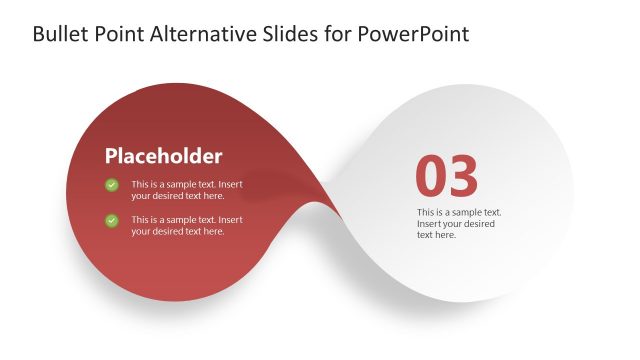
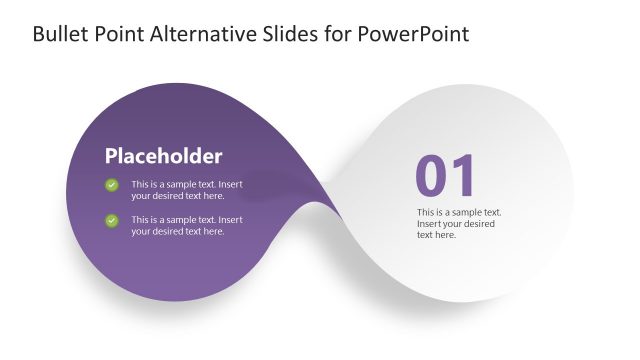
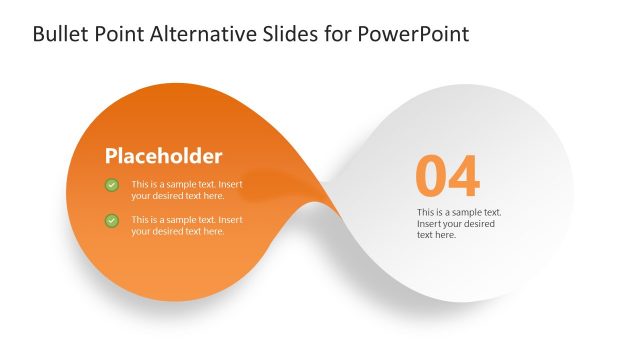
The layout features two large, overlapping shapes, one in white and the other in a deep red. The left shape contains a number '03' at the top left, with a text placeholder below it. The right shape, in red, has the word 'Placeholder' prominently displayed at the top. Below this, there are two additional text placeholders, each accompanied by a green checkmark icon. The overall composition emphasizes a clear visual separation between the two sections while maintaining a cohesive flow.
How to Use It
This layout serves as a comparison slide, ideal for presenting two contrasting ideas or options. It fits well in a sequence after introducing a problem or topic, leading into a solution or analysis. This structure is useful in business scenarios such as product comparisons, before-and-after analyses, or showcasing different strategies side by side. It effectively communicates distinctions while allowing for detailed explanations.
Text Placeholders & Capacity
Keep your copy within these limits so it fits without resizing. Body slots can accommodate roughly 10-12 words each.
| Placeholder | Count | Max characters (approx.) |
|---|---|---|
| Slide title | 1 | 40 |
| Item heading | 1 | 20 |
| Item body | 2 | 50 |
Slide Keywords
Download unlimited PowerPoint templates, charts and graphics for your presentations with our annual plan.
DOWNLOAD