Slide 5 of 8 from Bullet Point Alternative Slides for PowerPoint
Bullet Points Step 1 Bow Shape Diagram PPT
Comparison Flow with Steps for Presentations
- Diagram
- Comparison Split
- Process Slide
- 16:9
- 100% Editable
The Comparison Flow with Steps slide from the Bullet Point Alternative Slides for PowerPoint template offers a clear layout for illustrating processes or project phases. This slide design uses flowing shapes and a balanced structure to support strategic planning and product comparisons, making it suitable for business presentations. It integrates well with other slide templates to enhance communication of sequential steps in a corporate presentation or pitch deck template.
What’s on This Slide
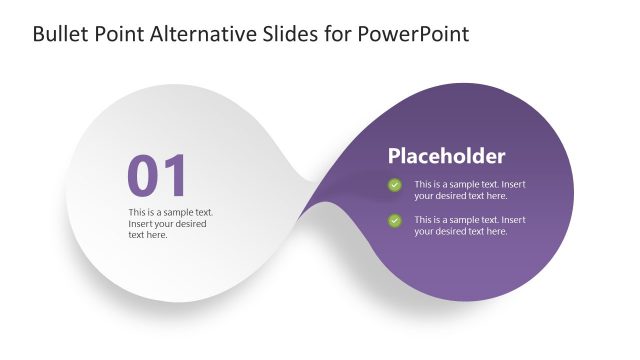
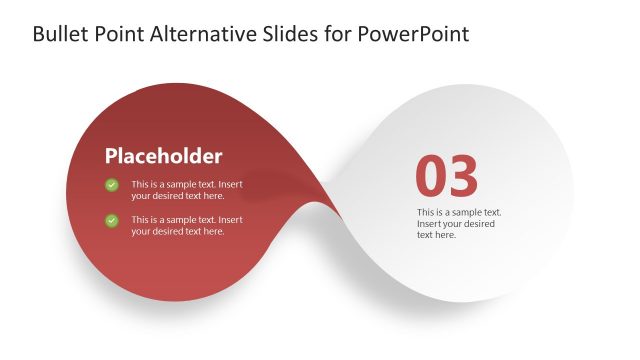
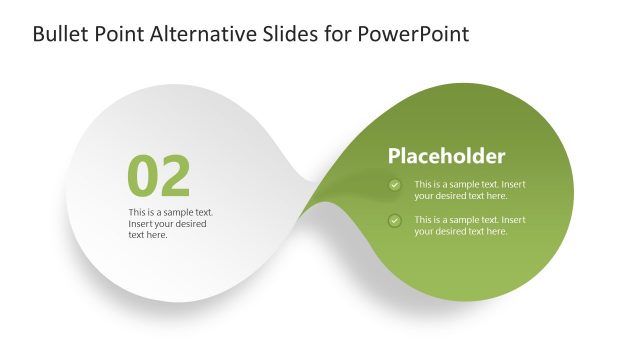
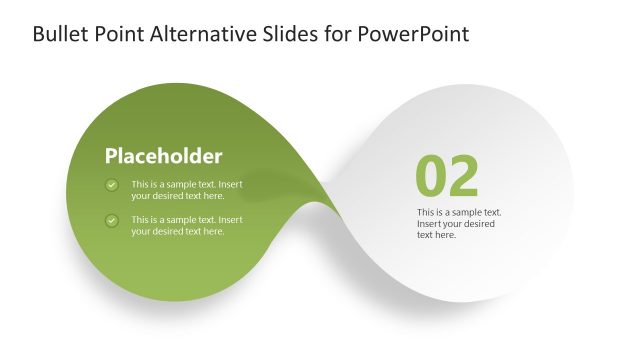
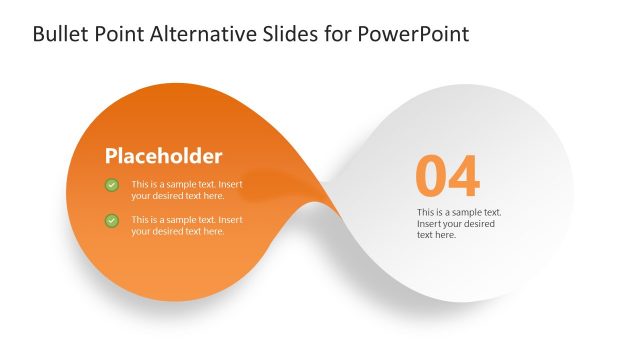
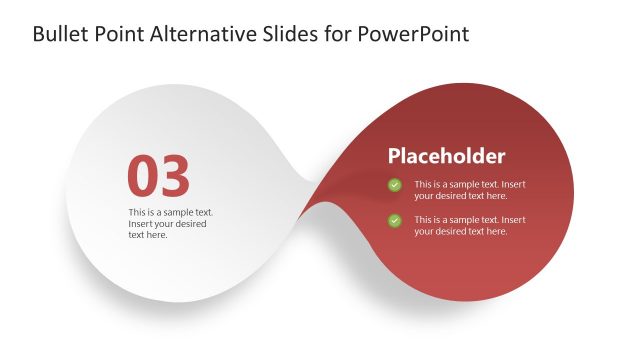
The layout features two large, flowing shapes, one purple and one white, positioned side by side. The purple shape contains a title placeholder at the top left, followed by two bullet points aligned vertically. The white shape on the right displays a numbered placeholder at the top, with a body text placeholder below it. Both shapes have rounded edges, creating a smooth transition between them. The overall composition is balanced, with a clear visual hierarchy emphasizing the title and numbered sections. Background is light with subtle shadows.
How to Use It
This layout serves as a comparison flow, effectively illustrating a process or steps in a sequence. It fits well in a presentation sequence after introducing a problem or concept, leading into a detailed explanation of solutions or steps. Ideal for business scenarios such as project phases, product comparisons, or strategic planning discussions, it allows for clear communication of sequential information while maintaining audience engagement.
Text Placeholders & Capacity
Keep your copy within these limits so it fits without resizing. Body slots can hold roughly 10-12 words each.
| Placeholder | Count | Max characters (approx.) |
|---|---|---|
| Slide title | 1 | 30 |
| Item heading | 1 | 15 |
| Item body | 2 | 50 |
| Node number | 1 | 2 |
Slide Keywords
Download unlimited PowerPoint templates, charts and graphics for your presentations with our annual plan.
DOWNLOAD