Slide 8 of 13 from Brand Identity PowerPoint Template
Four App Icon Variations – Brand Identity Template
App Icons Layout for Brand Identity
- Media Layout
- Image Grid
- Product Overview Slide
- 16:9
- 100% Editable
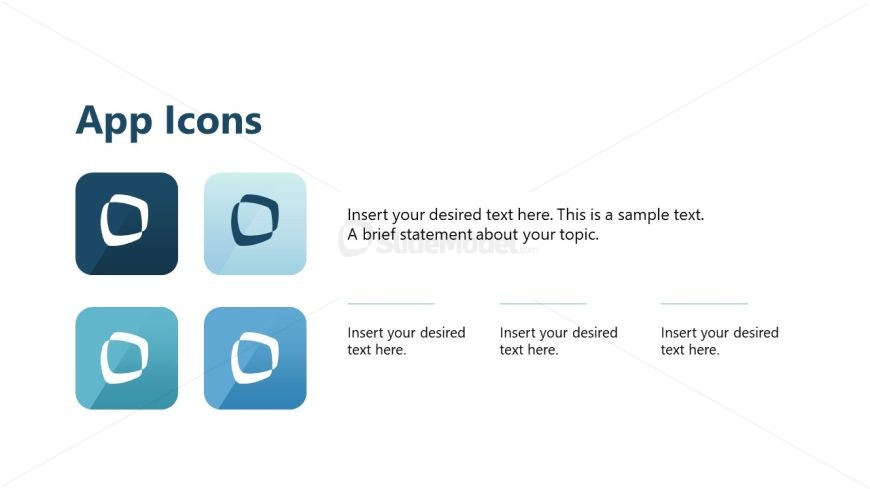
The App Icons slide from the Brand Identity PowerPoint Template offers a clean, organized layout ideal for showcasing app features and brand elements. This slide template includes editable shapes arranged in a 2x2 grid alongside text placeholders, making it suitable for corporate presentations focused on visual identity and product overviews. Its design supports clear communication of key applications within a business presentation or pitch deck template.
What’s on This Slide
The layout features a title at the top left labeled 'App Icons.' Below the title are four icon placeholders arranged in a 2x2 grid on the left. Each icon is a square with rounded corners, showcasing a design element. To the right of the grid, there are three text placeholders aligned vertically, each labeled 'Insert your desired text here.' The text placeholders are positioned in a single column, with the first one larger than the others. The overall layout is clean and organized, emphasizing both visual and textual elements.
How to Use It
This layout serves as a visual representation of app icons, suitable for showcasing brand elements in a presentation. It fits well after introductory slides that discuss brand identity and can be used to highlight key applications or features. This structure is effective for presenting brand-related visuals and descriptions, making it ideal for marketing or strategy discussions. It can also be adapted for product presentations where visual identity is crucial.
Text Placeholders & Capacity
Keep your copy within these limits so it fits without resizing. Text slots are moderate, allowing for concise descriptions.
| Placeholder | Count | Max characters (approx.) |
|---|---|---|
| Slide title | 1 | 20 |
| Item body | 4 | 50 |
Slide Keywords
Download unlimited PowerPoint templates, charts and graphics for your presentations with our annual plan.
DOWNLOADReturn to Brand Identity PowerPoint Template.