Slide 7 of 13 from Brand Identity PowerPoint Template
Brand Identity PPT Template – Slide for Iconography
Iconography Slide for Brand Identity Presentation
- Text Layout
- List Blocks
- Concept Explanation Slide
- 16:9
- 100% Editable
The Iconography Layout from the Brand Identity PowerPoint Template is designed to visually communicate brand concepts using vector icons and editable shapes. This slide template supports business presentations by clearly separating text explanations and icon visuals, making it an effective tool for corporate presentations focused on brand strategy. Its structured design enhances the clarity of visual elements within a slide deck or pitch deck template.
What’s on This Slide
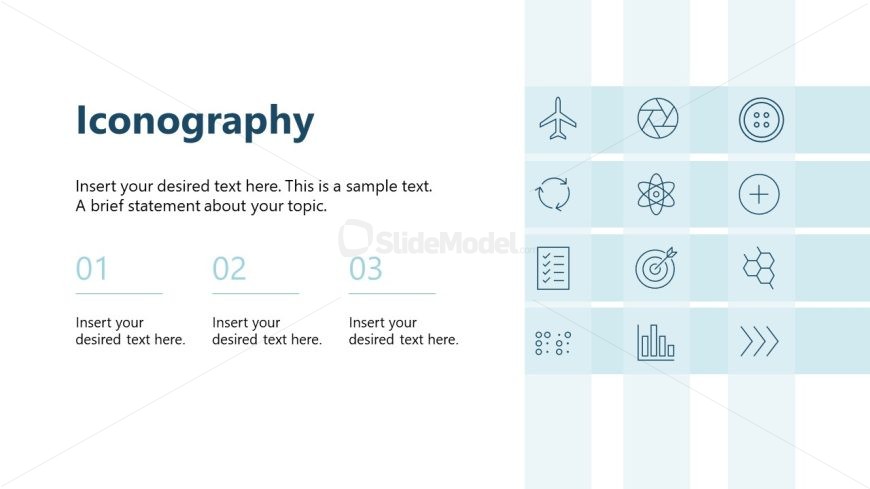
The layout features a title at the top left labeled 'Iconography' in a bold font. Below the title, there are three numbered sections aligned vertically, each containing a placeholder for text. The text placeholders are centered under each number, with a consistent design. To the right, there is a vertical column of icons, each representing different concepts. The icons are arranged in a grid format, with a light background color enhancing visibility. The overall composition is balanced, with clear separation between text and icon elements.
How to Use It
This layout serves as an iconography presentation slide, ideal for showcasing visual symbols related to branding. It fits within a presentation sequence that discusses brand identity elements, following introductory slides. This format is useful for businesses wanting to visually represent concepts through icons, making it suitable for brand strategy discussions or marketing presentations. It allows for a concise explanation of each icon's relevance to the brand.
Text Placeholders & Capacity
Keep your copy within these limits so it fits without resizing. Node body slots can hold about 8-10 words each.
| Placeholder | Count | Max characters (approx.) |
|---|---|---|
| Slide title | 1 | 30 |
| Item body | 3 | 50 |
Slide Keywords
Download unlimited PowerPoint templates, charts and graphics for your presentations with our annual plan.
DOWNLOADReturn to Brand Identity PowerPoint Template.