Slide 2 of 2 from Blank Impact Mapping Template for PowerPoint
Editable Blank Impact Mapping PowerPoint Template
Impact Mapping Slide Template Overview
- Diagram
- Matrix Quadrant
- Strategy Slide
- 16:9
- 100% Editable
What’s on This Slide
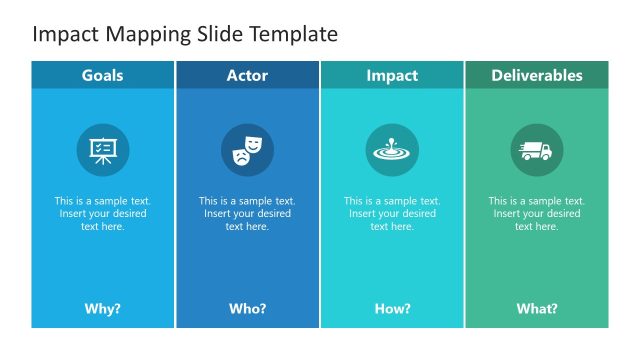
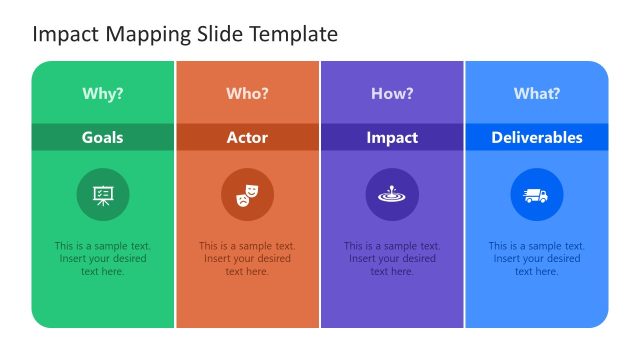
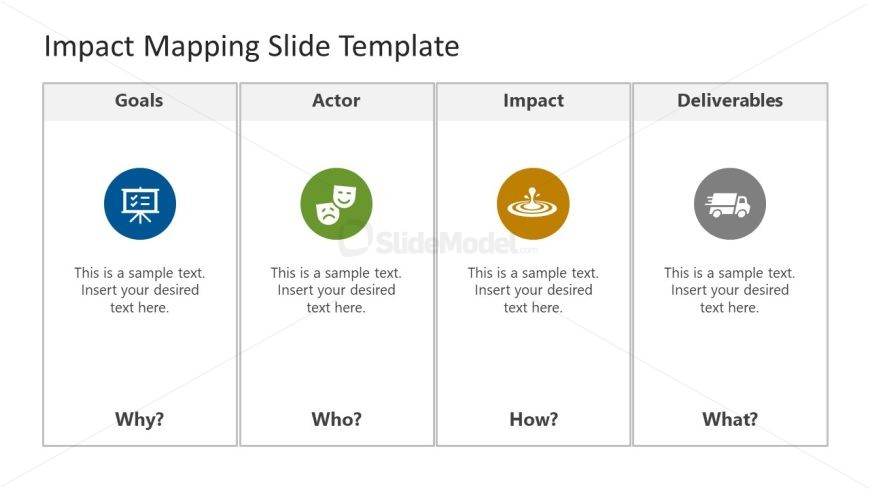
The layout consists of four equal columns labeled Goals, Actor, Impact, and Deliverables. Each column contains an icon positioned above a text placeholder. The icons are circular, with a distinct color for each column: blue for Goals, green for Actor, orange for Impact, and gray for Deliverables. The text placeholders are centered beneath the icons and are aligned uniformly across the columns. The overall background is light, enhancing the visibility of the colored elements. The slide has a clear visual hierarchy, guiding the viewer's attention from the titles to the icons and then to the text.
How to Use It
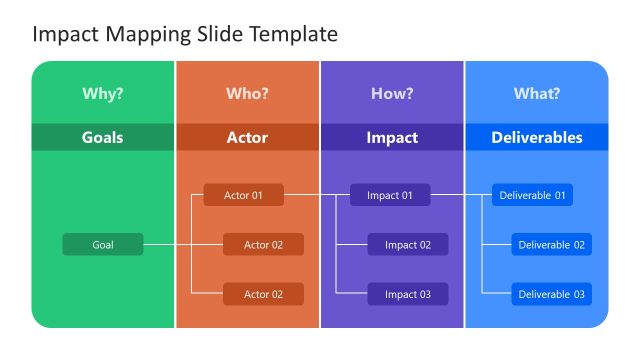
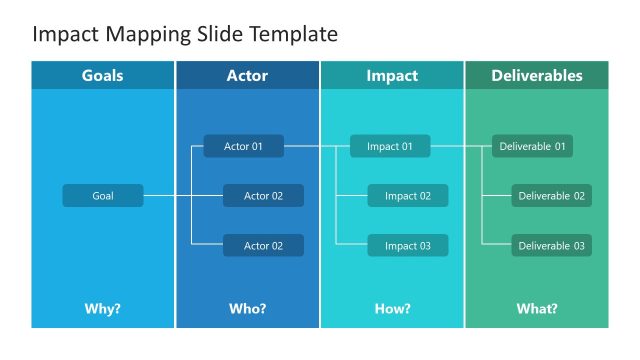
This layout serves as a structured framework for impact mapping, ideal for presentations focused on project planning or strategy. It fits well after an introductory slide that outlines objectives or problems. The slide can be used to clarify project goals, identify key actors, define impacts, and outline deliverables. It is suitable for business meetings, workshops, or strategy sessions where clear communication of project elements is necessary.
Text Placeholders & Capacity
Keep your copy within these limits so it fits without resizing. Node body slots can accommodate roughly 10-12 words each.
| Placeholder | Count | Max characters (approx.) |
|---|---|---|
| Slide title | 1 | 30 |
| Item heading | 4 | 15 |
| Item body | 4 | 50 |
Slide Keywords
Download unlimited PowerPoint templates, charts and graphics for your presentations with our annual plan.
DOWNLOADReturn to Blank Impact Mapping Template for PowerPoint.