Slide 1 of 2 from Blank Impact Mapping Template for PowerPoint
Blank Impact Mapping PowerPoint Template
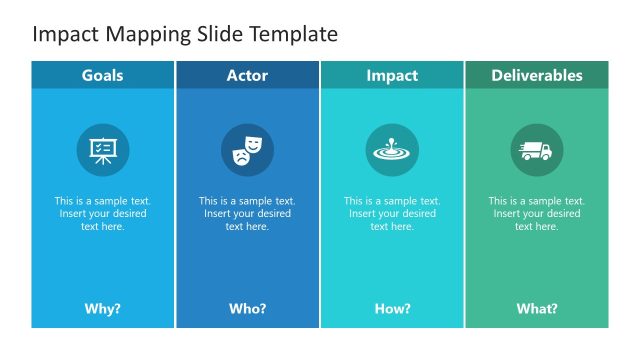
Impact Mapping Slide Template Overview
- Diagram
- Matrix Grid
- Strategic Analysis Slide
- 16:9
- 100% Editable
What’s on This Slide
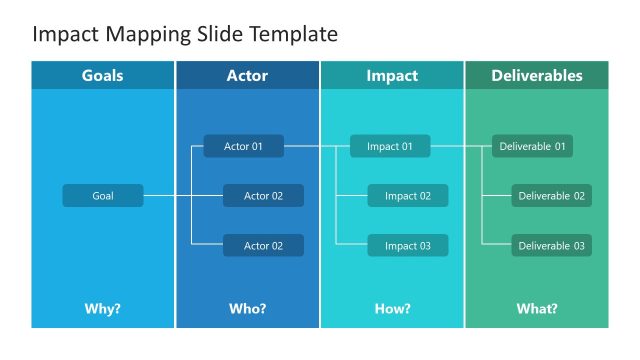
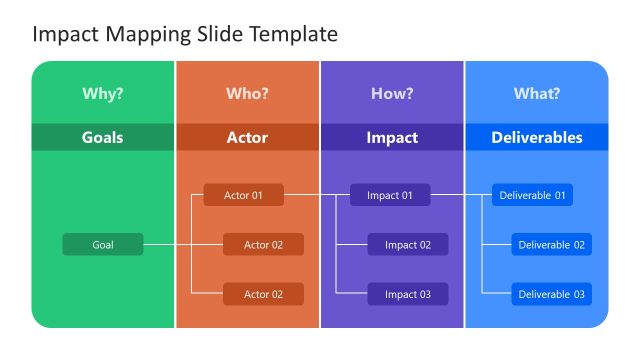
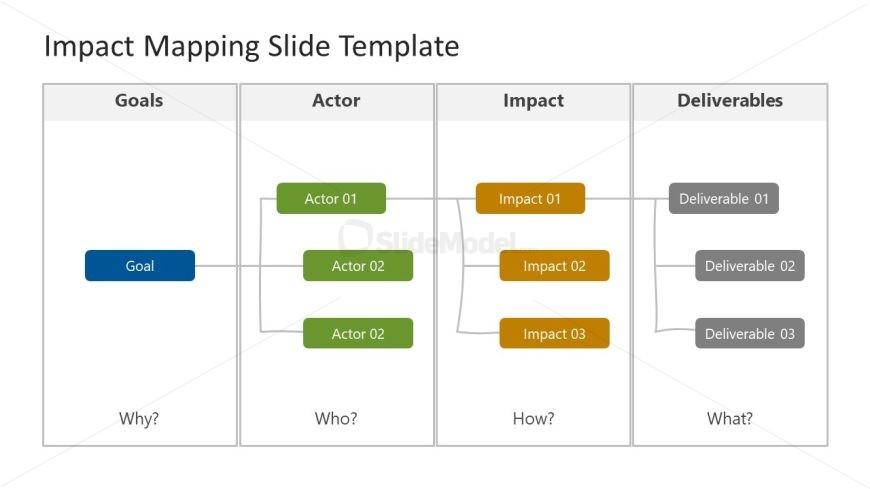
The layout features a structured diagram divided into four columns labeled Goals, Actor, Impact, and Deliverables. The first column contains a blue rectangular node labeled 'Goal' at the top, with a question 'Why?' below it. The second column has two green rectangular nodes labeled 'Actor 01' and 'Actor 02', with a question 'Who?' below. The third column includes three orange nodes labeled 'Impact 01', 'Impact 02', and 'Impact 03', with a question 'How?' below. The final column displays three gray nodes labeled 'Deliverable 01', 'Deliverable 02', and 'Deliverable 03', with a question 'What?' below. Connecting lines illustrate relationships between nodes.
How to Use It
This layout serves as an impact mapping diagram, ideal for visualizing goals, actors, impacts, and deliverables in a project. It fits well in a presentation sequence after problem framing and before strategic analysis. This structure is useful in business scenarios such as project planning, stakeholder engagement, and impact assessment, allowing teams to clarify objectives and deliverables effectively. It can also be used for brainstorming sessions to align team members on project goals and outcomes.
Text Placeholders & Capacity
Keep your copy within these limits so it fits without resizing. Node labels can hold roughly 2-3 words each.
| Placeholder | Count | Max characters (approx.) |
|---|---|---|
| Slide title | 1 | 25 |
| Item heading | 6 | 15 |
| Callout | 4 | 10 |
Slide Keywords
Download unlimited PowerPoint templates, charts and graphics for your presentations with our annual plan.
DOWNLOADReturn to Blank Impact Mapping Template for PowerPoint.