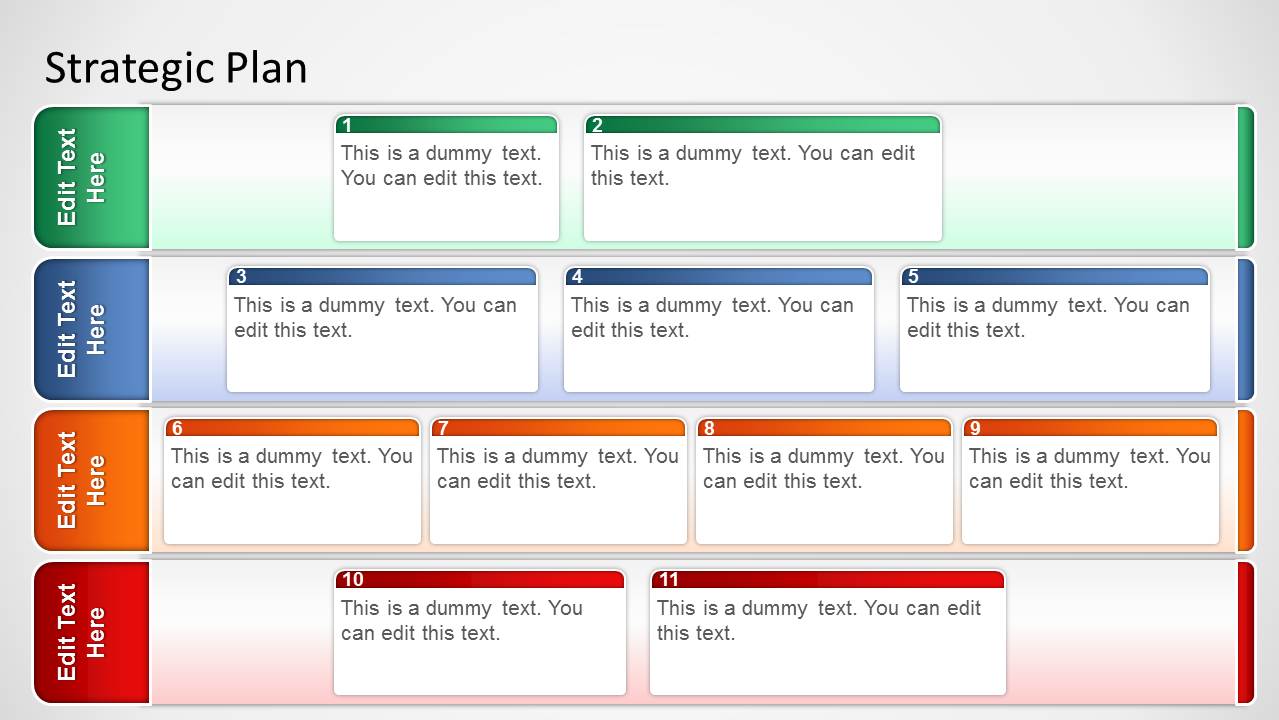
The Basic Strategic Plan Template for PowerPoint is simple board layout created to sort strategic ideas. Allowing the entry of strategic plan actions with the popular cards method in different layers, the user can map initiatives and objectives in a structured fashion. Organize different stages of a business plan and smoothen the state of operations in order to better transmit the message to your audience.
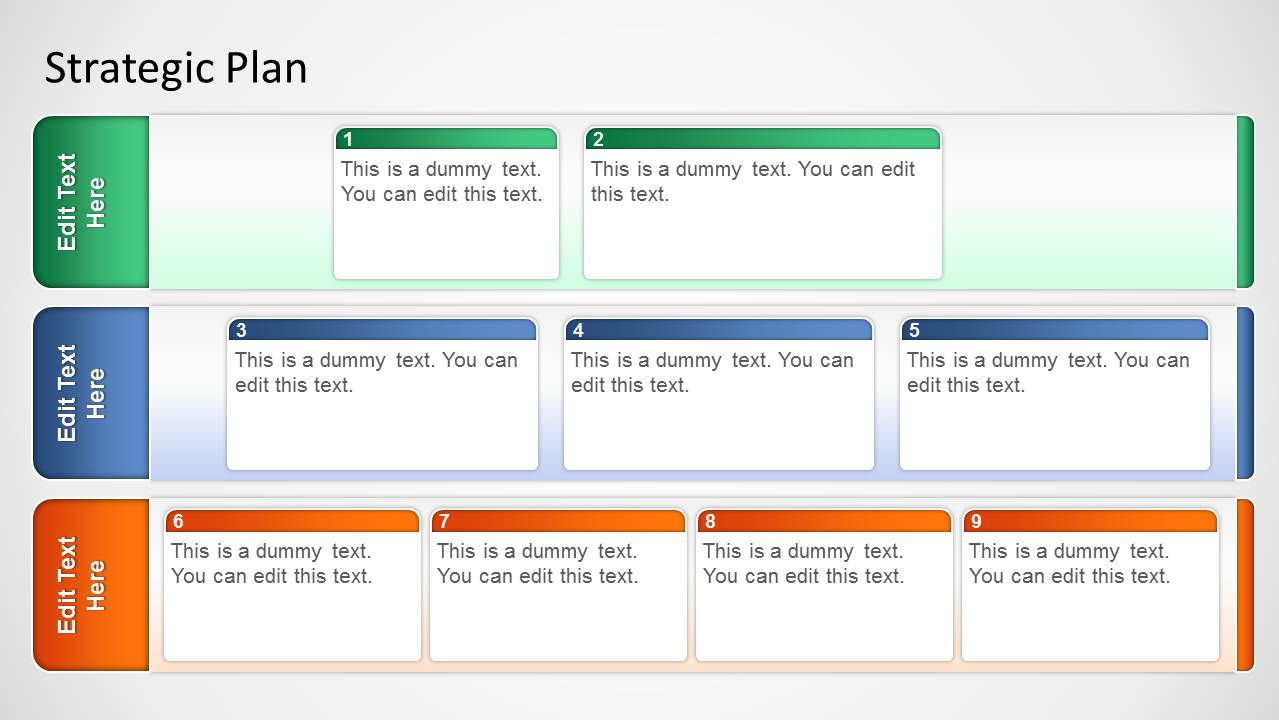
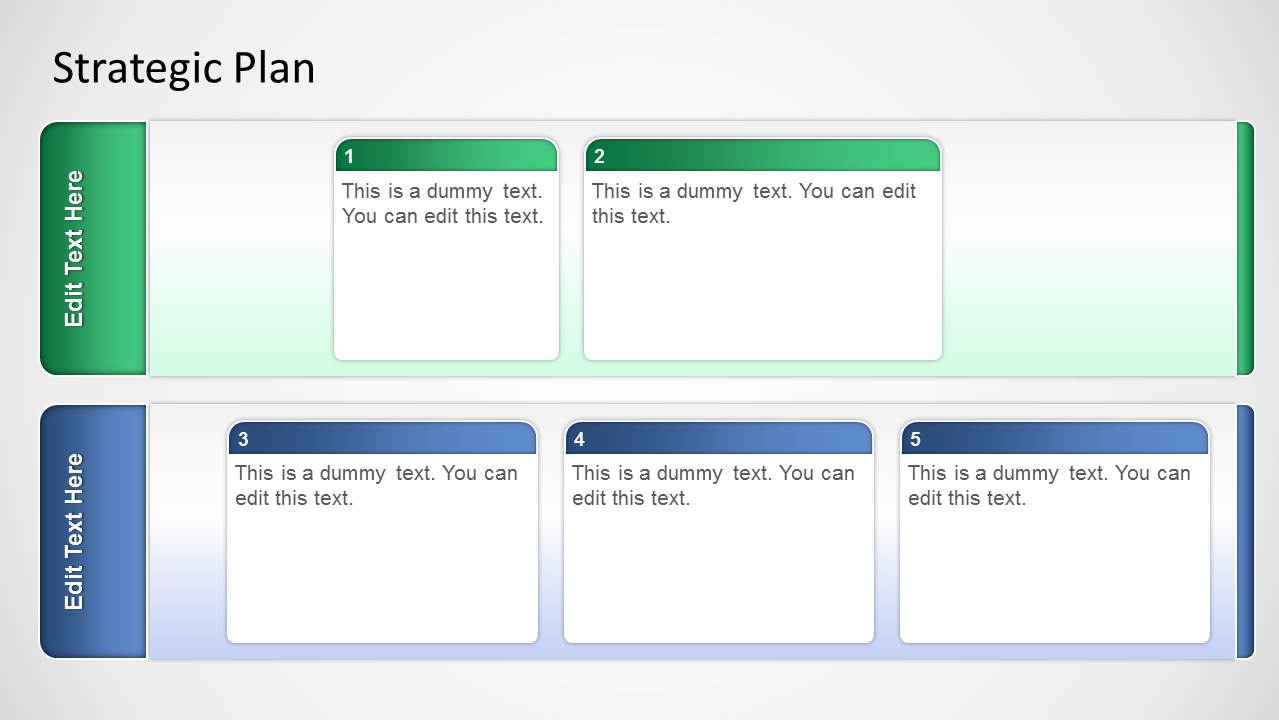
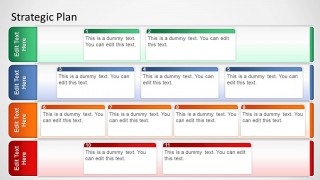
The PowerPoint template layout is designed as a rectangular board with different horizontal layers. Each layer can be labeled to describe the stage of the plan it represents. Each stage contains a set of cards, created as PowerPoint objects. Each card has a title and a gradient border matching the stage color.
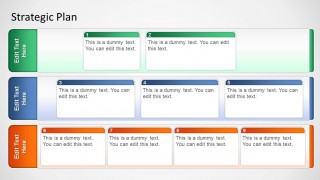
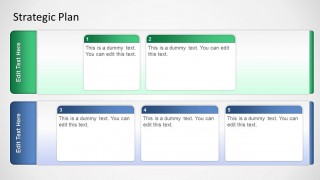
The PowerPoint template provides three variations of the board. They differ in the number of major horizontal layers. The first has four stages/milestones, the second has three, and the third has two. The number depends on the number of work milestones to be completed in the project. They also differ in the number of sub-categories, ranging from two to four per stage.
The stages have different colors so they can be easily distinguished. These are green, blue, yellow, and red. However, changing the color scheme in the presentation design can easily edit these colors. The colors can also correspond to the urgency or priority level in each stage. Green can mean nothing or something mild and ordinary, while red can mean a high-priority disaster.
Most suitable for presenting and organizing business plans, the Basic Strategic Plan Template for PowerPoint contains helpful PowerPoint graphics which can be easily edit to fit the presenter’s needs and preferences. The user can also download other strategy presentations, such as the Strategic Planning Templates for PowerPoint or learn how to make an effective strategic plan presentation using PowerPoint or Google Slides.
What’s inside this template
Example presentation scenarios
- A strategy manager can use the four-lane board to present a detailed initiative portfolio, assigning objectives to colored stages and numbered cards during an executive planning meeting.
- A project manager can use the three-lane board to group upcoming work into phases, milestones, or priority bands before asking stakeholders to confirm ownership.
- A consultant can use the two-lane board to simplify a client workshop, separating near-term and later-stage actions into clear card groups.
- An operations leader can use the colored swimlanes to show which actions are routine, in progress, at risk, or urgent during a business review.
Features
- 100% editable presentation template
- Compatible with Microsoft PowerPoint and Google Slides
- 16:9 aspect ratio slides
- Scalable vector shapes, icons and illustrations
- AI-Ready for Microsoft Copilot and Claude
- Instant access and download
Frequently asked questions
Q: How should I present the cards so the audience understands the strategy quickly?
A: Start by naming what each horizontal lane means, such as phase, priority, department, or risk level. Then move left to right through the numbered cards and summarize only the action, owner, or decision needed. Keep each card to one idea so the board works as a planning map, not as a text-heavy report.
Q: Who is this template best suited for in a planning session?
A: This template fits strategy leads, project managers, consultants, and operations teams that need to organize initiatives before execution. It works best when the discussion is about classifying actions into stages or priorities, such as key objectives, strategic initiatives, or KPI-related workstreams that need clear grouping before follow-up.
Q: Why use color-coded swimlanes instead of a standard bullet list?
A: The board uses a planning-card metaphor that helps the audience compare actions by stage at a glance. Color-coded lanes create visual separation, while numbered cards give the presenter a natural reading order. This reduces scanning effort and makes it easier to discuss movement, priority, and gaps across the strategy.
Basic Strategic Plan Template for PowerPoint
3-slide strategic plan presentation template with action cards, stage swimlanes, and KPI initiative boards
This 3-slide strategic planning presentation template uses action-card boards to organize initiatives by stage. Visible layouts include a four-lane board, a three-lane board, and a two-lane board with numbered cards and color-coded swimlanes. It is built for executives, strategists, and project leaders in Microsoft PowerPoint and Google Slides.
- Category
- Strategy
- Rating


 Loading...
- Aspect ratio
- 16:9, 4:3
- Item ID
- 1226-01
- Colors
 Microsoft PowerPoint
  Microsoft Copilot
  Claude for PowerPoint
 Other formats supported
Subscribe today and get immediate
access to download our PowerPoint templates.