Middle East Map Template for PowerPoint– Middle East is composed of 17 countries. It is located in the middle of the European, African and Asian continents. The PowerPoint template is a modern and reusable selection of Middle East maps. Create comprehensive and meaningful presentations using Middle East Map Template for PowerPoint.
This PowerPoint template is ideal for reports requiring a blank map of Middle East. It is perfect for preparing business reports with map information on Middle East. Tourism and navigation are perfect concepts that can be associated to the design as well. Geography studies can utilize the layout. History presentations about the area are ideal topics.
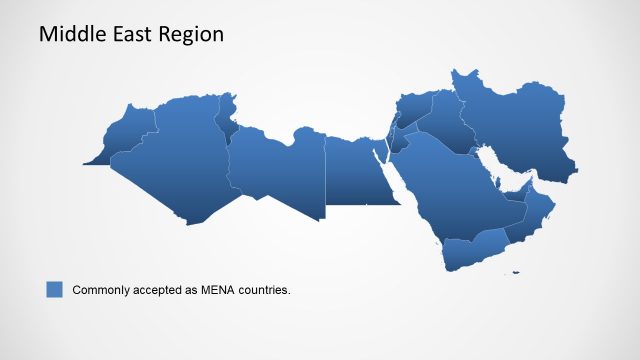
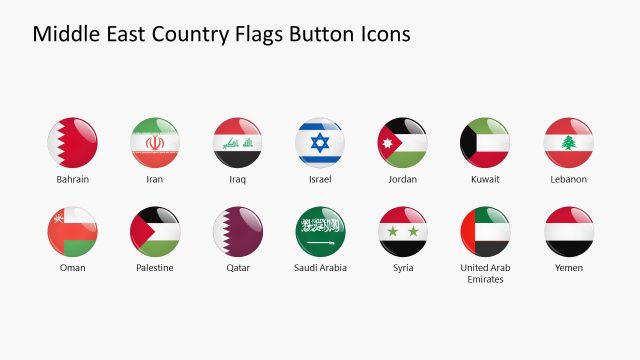
Middle East extends around the shores of the Arabian Peninsula and Mediterranean Sea. It was originally labeled as Near East. The term Middle East was only applied after World War II as addressed by the British command in Egypt. The scope of the region is yet unsettled to this day. Greece is sometimes included in the following countries: Egypt, Saudi Arabia, Israel, Oman, Iran, Yemen, Jordan, Kuwait, Iraq, Syria, Palestine, Qatar, Turkey, United Arab, Emirates, Lebanon, Bahrain, and Cyprus.
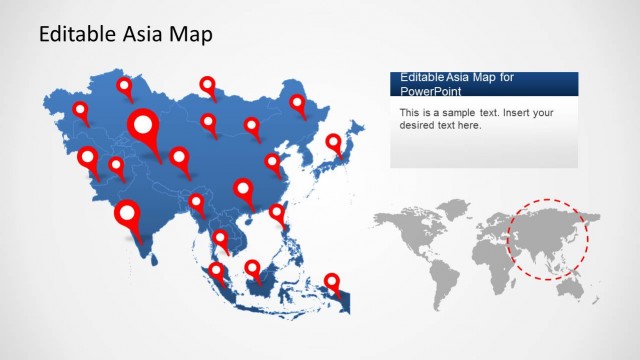
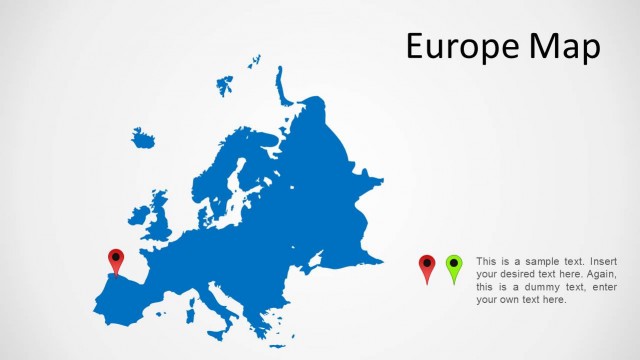
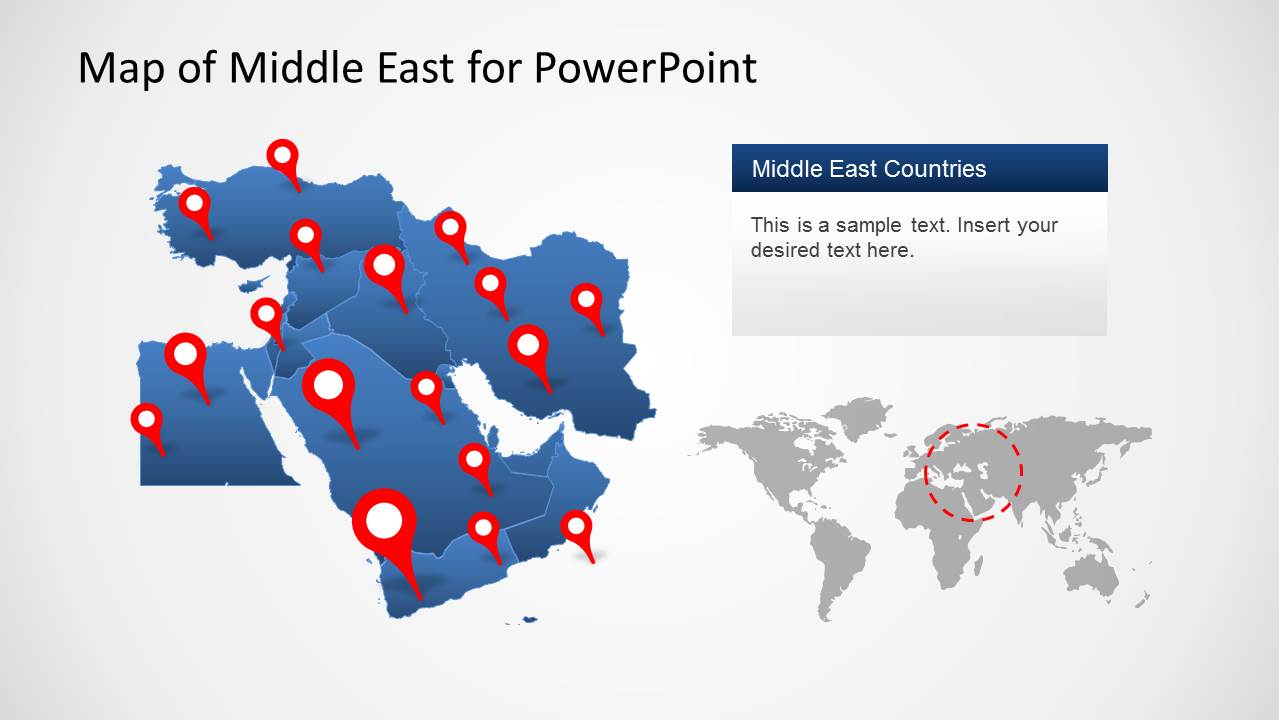
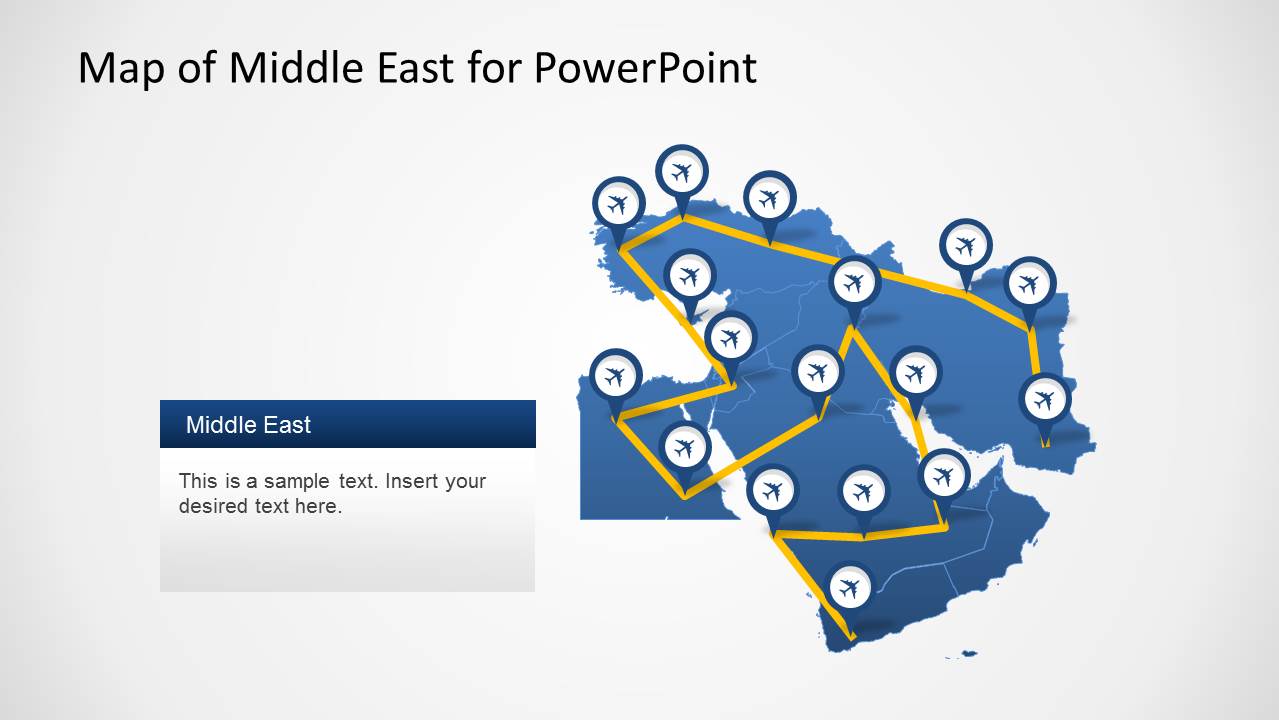
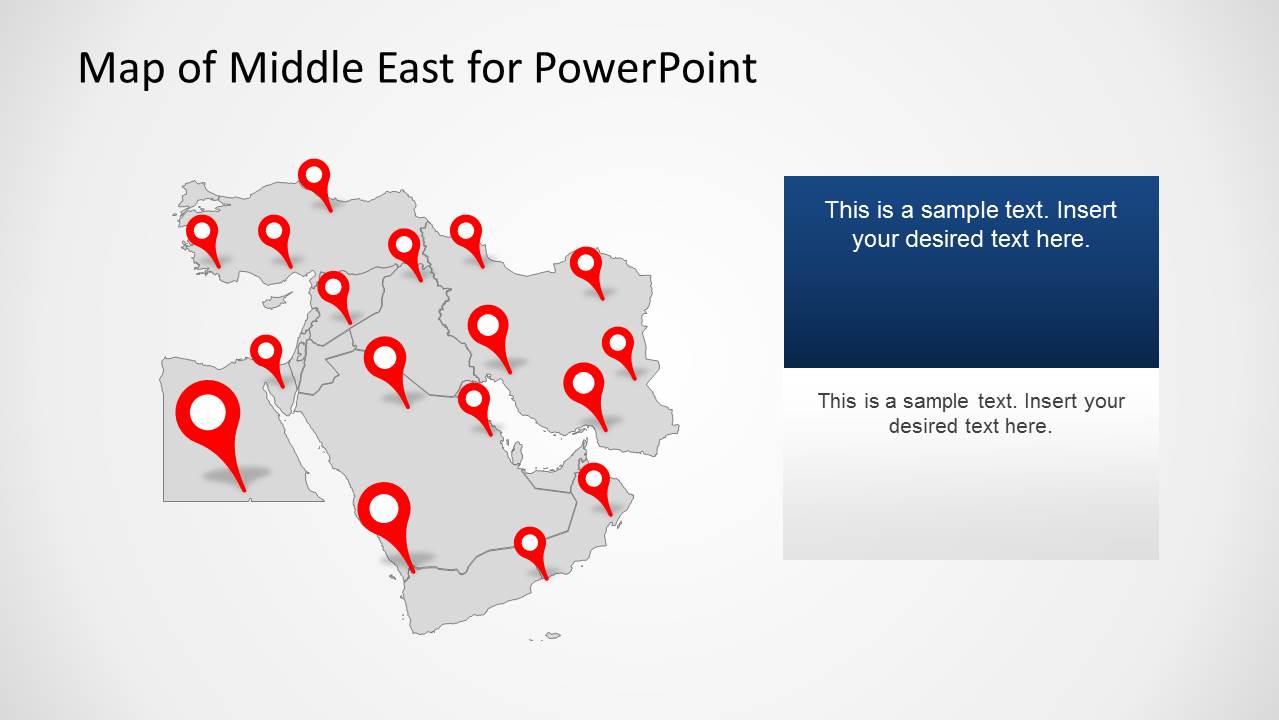
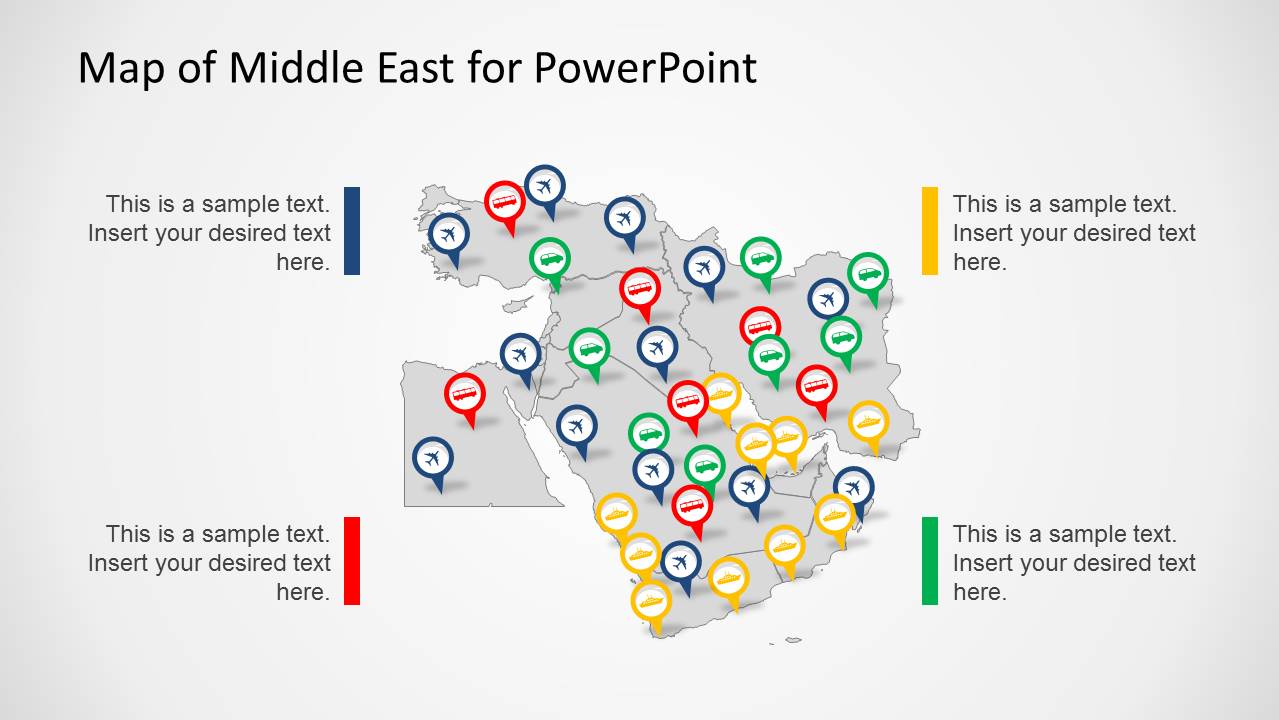
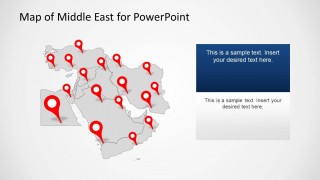
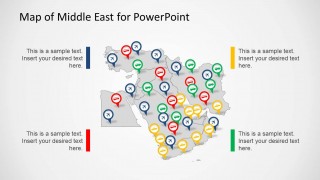
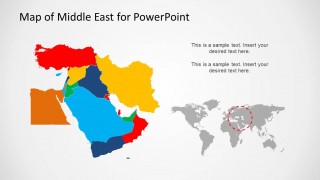
Borders between countries are clearly shown. The icons above the map can be used to label a particular purpose. The first slide display landmark markers and a world map on the bottom right side. The markers can be utilized to pinpoint on a country. The user can enter labels just beside the marker icon. In the second slide, the presenter can find airplane clipart above the map. These can highlight airport locations. The 4th slide display pins with bus, airplane, car and ship icons. A corresponding color legend is available on the sides. Finally, the last slide features a colored map of the Middle East.
Illustrate Middle East maps with strong visuals using Middle East Map Template for PowerPoint. Alternatively, you can download other editable map PPT templates, including the Asia Map Template for PowerPoint for presentations, which showcases the Asian continent.
What’s inside this template
Example presentation scenarios
- A logistics planner can present regional delivery corridors by using the airline route map and transport icon legend to separate air, road, sea, and ground movement.
- A sales or territory manager can explain market coverage across Middle East countries with the colored territory map and pinned country map.
- A tourism presenter can map destinations, airport hubs, and travel paths with the red pin layouts and airplane route slide.
- An educator can introduce Middle East geography by showing the regional map, country boundaries, and world inset that locates the area globally.
Features
- 100% editable presentation template
- Compatible with Microsoft PowerPoint and Google Slides
- 16:9 aspect ratio slides
- Scalable vector shapes, icons and illustrations
- AI-Ready for Microsoft Copilot and Claude
- Instant access and download
Frequently asked questions
Q: How should a presenter structure a clear regional message with this map template?
A: Start with the pinned regional map to define the geography, then move to the route or transport icon slide when explaining movement, access, or coverage. Close with the colored territory map if the audience needs country-level segmentation. Keep each pin label short so the map stays readable from the back of the room.
Q: Who is this Middle East map template best suited for?
A: It is best for presenters whose main point depends on place: regional managers, logistics planners, tourism teams, educators, analysts, and public policy groups. The slides work well when a briefing needs to show where activity happens, how locations connect, or which countries belong to separate territories.
Q: Why do the pins, routes, and color-coded countries make the message easier to understand?
A: The template uses familiar map metaphors: pins mean locations, airplane icons mean routes, and color blocks mean territories or categories. These visual cues reduce the need for long explanations. Viewers can quickly distinguish a destination map from a route map or a country segmentation map.
You may also like:

Middle East Map Template for PowerPoint
5-slide 16:9 map presentation template for Middle East routes, location pins, and country territories.
Middle East Map Template for PowerPoint is a 5-slide map presentation template for regional reports, travel planning, logistics, and geography topics. It includes a pinned country map, airline route map, gray locator map, transport icon legend, colored territory map, and world inset views for PowerPoint and Google Slides.
- Category
- Maps
- Rating

 Loading...
- Aspect ratio
- 16:9
- Item ID
- 6410-01
- Colors
 Microsoft PowerPoint
  Microsoft Copilot
  Claude for PowerPoint
 Other formats supported
Subscribe today and get immediate
access to download our PowerPoint templates.