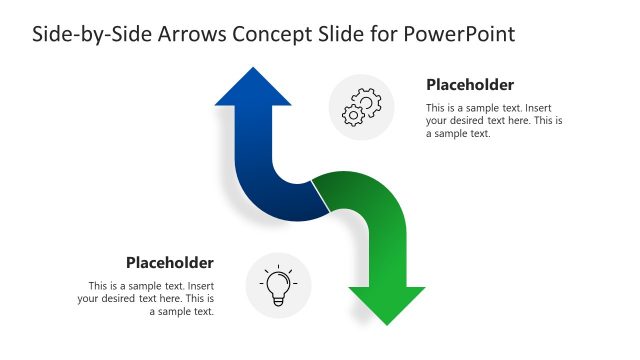
Slide 3 of 3 from Arrows Concept PowerPoint Template
PowerPoint Arrow Concept Diagram Template
Arrows Concept Diagram for Presentations
- Diagram
- Arrow Sequence
- Process Slide
- 16:9
- 100% Editable
What’s on This Slide
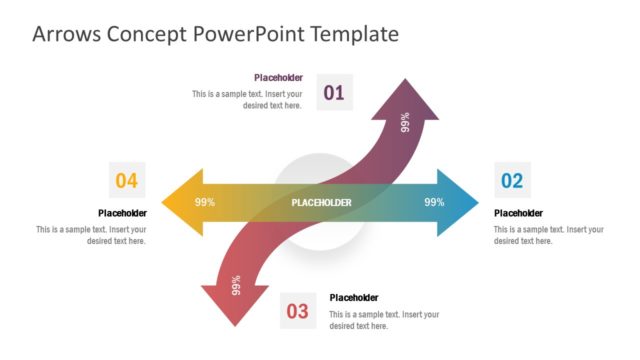
The layout features a central curved arrow flowing from left to right, flanked by four upward and downward arrows. Each arrow has a corresponding number placeholder positioned above or below it, indicating steps or stages. The arrows are colored in a gradient scheme, with shades transitioning from purple to yellow and blue. Text placeholders are aligned centrally within the arrows, while the overall composition is balanced with a clear visual hierarchy. The background is light, enhancing the visibility of the arrows and text elements.
How to Use It
This layout serves as a process flow diagram, ideal for illustrating sequential steps or concepts. It fits well in presentations that require a visual representation of progress or convergence. Common scenarios include project updates, strategic planning, or educational content where steps must be clearly delineated. This layout effectively communicates relationships between different stages, making it suitable for business or academic contexts.
Text Placeholders & Capacity
Keep your copy within these limits so it fits without resizing. Node body slots can hold about 10 words each.
| Placeholder | Count | Max characters (approx.) |
|---|---|---|
| Item heading | 4 | 2 |
| Item body | 4 | 50 |
Slide Keywords
Download unlimited PowerPoint templates, charts and graphics for your presentations with our annual plan.
DOWNLOADReturn to Arrows Concept PowerPoint Template.