Slide 2 of 2 from Free 3 Steps Arrows Diagram for PowerPoint
3 Steps Gradient Arrows PowerPoint Diagram Shapes
Three Steps Arrow Diagram for Presentations
- Diagram
- Arrow Sequence
- Process Slide
- 16:9
- 100% Editable
The Three Steps Arrow Diagram slide from the Free 3 Steps Arrows Diagram for PowerPoint template offers a clear visual process flow using three horizontal arrows with editable shapes and vector icons. Ideal for strategic planning and project stages, this slide supports business presentations and pitch deck templates by illustrating sequential steps effectively within professional slide templates.
What’s on This Slide
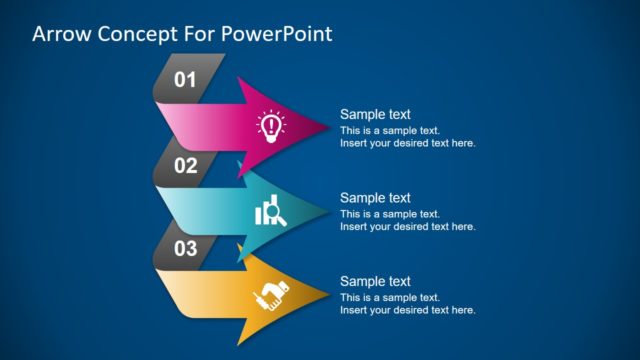
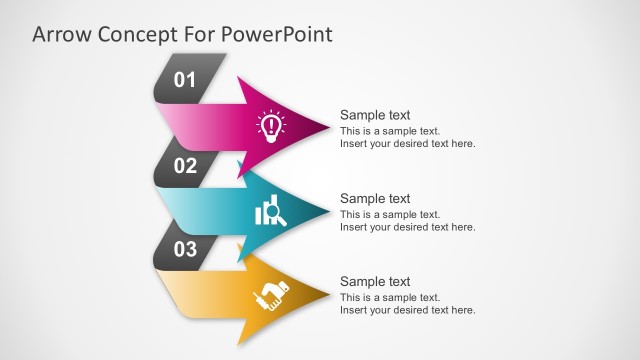
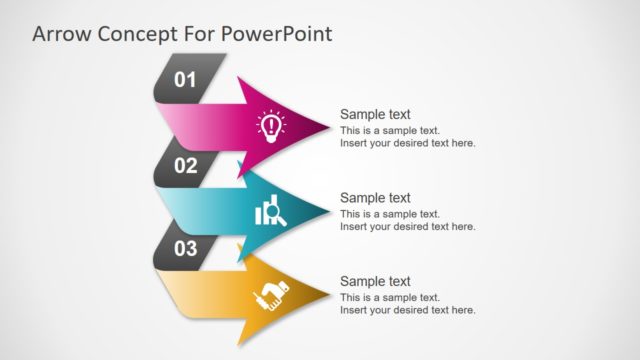
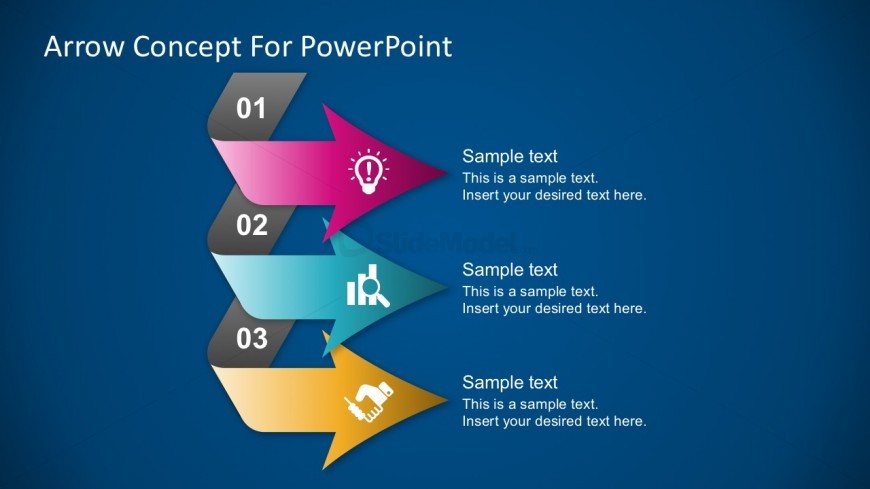
The layout features three horizontal arrows arranged vertically, each pointing to the right. The first arrow is pink, the second is blue, and the third is yellow, with icons representing ideas, analysis, and collaboration. Each arrow contains a number at the top left, indicating its sequence. Text placeholders are positioned to the right of each arrow, aligned vertically. The background is a solid blue color, providing contrast to the arrows and text. The overall composition is structured and clear, emphasizing the sequential flow of the steps.
How to Use It
This layout serves as a process flow diagram, illustrating a three-step sequence. It is suitable for presentations that require a clear depiction of sequential actions or stages in a process. Common applications include project planning, product development, and strategic initiatives. This slide fits well in the middle of a presentation, following an introduction or problem statement, and leading into detailed explanations of each step. It effectively communicates progression and organization in a visual format.
Text Placeholders & Capacity
Keep your copy within these limits so it fits without resizing. Node body slots can accommodate approximately 15-20 words each.
| Placeholder | Count | Max characters (approx.) |
|---|---|---|
| Item heading | 3 | 20 |
| Item body | 3 | 100 |
Slide Keywords
Download unlimited PowerPoint templates, charts and graphics for your presentations with our annual plan.
DOWNLOADReturn to Free 3 Steps Arrows Diagram for PowerPoint.