Slide 3 of 5 from ARCS Model Slide Template for PowerPoint
Relevance Slide for PowerPoint – ARCS Model Template
ARCS Model Relevance Slide Overview
- Text Layout
- List Blocks
- Concept Explanation Slide
- 16:9
- 100% Editable
The ARCS Model Relevance Section slide from the ARCS Model Slide Template for PowerPoint offers a clear layout to explain motivational strategies in educational presentations. This slide template includes editable shapes and vector icons to highlight the importance of content relevance, making it suitable for training sessions and corporate presentations focused on learner engagement.
What’s on This Slide
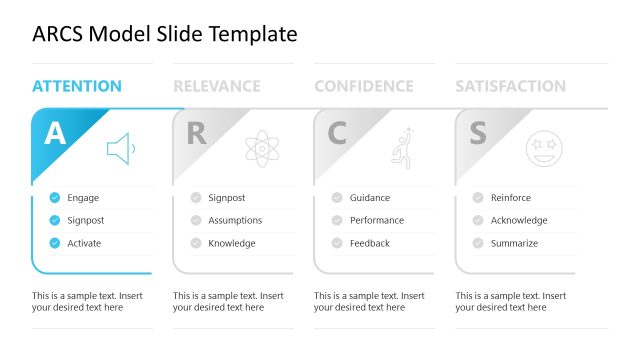
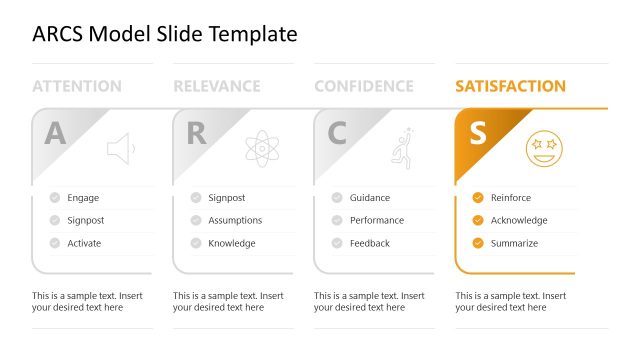
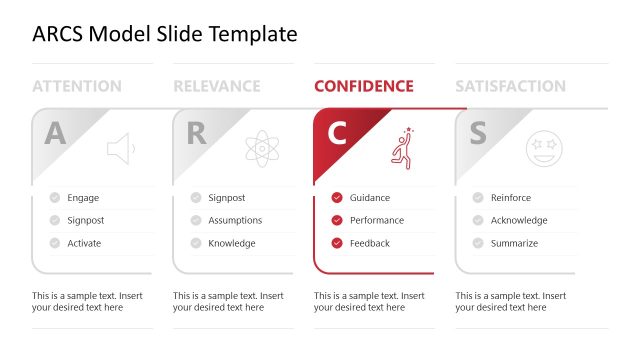
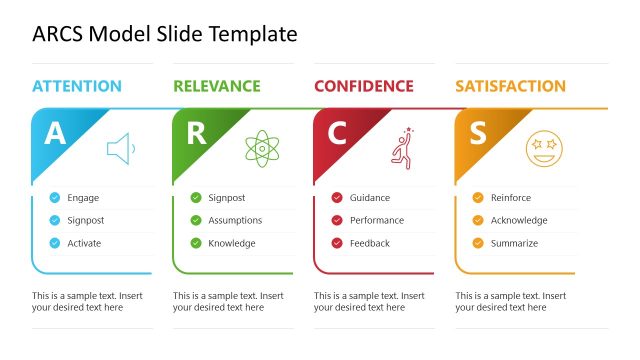
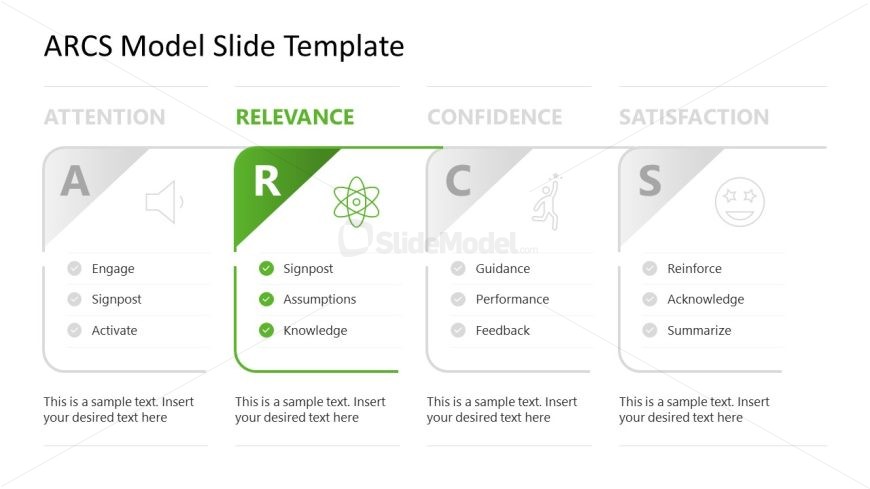
The slide features a structured layout divided into four sections labeled Attention, Relevance, Confidence, and Satisfaction. Each section contains a heading, a visual icon, and a list of three bullet points. The Relevance section is highlighted in green, emphasizing its importance. Text placeholders are present for each bullet point and the section title, centrally aligned within their respective areas. The overall composition is clean, with a white background and contrasting colors for each section, enhancing visual clarity and organization.
How to Use It
This layout serves to present the Relevance component of the ARCS model, fitting into a sequence that explains motivational strategies. It is suitable for educational contexts, particularly in eLearning or training sessions, where understanding the relevance of content is crucial. Use this slide to clarify how relevance affects learner engagement and motivation, making it ideal for instructional design discussions or workshops focused on enhancing learning experiences.
Text Placeholders & Capacity
Keep your copy within these limits so it fits without resizing. Node body slots can hold about 10-12 words each.
| Placeholder | Count | Max characters (approx.) |
|---|---|---|
| Slide title | 1 | 30 |
| Item heading | 3 | 15 |
| Item body | 3 | 50 |
| Body paragraph | 1 | 100 |
Slide Keywords
Download unlimited PowerPoint templates, charts and graphics for your presentations with our annual plan.
DOWNLOADReturn to ARCS Model Slide Template for PowerPoint.