Slide 4 of 5 from ARCS Model Slide Template for PowerPoint
Editable Confidence Slide – ARCS Model Template
ARCS Model Confidence Slide for Presentations
- Diagram
- Matrix Quadrant
- Concept Explanation Slide
- 16:9
- 100% Editable
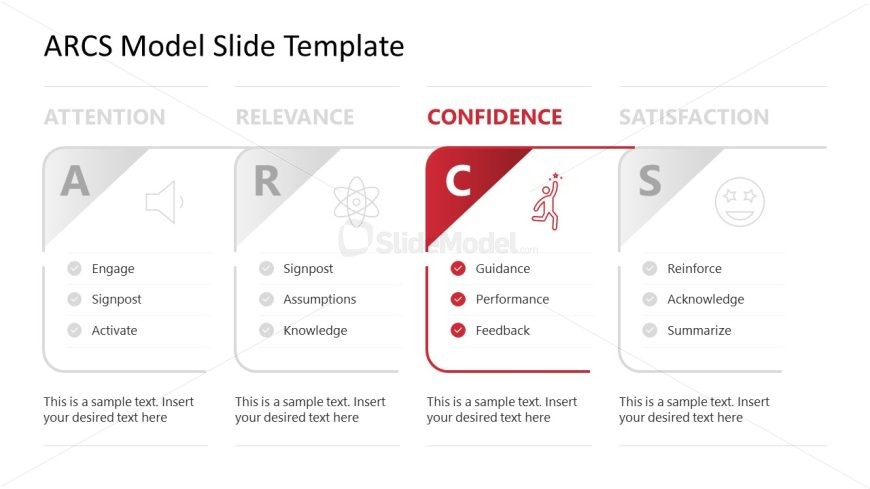
The ARCS Model Confidence Section slide from the ARCS Model Slide Template for PowerPoint visually emphasizes the Confidence element within a structured diagram layout. This slide is designed for educational presentations and training workshops, featuring editable shapes and vector icons to highlight key concepts like Guidance, Performance, and Feedback. Its clean design supports clear communication in corporate presentations or eLearning modules using professional slide templates.
What’s on This Slide
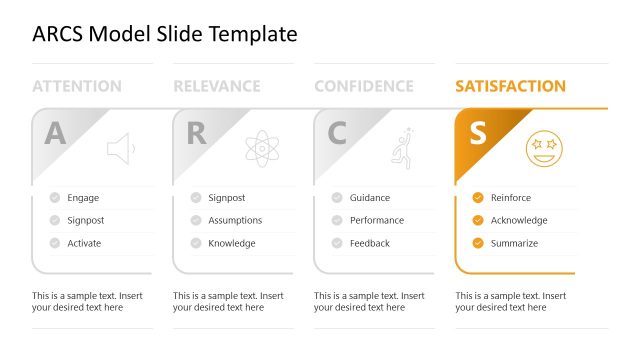
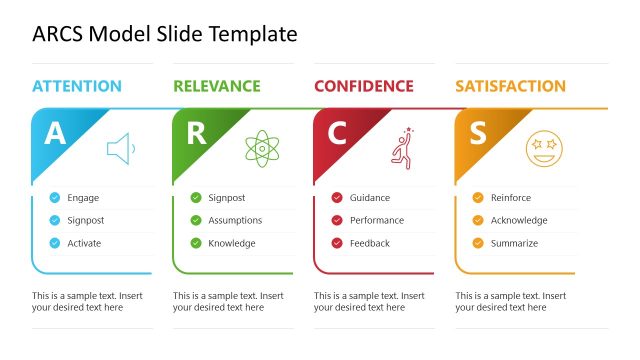
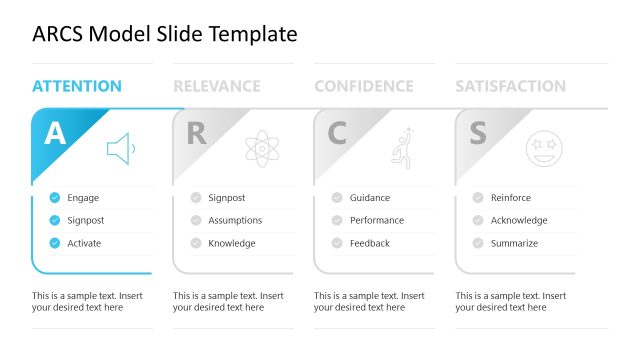
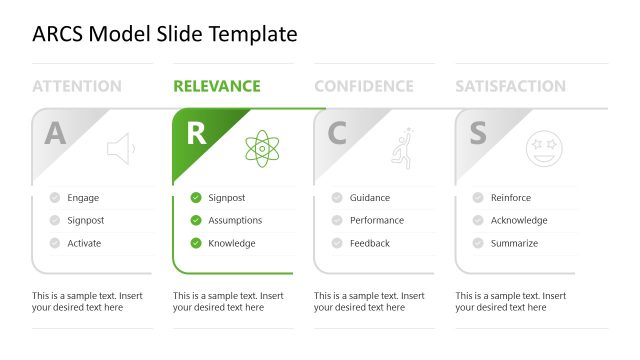
The layout features four sections labeled Attention, Relevance, Confidence, and Satisfaction. Each section contains a triangular shape with a corresponding letter and icon. The Confidence section is highlighted in red and contains three bullet points: Guidance, Performance, and Feedback. Text placeholders are positioned below each bullet point, aligned left. The overall design uses a clean, structured format with a white background and gray accents. The visual hierarchy emphasizes the Confidence section through color contrast and shape prominence.
How to Use It
This layout serves to present the Confidence component of the ARCS model, fitting within a sequence of slides that explore different aspects of motivation. It is suitable for educational or training contexts where the focus is on enhancing learner confidence. This format can be used to discuss strategies for building confidence in learners or participants, making it effective for workshops or eLearning presentations.
Text Placeholders & Capacity
Keep your copy within these limits so it fits without resizing. Body slots can accommodate roughly 8-10 words each.
| Placeholder | Count | Max characters (approx.) |
|---|---|---|
| Item heading | 3 | 20 |
| Item body | 3 | 50 |
| Body paragraph | 4 | 50 |
Slide Keywords
Download unlimited PowerPoint templates, charts and graphics for your presentations with our annual plan.
DOWNLOADReturn to ARCS Model Slide Template for PowerPoint.