Slide 1 of 4 from ARCS Model PowerPoint Template
Editable ARCS Model PPT Template
ARCS Model Overview Slide
- Text Layout
- Other
- Concept Explanation Slide
- 16:9
- 100% Editable
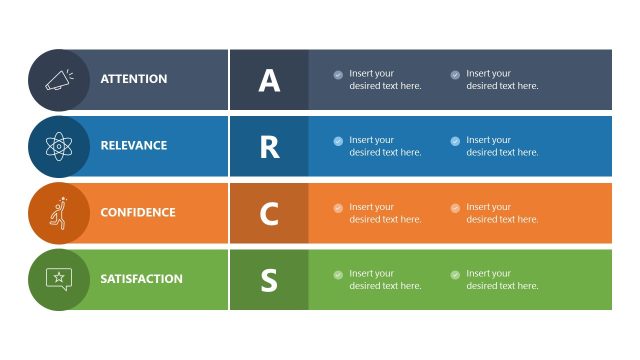
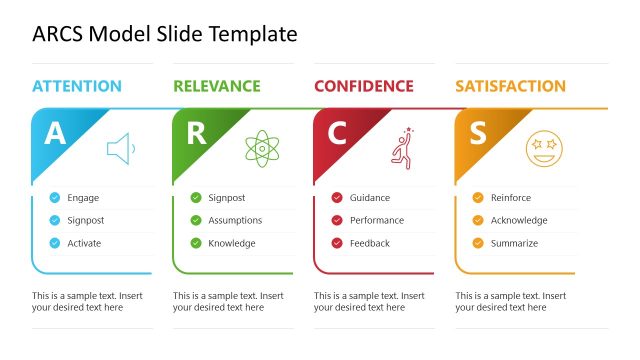
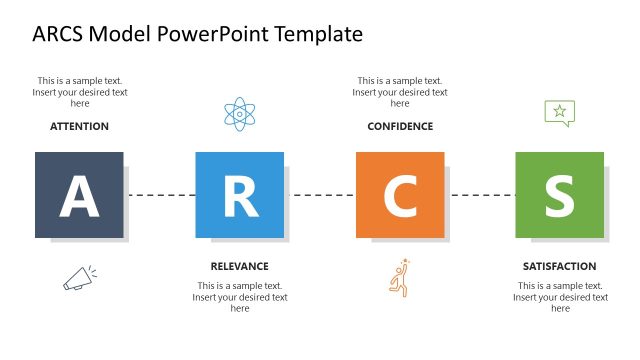
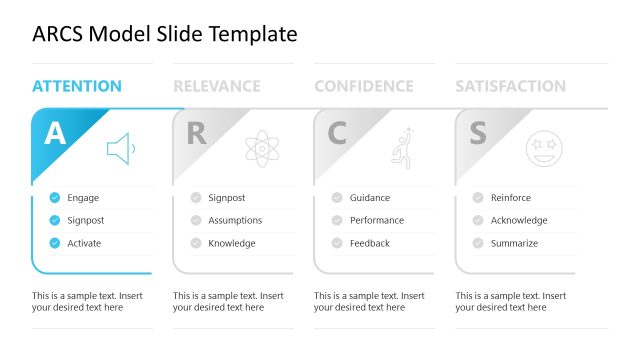
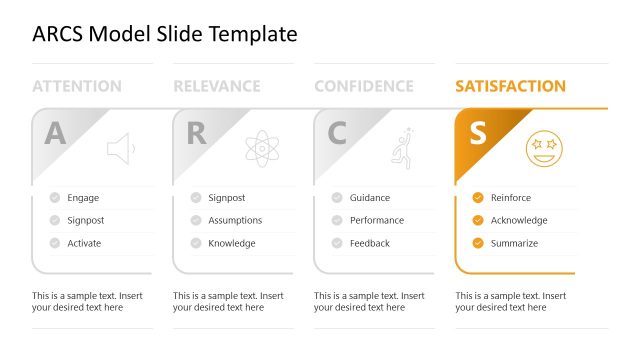
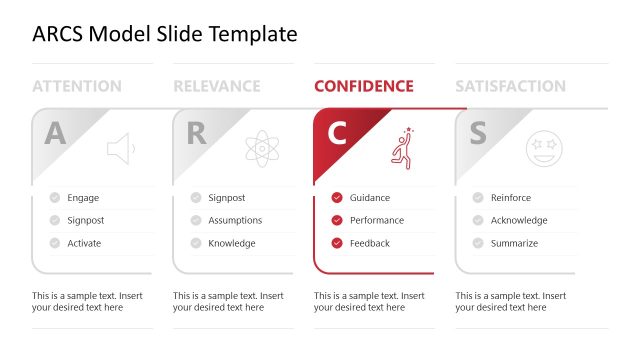
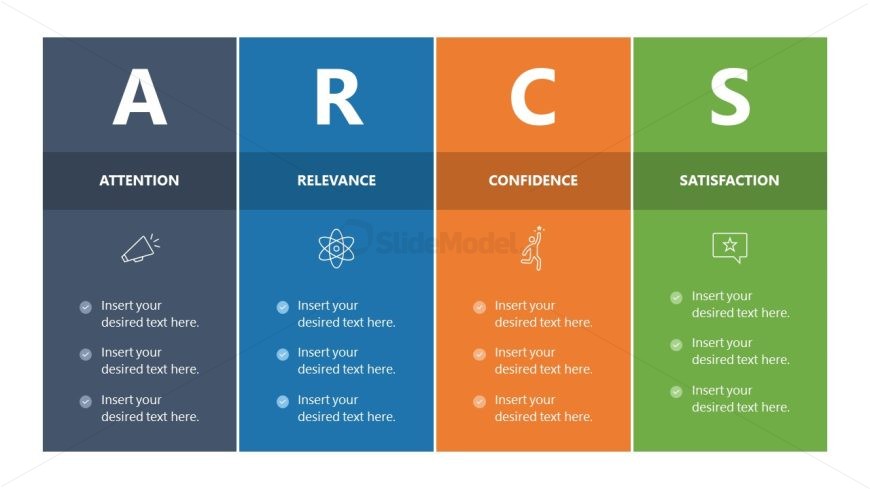
The ARCS Model Overview slide from the ARCS Model PowerPoint Template visually organizes the key concepts of Attention, Relevance, Confidence, and Satisfaction using distinct colored sections and icons. This slide layout is ideal for educational presentations and training sessions, offering editable shapes and clear structure to explain motivational strategies effectively within a business presentation or eLearning context.
What’s on This Slide
The layout consists of four vertical sections labeled A, R, C, and S, representing Attention, Relevance, Confidence, and Satisfaction. Each section has a distinct background color: dark gray for Attention, blue for Relevance, orange for Confidence, and green for Satisfaction. Each section contains a title at the top, followed by four text placeholders aligned vertically on the left side. Icons are positioned above the text placeholders, corresponding to each section's theme. The overall composition is structured, with clear visual separation between sections.
How to Use It
This layout serves as a framework for discussing the ARCS model in educational or motivational contexts. It is suitable for presentations focusing on instructional design, eLearning strategies, or learner engagement techniques. This slide fits early in a presentation sequence, introducing key concepts before delving into detailed discussions or examples. It can effectively summarize the model's components for stakeholders or training sessions.
Text Placeholders & Capacity
Keep your copy within these limits so it fits without resizing. Node body slots can hold about 10 words each.
| Placeholder | Count | Max characters (approx.) |
|---|---|---|
| Slide title | 1 | 30 |
| Item heading | 4 | 15 |
| Item body | 16 | 50 |
Slide Keywords
Download unlimited PowerPoint templates, charts and graphics for your presentations with our annual plan.
DOWNLOADReturn to ARCS Model PowerPoint Template.