Slide 7 of 15 from Annual Tax Planning Review PowerPoint Template
Annual Tax Planning PPT Template Slide with Data Placeholders
Tax Savings Achieved Slide Overview
- Text Layout
- Other
- Financial Summary Slide
- 16:9
- 100% Editable
The Tax Savings Achieved Slide from the Annual Tax Planning Review PowerPoint Template effectively presents key financial milestones using editable shapes and vector icons. Designed for business presentations, this slide layout highlights tax savings with clear visual hierarchy, making it ideal for financial summaries and tax strategy discussions within a corporate presentation or pitch deck template.
What’s on This Slide
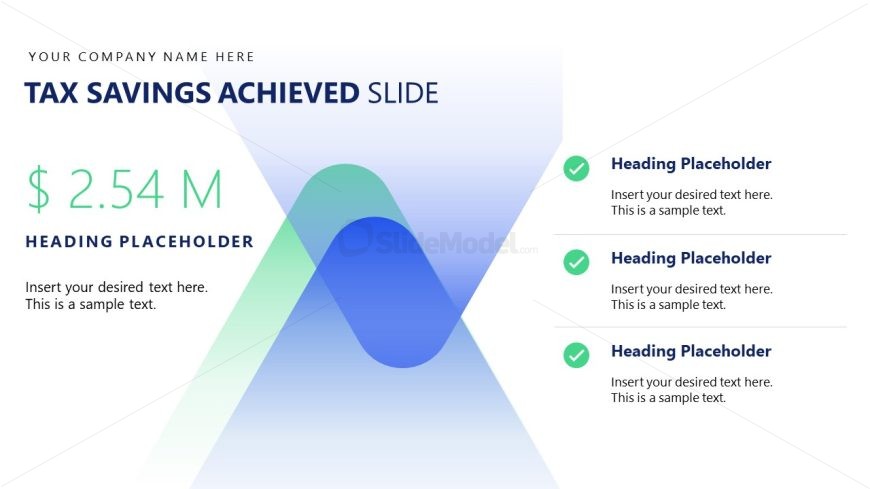
The layout features a prominent title at the top left, stating 'Tax Savings Achieved Slide.' Below this, a large dollar amount of '$2.54 M' is centered, emphasizing the financial achievement. To the right, there are three checkmark icons aligned vertically, each accompanied by a heading placeholder and a text placeholder beneath it. The background consists of a gradient with soft shapes, blending green and blue tones, creating a modern aesthetic. The overall composition balances text and icons, ensuring clarity and focus on the financial figure.
How to Use It
This layout serves to highlight financial achievements, making it suitable for presentations focused on tax savings or financial performance. It fits well after a problem slide, transitioning into solutions or results. This structure is effective in business contexts where showcasing savings or financial milestones is essential, such as annual reviews or financial strategy meetings. The clear visual hierarchy aids in communicating key financial data succinctly.
Text Placeholders & Capacity
Keep your copy within these limits so it fits without resizing. Node body slots can hold around 10-12 words each.
| Placeholder | Count | Max characters (approx.) |
|---|---|---|
| Slide title | 1 | 30 |
| Item heading | 3 | 25 |
| Item body | 3 | 50 |
Slide Keywords
Download unlimited PowerPoint templates, charts and graphics for your presentations with our annual plan.
DOWNLOAD