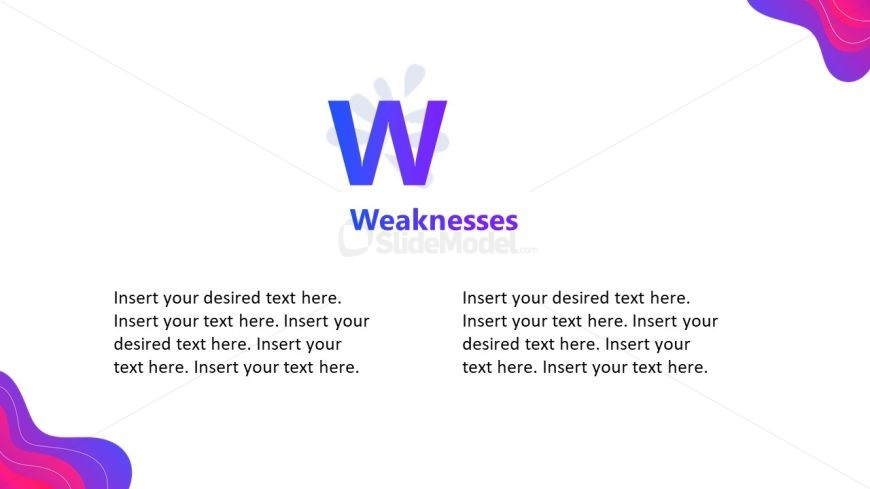
Slide 3 of 5 from Animated SWOT Layout PowerPoint Template
Weaknesses Presentation Slide – Animated SWOT Layout
Weaknesses Analysis Slide for SWOT Presentation
- Text Layout
- Other
- Strategic Analysis Slide
- 16:9
- 100% Editable
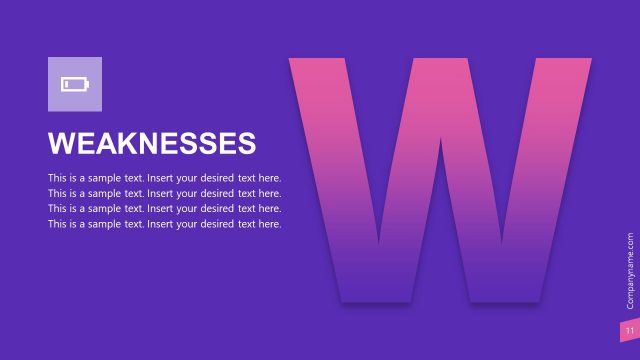
The Weaknesses Analysis slide from the Animated SWOT Layout PowerPoint Template offers a clear and structured way to present strategic weaknesses during business presentations or team brainstorming sessions. This slide layout includes editable shapes and text placeholders designed for detailed descriptions, making it suitable for corporate presentations and strategic planning meetings. Its visually engaging gradient background complements the slide deck's professional tone, enhancing audience focus on key weaknesses.
What’s on This Slide
The layout features a central large letter 'W' representing 'Weaknesses' on the left side. The text is positioned to the right, with two text placeholders aligned vertically. Each placeholder allows for multiple lines of text, providing ample space for detailed descriptions. The background includes a gradient design with soft curves in shades of purple and pink, creating a visually engaging atmosphere. The overall composition balances the prominent letter with the text, ensuring clarity and focus on the weaknesses being analyzed.
How to Use It
This layout serves to present the weaknesses component of a SWOT analysis. It fits within a sequence of slides that cover strengths, weaknesses, opportunities, and threats. This structure is useful for business presentations, strategic planning sessions, and team discussions where identifying weaknesses is crucial. It allows for detailed explanations alongside the visual representation of the concept, facilitating audience understanding and engagement.
Text Placeholders & Capacity
Keep your copy within these limits so it fits without resizing. Text slots can accommodate around 30-35 words each.
| Placeholder | Count | Max characters (approx.) |
|---|---|---|
| Item body | 2 | 150 |
Slide Keywords
Download unlimited PowerPoint templates, charts and graphics for your presentations with our annual plan.
DOWNLOADReturn to Animated SWOT Layout PowerPoint Template.