Slide 2 of 5 from Animated SWOT Layout PowerPoint Template
Strenghts Slide – Animated SWOT Layout PPT Template
Strengths Overview in SWOT Analysis
- Text Layout
- Definition Block
- Strategic Analysis Slide
- 16:9
- 100% Editable
The Strengths Overview slide from the Animated SWOT Layout PowerPoint Template provides a structured format ideal for strategic analysis in business presentations. This slide template features editable shapes and text placeholders designed to clearly highlight organizational strengths during SWOT analysis, making it suitable for corporate presentations and performance reviews. Its balanced design supports effective communication within pitch deck templates and strategic planning sessions.
What’s on This Slide
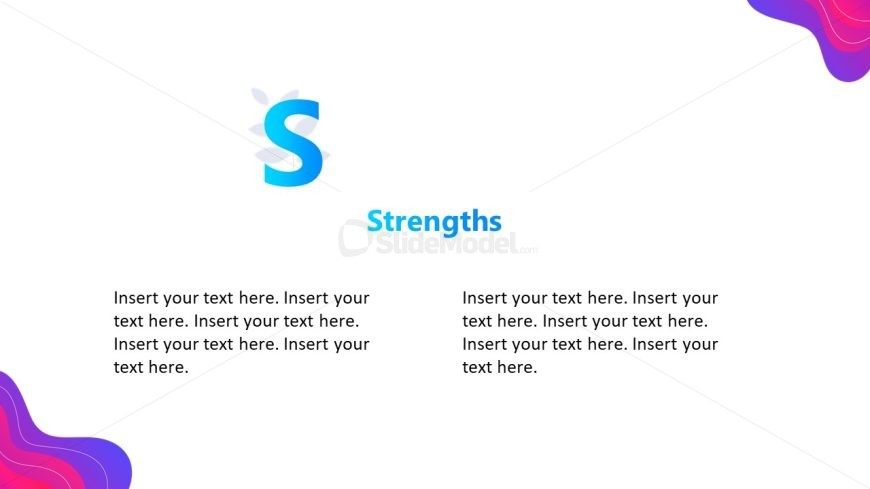
The layout features a left-aligned large letter 'S' representing strengths, accompanied by the word 'Strengths' in a prominent font. Text placeholders are positioned to the right, with two distinct sections for content, each containing multiple lines for text. The left section has a decorative gradient background flowing from purple to pink, while the right section maintains a clean white background. The visual hierarchy emphasizes the letter and title, guiding the viewer's focus. The overall composition is balanced, with clear separation between text areas.
How to Use It
This layout serves as a dedicated section for discussing strengths in a SWOT analysis. It fits within a presentation sequence that introduces the SWOT framework, allowing for a focused examination of strengths. This format is suitable for business contexts where identifying internal advantages is crucial, such as strategic planning meetings, performance reviews, or competitive analysis sessions. It can be utilized to highlight key organizational strengths or product advantages.
Text Placeholders & Capacity
Keep your copy within these limits so it fits without resizing. Text slots can accommodate around 6-8 lines of content each.
| Placeholder | Count | Max characters (approx.) |
|---|---|---|
| Slide title | 1 | 30 |
| Item body | 2 | 150 |
Slide Keywords
Download unlimited PowerPoint templates, charts and graphics for your presentations with our annual plan.
DOWNLOADReturn to Animated SWOT Layout PowerPoint Template.