Slide 2 of 3 from Animated Pros & Cons Comparison Slide Template for PowerPoint
Animated Pros & Cons PPT Slide Template
Pros and Cons Comparison Slide
- Text Layout
- List Blocks
- Comparison Slide
- 16:9
- 100% Editable
What’s on This Slide
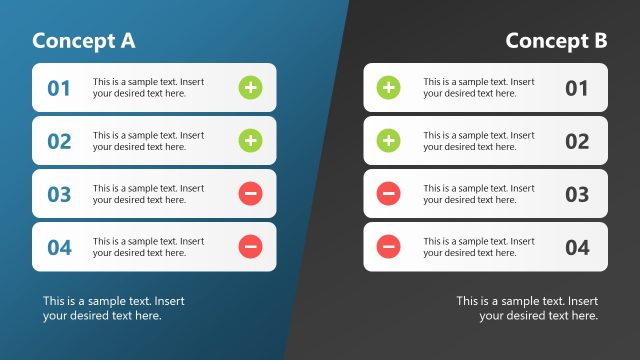
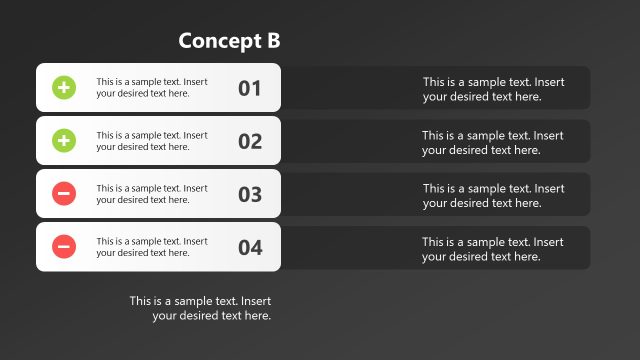
The layout features a vertical arrangement of four sections aligned on the left side, each containing a number and a text placeholder. The sections are separated by horizontal spacing, with a larger text placeholder at the bottom. Each section has a circular icon on the right, indicating positive or negative aspects. The background is a gradient transitioning from dark blue at the top to lighter blue at the bottom, creating a clear visual hierarchy. The title 'Concept A' is positioned at the top, indicating the subject of the comparison.
How to Use It
This layout serves as a structured comparison tool, ideal for presenting pros and cons in decision-making scenarios. It fits well after a problem-framing slide and before a conclusion or recommendation. This format is useful for evaluating options in business meetings, project proposals, or product evaluations, allowing for clear visual differentiation of positive and negative points.
Text Placeholders & Capacity
Keep your copy within these limits so it fits without resizing. Node body slots can accommodate roughly 15-20 words each.
| Placeholder | Count | Max characters (approx.) |
|---|---|---|
| Item heading | 4 | 30 |
| Item body | 4 | 100 |
| Slide title | 1 | 30 |
| Footer | 1 | 100 |
Slide Keywords
Download unlimited PowerPoint templates, charts and graphics for your presentations with our annual plan.
DOWNLOADReturn to Animated Pros & Cons Comparison Slide Template for PowerPoint.