Slide 7 of 7 from Animated Hexagonal Diagram PowerPoint Template
Color-Coded 6-Item Hexagonal Diagram
Animated Hexagonal Diagram for Presentations
- Diagram
- Hexagonal
- Process Slide
- 16:9
- 100% Editable
The Animated Hexagonal Diagram slide from the Animated Hexagonal Diagram PowerPoint Template offers a clear visual layout for illustrating project stages or marketing strategies. This slide uses editable shapes arranged in a hexagonal pattern to present process overviews effectively. Ideal for business presentations, it enhances communication by combining vector icons and a balanced design within a slide deck.
What’s on This Slide
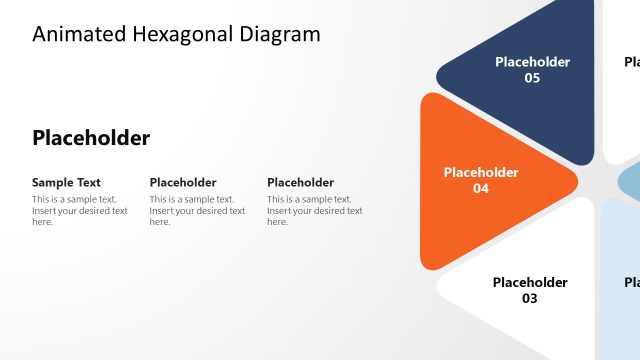
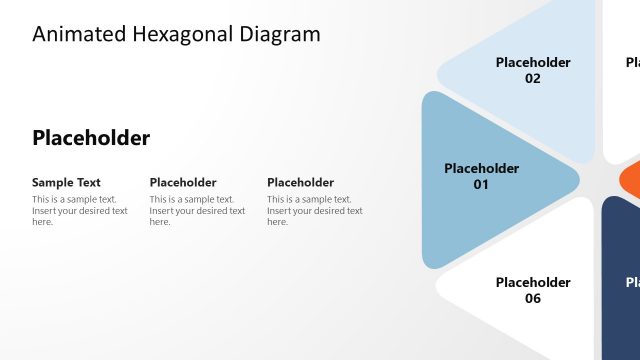
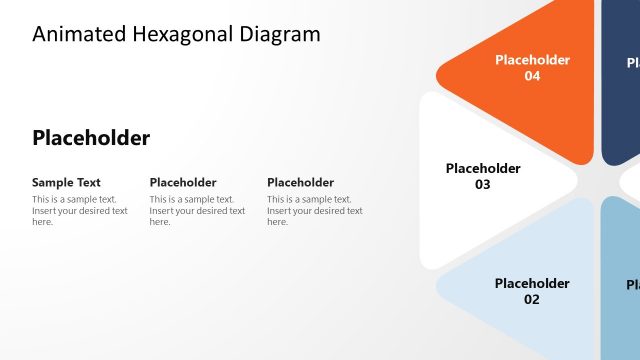
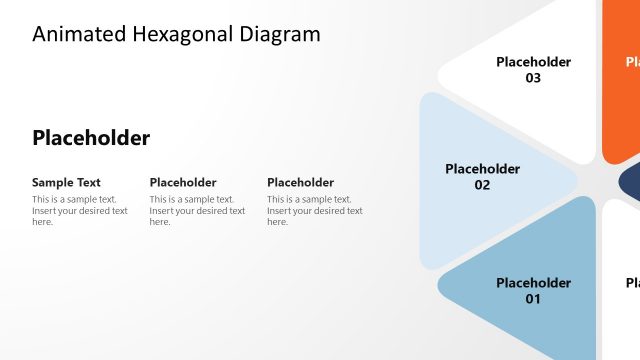
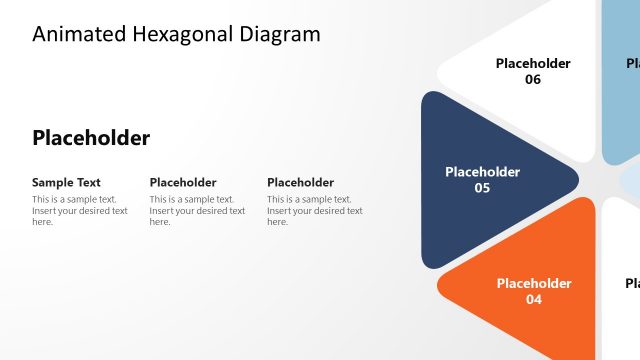
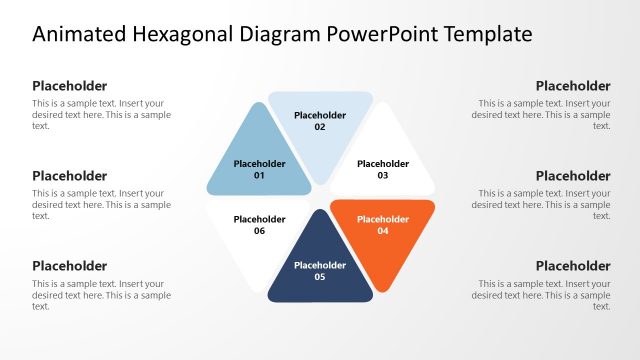
The layout features a central hexagonal diagram with six segments arranged around it. Each segment is a distinct shape, colored in varying shades of blue and orange, with text placeholders inside. The segments are positioned in a circular pattern, with one segment at the bottom left and another at the top right. The central area contains a title placeholder, while additional text placeholders are located below and to the left of the diagram. The overall composition is balanced, with a light background enhancing visibility.
How to Use It
This layout serves as a visual representation of processes or stages, suitable for illustrating sequential steps or categories. It fits well in a presentation sequence after introducing a topic and before diving into detailed discussions. Real-world applications include project planning, product development stages, or marketing strategies, where clarity in progression is essential.
Text Placeholders & Capacity
Keep your copy within these limits so it fits without resizing. Node labels can hold about 3-4 words each, while body text can accommodate roughly 10-12 words.
| Placeholder | Count | Max characters (approx.) |
|---|---|---|
| Slide title | 1 | 30 |
| Item heading | 6 | 20 |
| Item body | 6 | 60 |
Slide Keywords
Download unlimited PowerPoint templates, charts and graphics for your presentations with our annual plan.
DOWNLOAD