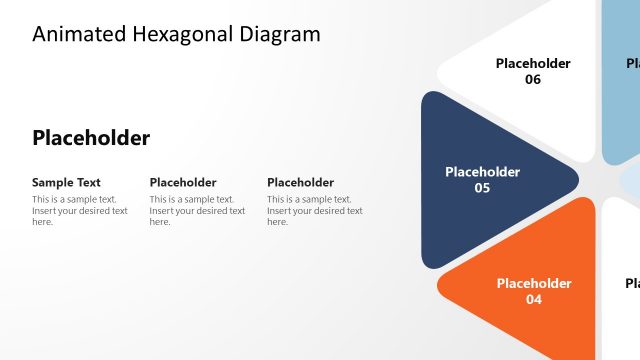
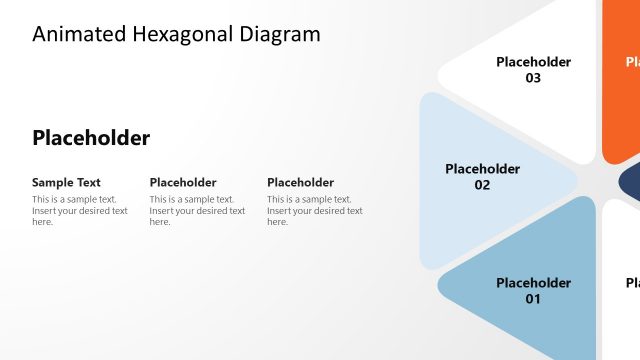
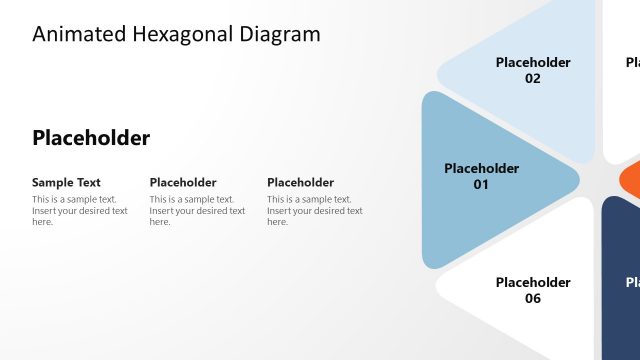
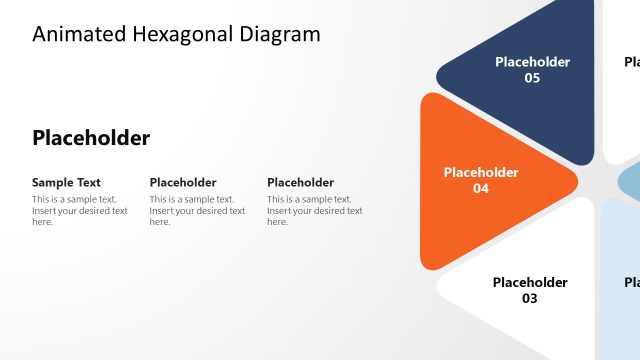
Slide 1 of 7 from Animated Hexagonal Diagram PowerPoint Template
Animated Hexagonal PPT Template Slide
Animated Hexagonal Diagram Template Overview
- Diagram
- Hexagonal
- Process Slide
- 16:9
- 100% Editable
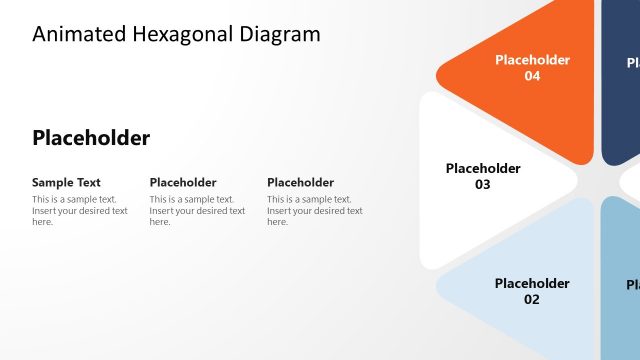
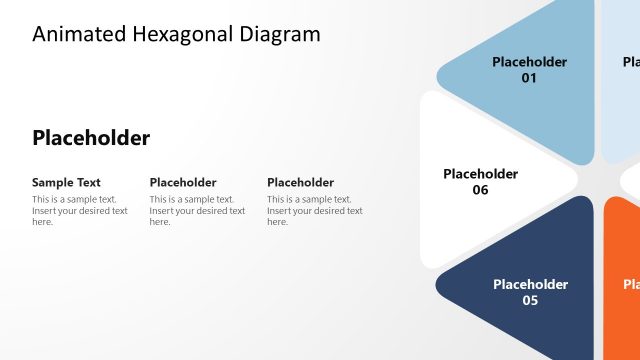
The Hexagonal Diagram with Placeholders slide from the Animated Hexagonal Diagram PowerPoint Template offers a structured visual for process overviews and strategic planning. This slide layout uses editable shapes arranged in a hexagonal format to clearly present project stages or sequential steps. Ideal for business presentations, it integrates well with slide decks requiring concise communication of multiple related components, enhancing clarity through its distinct triangular sections and supplementary text placeholders.
What’s on This Slide
The slide features a hexagonal diagram composed of six triangular sections arranged in a circular layout. Each triangle contains a text placeholder, positioned centrally within the shape. The top triangle is white, while the others alternate between blue and orange shades. The diagram is surrounded by a light gradient background, enhancing visual clarity. A title placeholder is located at the top, aligned centrally. The overall composition emphasizes the hexagonal structure, with equal spacing between the triangles, creating a cohesive design. Additional placeholders are positioned around the diagram for supplementary text.
How to Use It
This layout serves as a visual representation of processes or stages, making it suitable for presentations that outline sequential steps or components. It fits well in the introduction of a topic, where an overview of key points is necessary. This structure can be effectively used in business contexts, such as project planning, product development, or strategy discussions. It allows for clear communication of multiple related ideas, ensuring that each component is distinctly presented while maintaining a unified theme.
Text Placeholders & Capacity
Keep your copy within these limits so it fits without resizing. Node body slots can accommodate detailed text, roughly 25-30 words each.
| Placeholder | Count | Max characters (approx.) |
|---|---|---|
| Slide title | 1 | 50 |
| Item heading | 6 | 30 |
| Item body | 6 | 150 |
Slide Keywords
Download unlimited PowerPoint templates, charts and graphics for your presentations with our annual plan.
DOWNLOAD