Slide 1 of 7 from Animated Ascending Block List Template for PowerPoint
Editable Ascending Block List PowerPoint Template
Ascending Block List Slide Template Overview
- Diagram
- Comparison Split
- Process Slide
- 16:9
- 100% Editable
What’s on This Slide
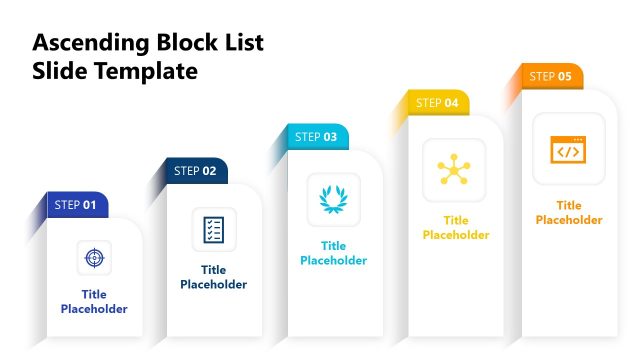
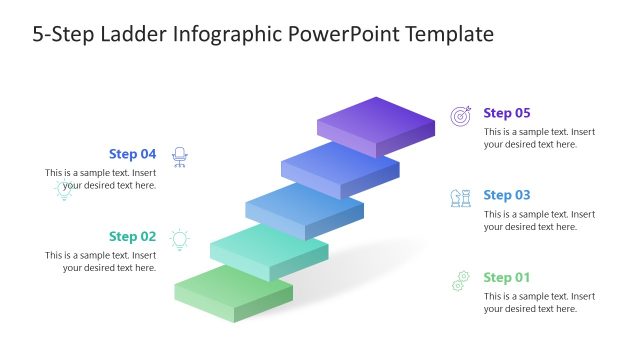
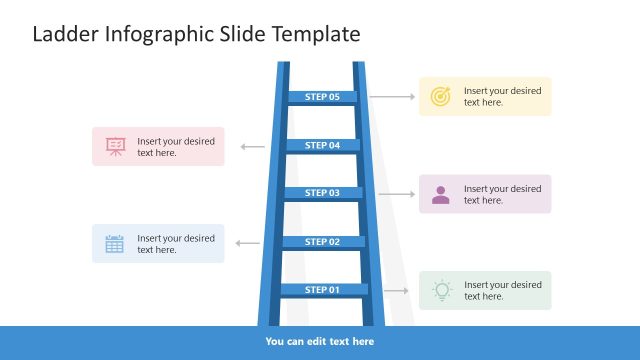
The layout features five ascending blocks arranged from left to right, each with a distinct color-coded header indicating steps one through five. Each block contains a title placeholder positioned at the bottom center, with an icon above it. The blocks have rounded corners and drop shadows, creating a layered effect. The background is white, enhancing the visibility of the blocks. The visual hierarchy is clear, with the step numbers prominently displayed at the top of each block. The overall composition is structured and organized, allowing for easy readability.
How to Use It
This layout serves as a step-by-step guide, ideal for outlining processes or tasks in a presentation. It fits well after an introductory slide and before detailed content, providing a clear overview of sequential actions. Real-world applications include project management updates, training sessions, or product feature explanations. The ascending design emphasizes progression and can effectively highlight milestones or phases in a project, making it suitable for various business contexts.
Text Placeholders & Capacity
Keep your copy within these limits so it fits without resizing. Node labels can accommodate roughly 3-5 words each.
| Placeholder | Count | Max characters (approx.) |
|---|---|---|
| Slide title | 1 | 40 |
| Item heading | 5 | 20 |
| Item body | 5 | 30 |
Slide Keywords
Download unlimited PowerPoint templates, charts and graphics for your presentations with our annual plan.
DOWNLOADReturn to Animated Ascending Block List Template for PowerPoint.