Slide 2 of 8 from Animated 6-Year Vertical Timeline Template for PowerPoint
Animated 6-Year Vertical Timeline PPT Template
Vertical Timeline Slide for Presentations
- Diagram
- Timeline Vertical
- Timeline Slide
- 16:9
- 100% Editable
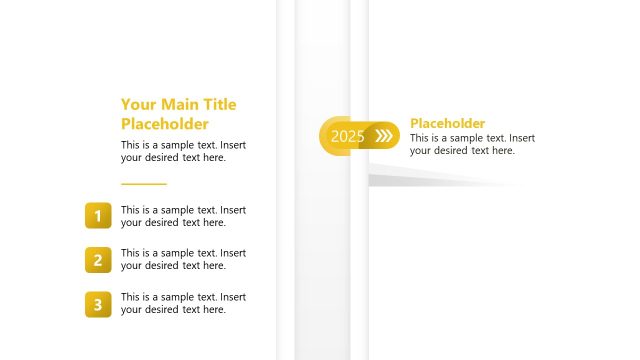
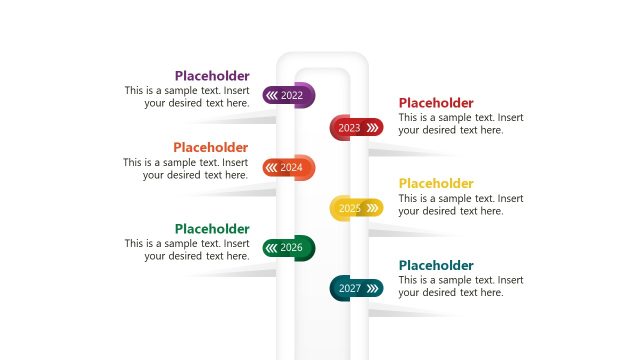
The Vertical Timeline with Year Indicator slide from the Animated 6-Year Vertical Timeline Template for PowerPoint offers a clean, minimalistic layout ideal for business presentations and project updates. This slide template features editable shapes and placeholders arranged vertically to highlight chronological milestones, making it a practical choice for corporate presentations and event planning slide decks.
What’s on This Slide
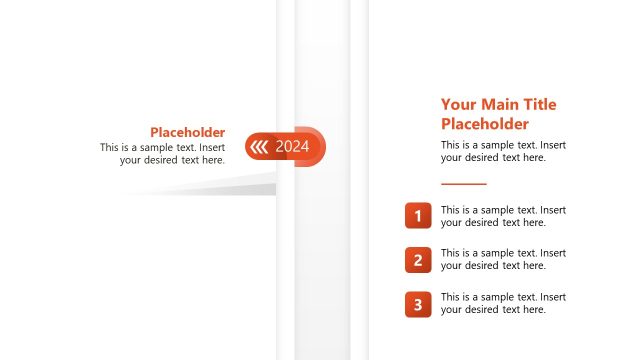
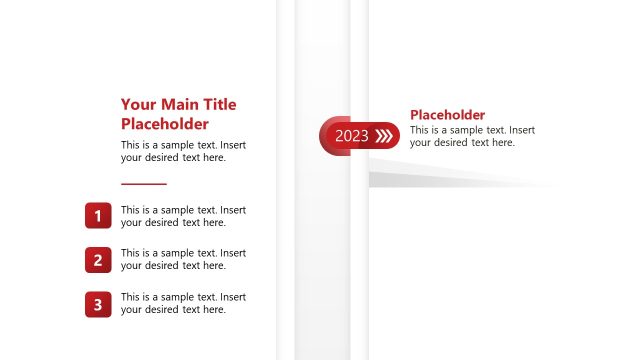
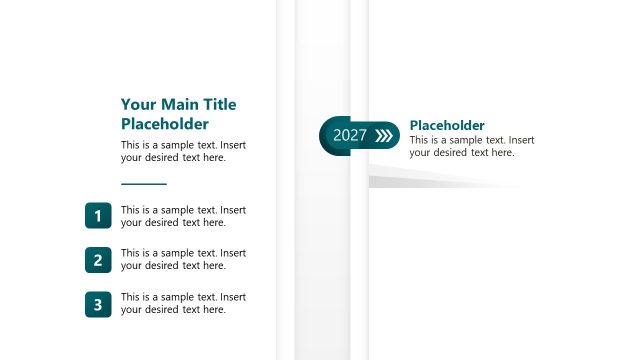
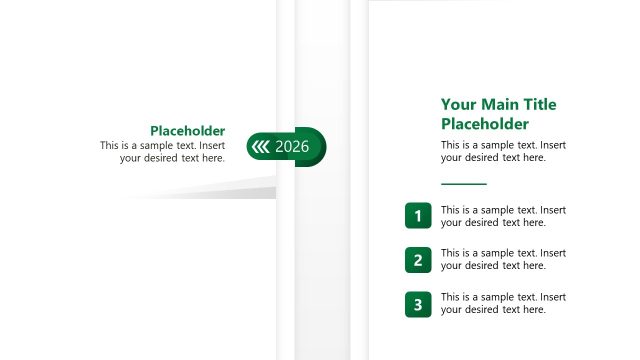
The layout features a vertical timeline on the left side, with a year indicator labeled '2022' positioned centrally. A main title placeholder is located to the right, aligned at the top, followed by a body text placeholder below it. Three numbered placeholders are vertically stacked beneath the main title, each aligned to the right. The timeline is designed with a clean, minimalistic style, using a white background. The visual hierarchy emphasizes the year and title, while the placeholders are clearly defined for text insertion.
How to Use It
This layout serves as a vertical timeline to present chronological events or milestones. It fits well in a presentation sequence after an introductory slide, providing a structured way to outline progress over time. Suitable for business updates, project timelines, or historical overviews, this slide can effectively communicate key developments in a clear format. It can be used individually to highlight specific years or phases in a project.
Text Placeholders & Capacity
Keep your copy within these limits so it fits without resizing. Body slots can hold about 10-12 words each.
| Placeholder | Count | Max characters (approx.) |
|---|---|---|
| Slide title | 1 | 40 |
| Item body | 3 | 60 |
| Node number | 3 | 5 |
| Footer | 1 | 80 |
Slide Keywords
Download unlimited PowerPoint templates, charts and graphics for your presentations with our annual plan.
DOWNLOADReturn to Animated 6-Year Vertical Timeline Template for PowerPoint.