Slide 7 of 7 from Animated 6-Step Lightbulb Infographic PowerPoint Template
Idea Six – Rope Light Infographic 6-Steps Infographic Template
6-Step Lightbulb Infographic Slide
- Diagram
- Other
- Summary Slide
- 16:9
- 100% Editable
The 6-Step Lightbulb Infographic slide from the Animated 6-Step Lightbulb Infographic PowerPoint Template offers a clear summary layout ideal for business presentations. Featuring editable shapes and vector icons, this slide highlights key takeaways with a focus on the final step, making it suitable for project overviews and corporate slide decks. Its design supports concise communication of strategic initiatives in professional slide templates.
What’s on This Slide
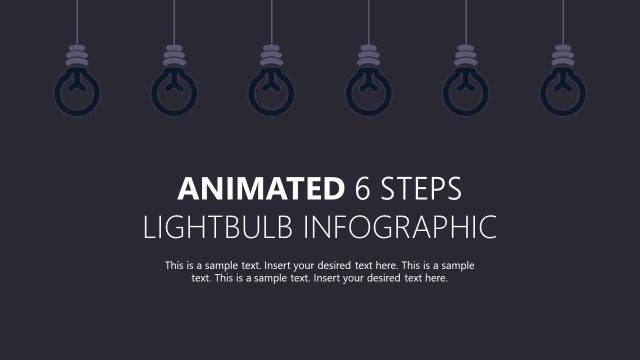
The slide features a dark background with six lightbulb icons suspended from the top. The first five bulbs are dark, while the sixth is highlighted in yellow, indicating focus. The title 'IDEA 06' is positioned on the right side, with a subtitle placeholder directly beneath it. Below, a larger text placeholder reads 'ANIMATED 6 STEPS LIGHTBULB INFOGRAPHIC.' The lightbulb icons are evenly spaced across the top, creating a balanced visual hierarchy. The overall composition emphasizes the highlighted bulb, guiding attention to the main idea.
How to Use It
This layout serves as a concluding slide in a presentation, summarizing key ideas in a visually engaging manner. It is suitable for business contexts where a series of concepts or steps need to be highlighted, such as project phases or strategic initiatives. The design allows for easy insertion of text, making it ideal for conveying final thoughts or takeaways. It fits well after detailed content slides, providing a clear transition to the conclusion of a presentation.
Text Placeholders & Capacity
Keep your copy within these limits so it fits without resizing. Body slots can accommodate about 15-20 words each.
| Placeholder | Count | Max characters (approx.) |
|---|---|---|
| Slide title | 1 | 20 |
| Subtitle | 1 | 50 |
| Body paragraph | 1 | 100 |
Slide Keywords
Download unlimited PowerPoint templates, charts and graphics for your presentations with our annual plan.
DOWNLOADReturn to Animated 6-Step Lightbulb Infographic PowerPoint Template.