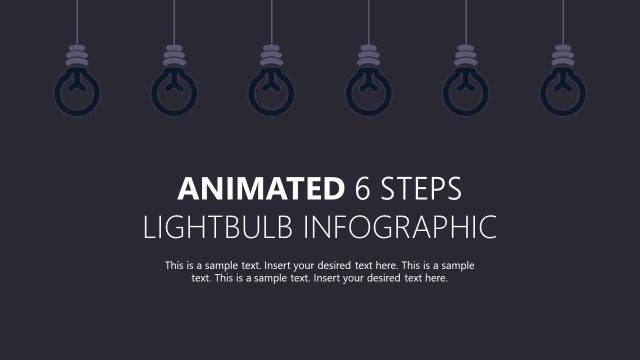
Slide 5 of 7 from Animated 6-Step Lightbulb Infographic PowerPoint Template
Creative Idea Sharing Infographic Slide Template
Lightbulb Infographic Idea Slide
- Diagram
- Other
- Concept Explanation Slide
- 16:9
- 100% Editable
The Lightbulb Idea Display slide from the Animated 6-Step Lightbulb Infographic PowerPoint Template visually highlights a key concept within a multi-step process, making it ideal for business presentations and brainstorming sessions. This slide layout uses editable shapes and vector icons to emphasize the current idea, supporting clear communication in corporate presentations and project updates.
What’s on This Slide
The slide features a dark background with five hanging lightbulbs. One bulb is highlighted in yellow, indicating focus. The highlighted bulb is larger than the others, which are smaller and dark. To the right of the highlighted bulb, there is a text placeholder for the title labeled 'IDEA 04' and a subtitle placeholder below it. The bottom of the slide contains a text placeholder for the overall title of the infographic, centered and in a larger font. The visual hierarchy emphasizes the highlighted bulb and the title.
How to Use It
This layout serves as a visual representation of an idea within a six-step process. It fits well in a presentation sequence that outlines key concepts or proposals. The highlighted bulb signifies the current focus, making it suitable for business scenarios like brainstorming sessions, project updates, or idea presentations. It can be used to emphasize specific points in a structured narrative.
Text Placeholders & Capacity
Keep your copy within these limits so it fits without resizing. Body slots can accommodate approximately 15-20 words each.
| Placeholder | Count | Max characters (approx.) |
|---|---|---|
| Slide title | 1 | 30 |
| Subtitle | 1 | 50 |
| Body paragraph | 1 | 100 |
Slide Keywords
Download unlimited PowerPoint templates, charts and graphics for your presentations with our annual plan.
DOWNLOADReturn to Animated 6-Step Lightbulb Infographic PowerPoint Template.