Slide 8 of 14 from Agentic AI PowerPoint Template
Enabling Tools for AI Agents – Agentic AI Template
Enabling Tools PowerPoint Slide
- Text Layout
- List Blocks
- Concept Explanation Slide
- 16:9
- 100% Editable
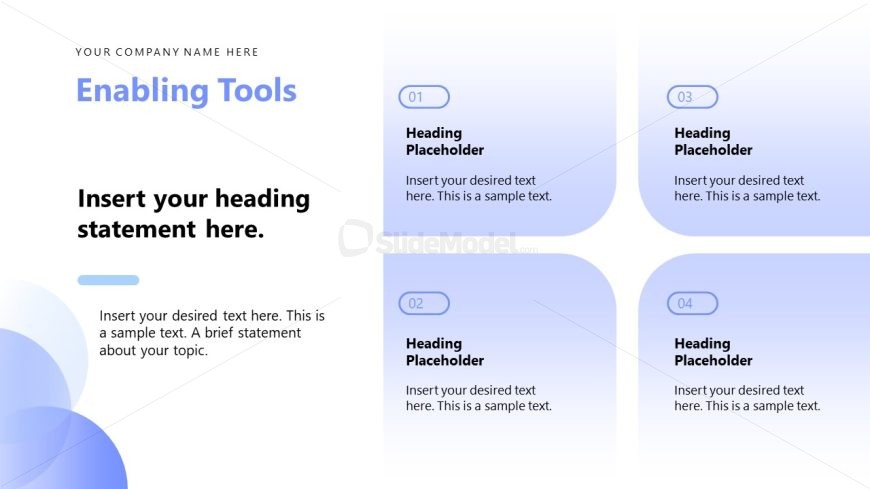
The Enabling Tools Layout from the Agentic AI PowerPoint Template offers a structured design ideal for showcasing product features or service overviews. This slide layout uses editable shapes and a clear 2x2 grid to organize key points effectively, making it a practical choice for business presentations and pitch deck templates that require concise concept explanation.
What’s on This Slide
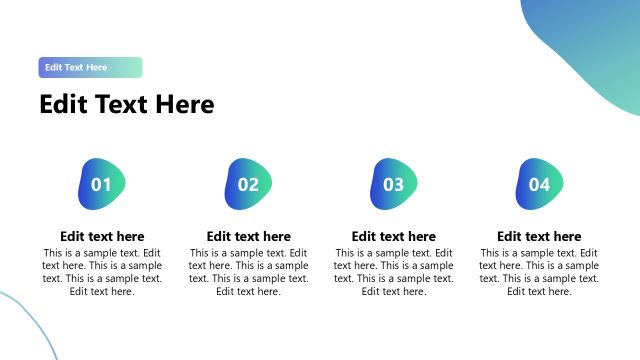
The layout features a prominent title area at the top with a placeholder for the company name and a heading statement. Below, there are four equally sized rectangular sections arranged in a 2x2 grid. Each section contains a numbered heading placeholder and a text placeholder for content. The sections are visually separated by rounded corners and a light gradient background that transitions from white to light blue. There are additional circular design elements in the bottom left corner, enhancing the overall composition. The text placeholders are centrally aligned within each section.
How to Use It
This layout serves as a structured format for presenting tools or features in a clear, organized manner. It fits well in a presentation sequence after introducing a problem or need, allowing for a focused discussion on solutions. This layout is suitable for business scenarios such as product feature showcases, tool introductions, or service offerings. It can be used to highlight key aspects of a project or initiative, making it ideal for team meetings or client presentations.
Text Placeholders & Capacity
Keep your copy within these limits so it fits without resizing. Node body slots can hold approximately 30-40 words each.
| Placeholder | Count | Max characters (approx.) |
|---|---|---|
| Slide title | 1 | 50 |
| Item heading | 4 | 30 |
| Item body | 4 | 150 |
| Body paragraph | 1 | 200 |
Slide Keywords
Download unlimited PowerPoint templates, charts and graphics for your presentations with our annual plan.
DOWNLOADReturn to Agentic AI PowerPoint Template.