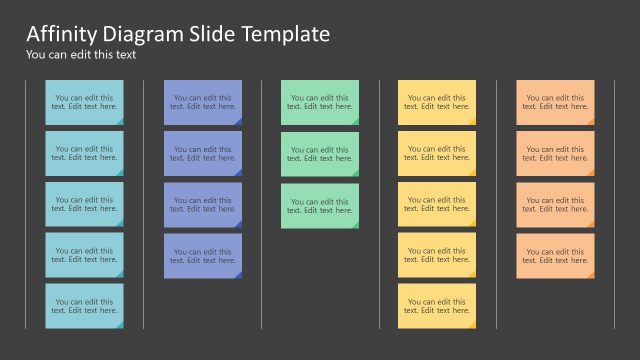
Slide 1 of 2 from Affinity Quadrant Diagram PowerPoint Template
Affinity Quadrant Diagram PPT Template
Affinity Quadrant Diagram PowerPoint Template
- Diagram
- Matrix Quadrant
- Strategic Analysis Slide
- 16:9
- 100% Editable
What’s on This Slide
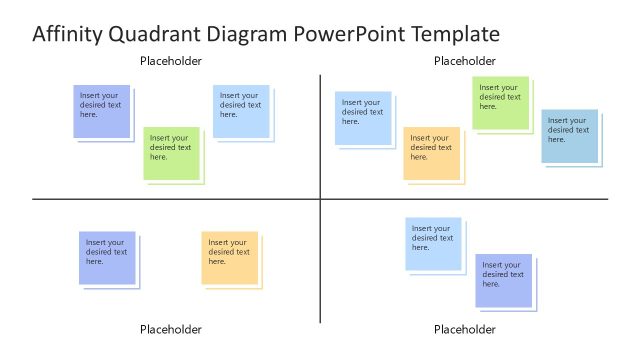
The layout features a central quadrant diagram divided into four sections, each containing a colored placeholder for text. The top two quadrants are aligned horizontally, while the bottom two follow the same structure. Each quadrant has a distinct color: blue, green, yellow, and orange. A title placeholder is positioned at the top center, with additional text placeholders located on the right side for supplementary information. The overall design is symmetrical, with clear boundaries separating each section, allowing for easy organization of ideas.
How to Use It
This layout serves as a quadrant diagram, ideal for organizing and categorizing ideas or concepts. It fits well in presentations that require a visual representation of relationships among different elements. Common scenarios include brainstorming sessions, project planning, or strategic analysis. This structure allows for clear comparisons and contrasts between the four categories, making it useful in team discussions or workshops focused on idea generation and prioritization.
Text Placeholders & Capacity
Keep your copy within these limits so it fits without resizing. Node body slots can accommodate roughly 5-6 words each.
| Placeholder | Count | Max characters (approx.) |
|---|---|---|
| Item body | 4 | 30 |
| Slide title | 1 | 50 |
| Body paragraph | 1 | 100 |
Slide Keywords
Download unlimited PowerPoint templates, charts and graphics for your presentations with our annual plan.
DOWNLOAD