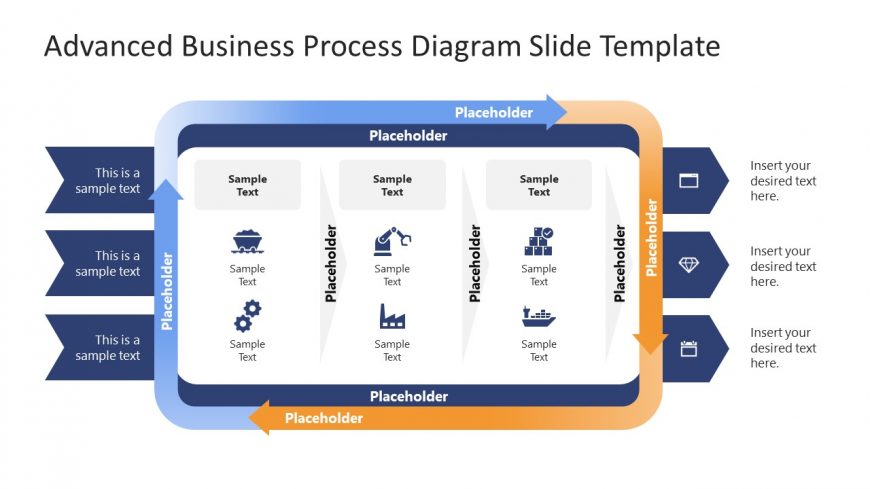
Slide 1 of 2 from Advanced Business Process Diagram PowerPoint Template
Advanced Business Process Template Diagram
Business Process Diagram Slide Template
- Diagram
- Process Flow
- Process Slide
- 16:9
- 100% Editable
What’s on This Slide
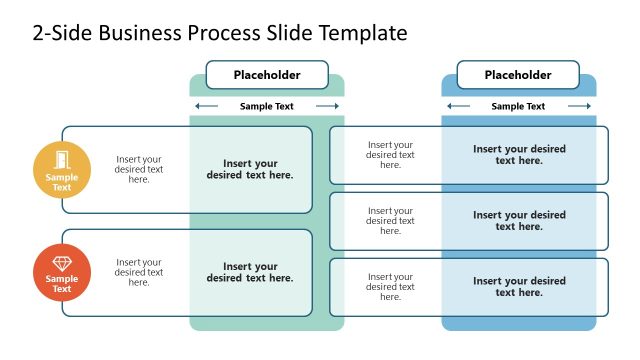
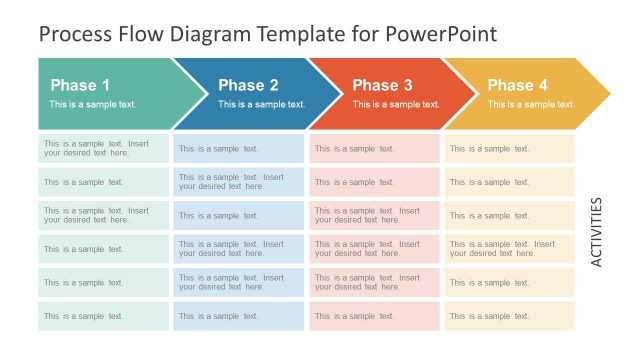
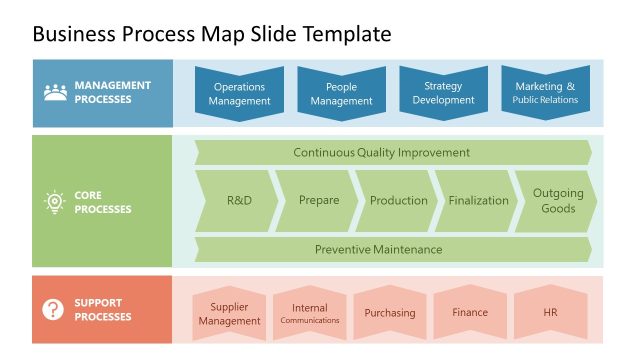
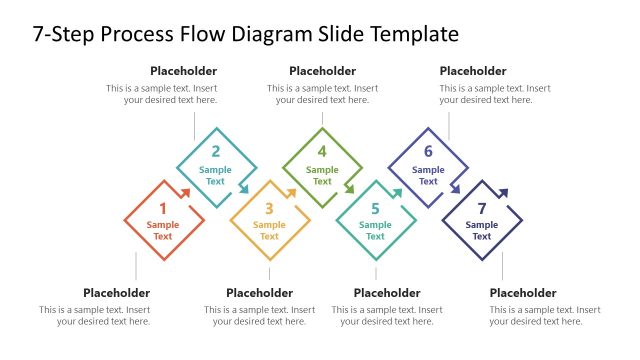
The layout features a central rectangular container with rounded corners, flanked by two side panels. The top and bottom sections contain placeholder text aligned centrally, while the side panels include icons and additional placeholder text. The central container holds four placeholders arranged in two rows, with icons positioned above each placeholder. Arrows extend from the side panels towards the central container, indicating flow. The overall color scheme includes blue and orange gradients, enhancing visual hierarchy. Text placeholders are present, with varying alignments and sizes throughout the design.
How to Use It
This layout serves as a structured diagram to illustrate business processes. It is suitable for presenting workflows, project stages, or operational steps in a clear, visual manner. This slide fits well in a presentation sequence following a problem statement or introduction, providing a roadmap for understanding processes. It is useful in business meetings, project planning sessions, or strategy discussions where clarity in process flow is essential.
Text Placeholders & Capacity
Keep your copy within these limits so it fits without resizing. Node body slots can hold approximately 30 characters each.
| Placeholder | Count | Max characters (approx.) |
|---|---|---|
| Item body | 4 | 30 |
| Body paragraph | 4 | 50 |
| Slide title | 1 | 40 |
Slide Keywords
Download unlimited PowerPoint templates, charts and graphics for your presentations with our annual plan.
DOWNLOADReturn to Advanced Business Process Diagram PowerPoint Template.