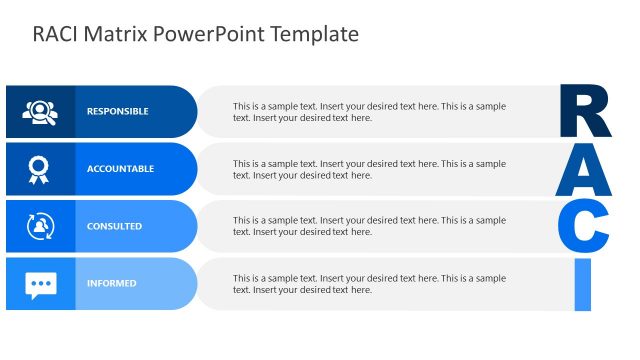
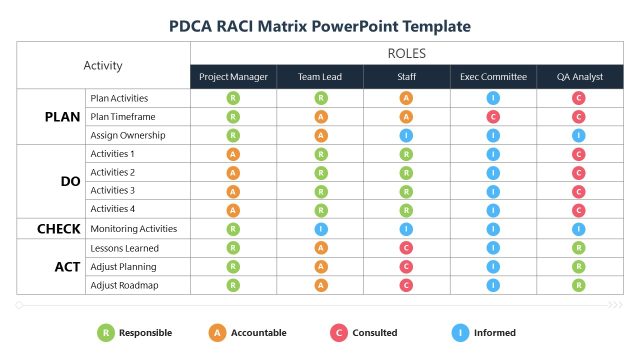
Create a well-defined action plan and assign various roles & responsibilities to your teams using this editable Action Plan Matrix PowerPoint Template. Action planning is simplified by the use of the RACI tool, which helps segregate the roles into four major categories. Professionals can assess and define the functions of their teams/members according to their capacities or expertise. This PPT matrix chart is a detailed chart for showing up to 10 tasks of the project and the responsibilities of three different teams. Using the extensive design and simple interpretation layout, users can explain their action steps to their teams. In this creative matrix template, we have provided:
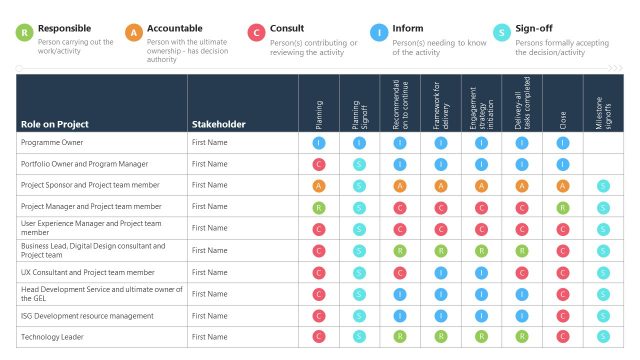
- Ten rows on the left part of the slide that can be used to mention the tasks/phases of the project.
- Fifteen columns on the top side of the slide, which are divided into three sets (each with five entries).
- The body of the matrix consists of three blocks, corresponding to the column groups.
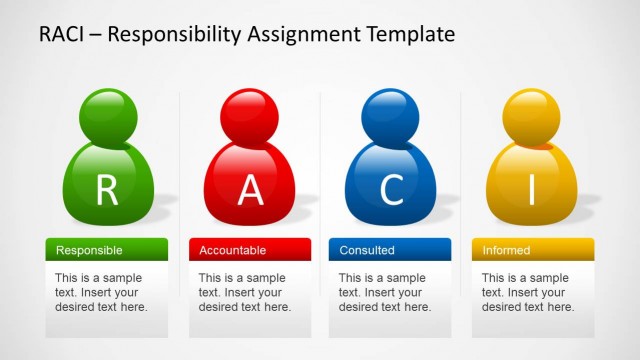
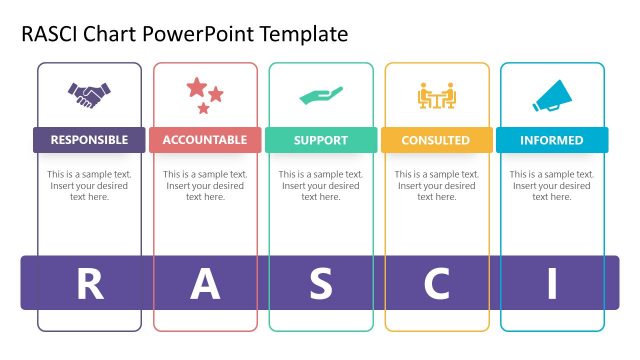
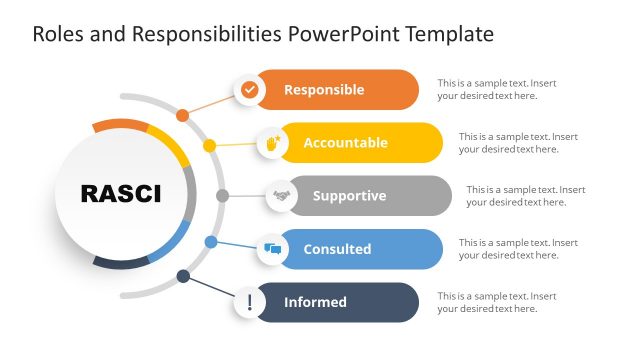
The square cells in each block of the matrix are intended to denote an alphabet letter representing a category of the RACI matrix, specifically Responsible (R), Accountable (A), Consulted (C), and Informed (I). The alphabets and their meanings are mentioned at the bottom of the slide for the audience’s understanding. Presenters can modify each section according to their needs and edit the provided text to say their relevant details. For example, this Action Plan Matrix PowerPoint Template can be used by marketing teams to create a layout of roles from the ideation stage to the final advertisement campaign. They can showcase the roles of three departments included in the project, which are: design, strategy, and management. Likewise, other professionals can use this action plan matrix PPT template for their planning presentation.
The two color variant slides provided in this template are easy to edit and can be chosen based on the requirements. The color scheme and fonts can also be altered. Download and try editing it today! Alternatively, you can download other matrix templates for presentations to use in your business slides.
What’s inside this template
Example presentation scenarios
- A project manager can use the RACI action plan matrix to assign ownership for each task during a project kickoff with several workstream leads.
- An operations leader can present the three-block responsibility grid to compare how different teams participate in a shared implementation plan.
- A consultant can use the RACI legend and colored letter markers to explain decision rights and communication expectations to a client team.
- A marketing lead can map campaign phases in the task rows and assign design, strategy, and management responsibilities across the grouped columns.
Features
- 100% editable presentation template
- Compatible with Microsoft PowerPoint and Google Slides
- 16:9 aspect ratio slides
- Scalable vector shapes, icons and illustrations
- AI-Ready for Microsoft Copilot and Claude
- Instant access and download
Frequently asked questions
Q: How should a presenter explain the RACI matrix without overwhelming the audience?
A: Start with the four-letter legend at the bottom, then walk across one task row as an example before discussing the full matrix. This gives the audience a reading pattern: task on the left, team or role at the top, responsibility marker inside the grid. After that, focus only on the rows where ownership or accountability needs discussion.
Q: Who benefits most from using this action plan matrix?
A: This template fits project managers, operations leads, consultants, and team leads who need to clarify responsibilities across multiple teams. It is strongest when the presentation goal is alignment: each task row can represent a phase or deliverable, while the grouped grids make team-by-team responsibility differences visible in one view.
Q: Why does the three-block matrix design improve responsibility discussions?
A: The three side-by-side grid blocks create a visual metaphor for parallel teams working on the same action plan. The colored RACI markers reduce long text explanations and make gaps, duplicated accountability, or heavy consultation loads easier to see. The bottom legend keeps the coding system close to the matrix while the presenter talks.


Action Plan Matrix PowerPoint Template
2-slide presentation template for RACI action plan matrix and responsibility assignment planning
The Action Plan Matrix PowerPoint Template is a 2-slide RACI planning template for assigning project tasks across teams. It includes a large action plan matrix, three grouped responsibility grids, task rows, role columns, and a RACI legend. It is built for project managers and team leads using Microsoft PowerPoint or Google Slides.
- Category
- Matrix Charts
- Rating

 Loading...
- Aspect ratio
- 16:9
- Item ID
- 23062-01
 Microsoft PowerPoint
 Microsoft Copilot
 Claude for PowerPoint
Other formats supported
Subscribe today and get immediate
access to download our PowerPoint templates.