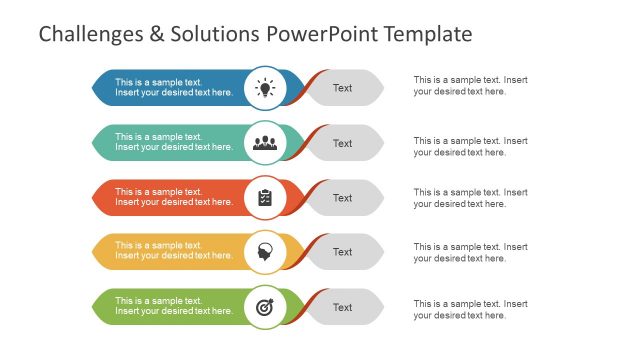
Slide 1 of 2 from Achievements & Challenges PowerPoint Template
PowerPoint Achievements and Challenges Arrow
Achievements and Challenges Overview Slide
- Diagram
- Comparison Split
- Evaluation Slide
- 16:9
- 100% Editable
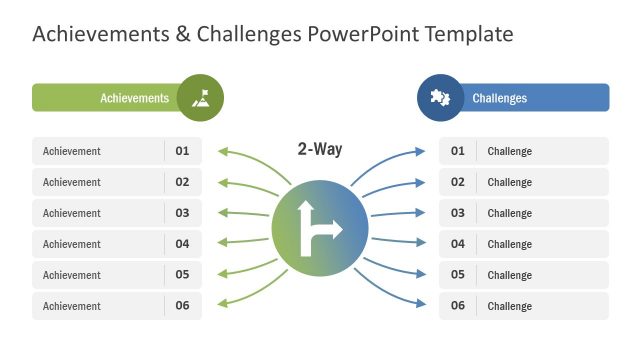
The Achievements and Challenges Overview slide from the Achievements & Challenges PowerPoint Template offers a clear two-column layout ideal for business presentations that evaluate project performance. Featuring editable shapes and vector icons, this slide template facilitates a balanced comparison of successes and obstacles, making it suitable for stakeholder presentations and strategic discussions within a corporate presentation or pitch deck template.
What’s on This Slide
The slide features a two-column layout with a central curved arrow connecting two sections. The left section, labeled 'Achievements,' contains three text placeholders stacked vertically, each aligned to the left. The right section, labeled 'Challenges,' mirrors this structure with three similar placeholders. The arrow flows from the achievements to the challenges, indicating a relationship between the two. The background is light, with the achievements section in green and the challenges section in blue. Each section has an icon at the top, enhancing visual hierarchy.
How to Use It
This layout serves to compare achievements against challenges, making it suitable for presentations discussing project outcomes or business performance. It fits well in a sequence following an introduction or problem statement, providing a clear overview of successes and obstacles. This structure is useful in business meetings, project reviews, or strategic planning sessions, where stakeholders need to evaluate progress and setbacks.
Text Placeholders & Capacity
Keep your copy within these limits so it fits without resizing. Node body slots can accommodate roughly 30 characters each.
| Placeholder | Count | Max characters (approx.) |
|---|---|---|
| Item heading | 2 | 20 |
| Item body | 6 | 30 |
| Callout | 1 | 40 |
Slide Keywords
Download unlimited PowerPoint templates, charts and graphics for your presentations with our annual plan.
DOWNLOAD