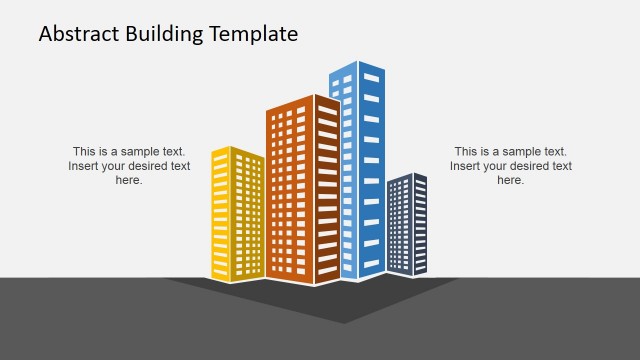
Generate a visually appealing presentation using the Abstract 3D Building Concept Idea for PowerPoint. The creative business slide design contains a 3D building clipart to decorate presentations with an architecture style.
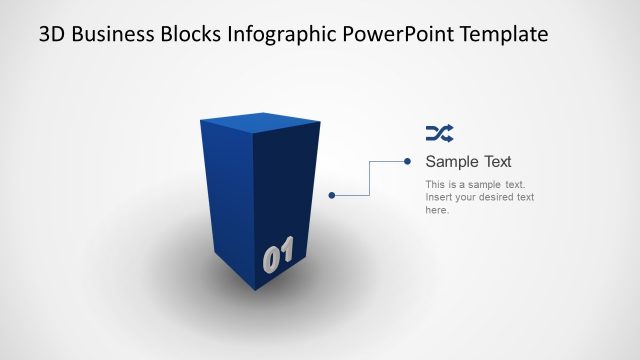
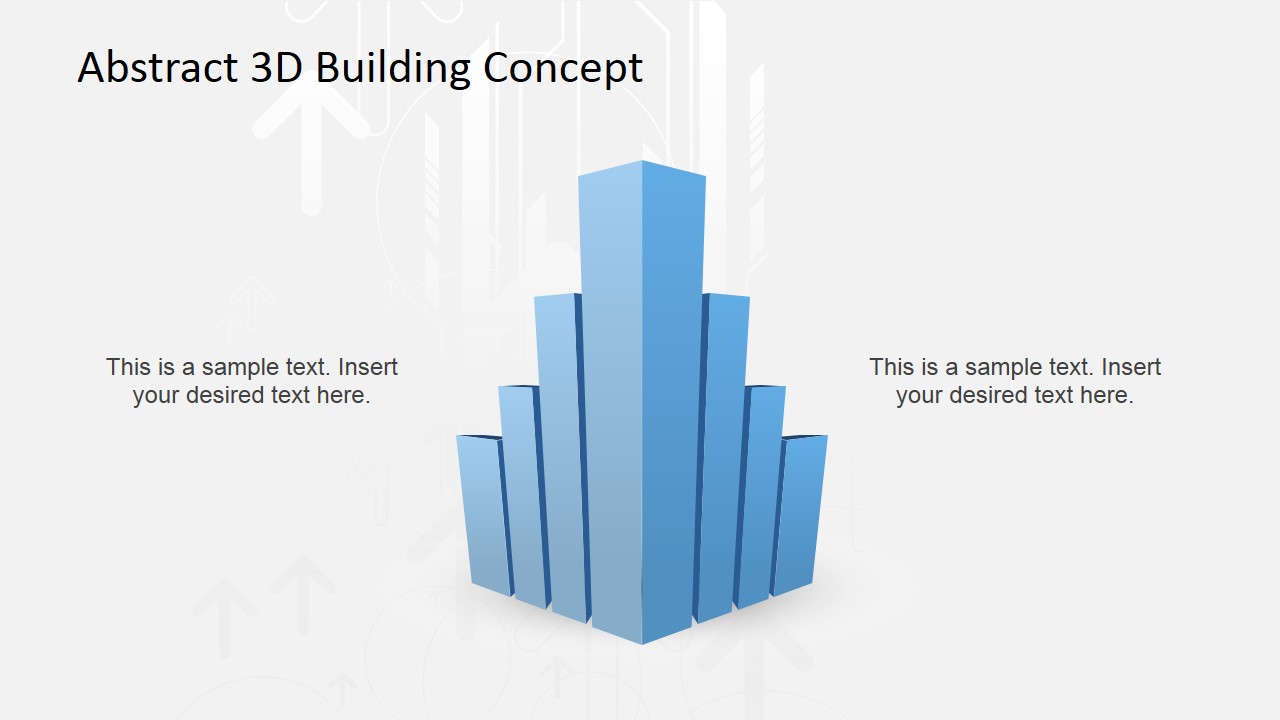
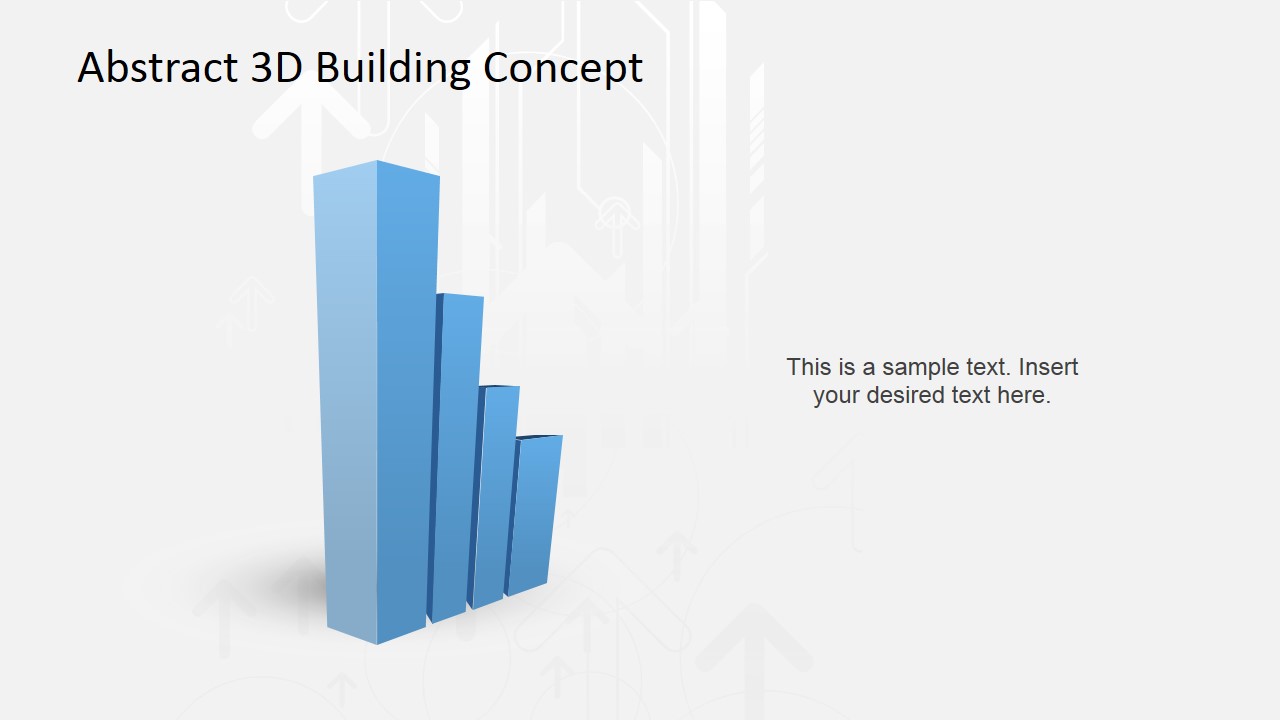
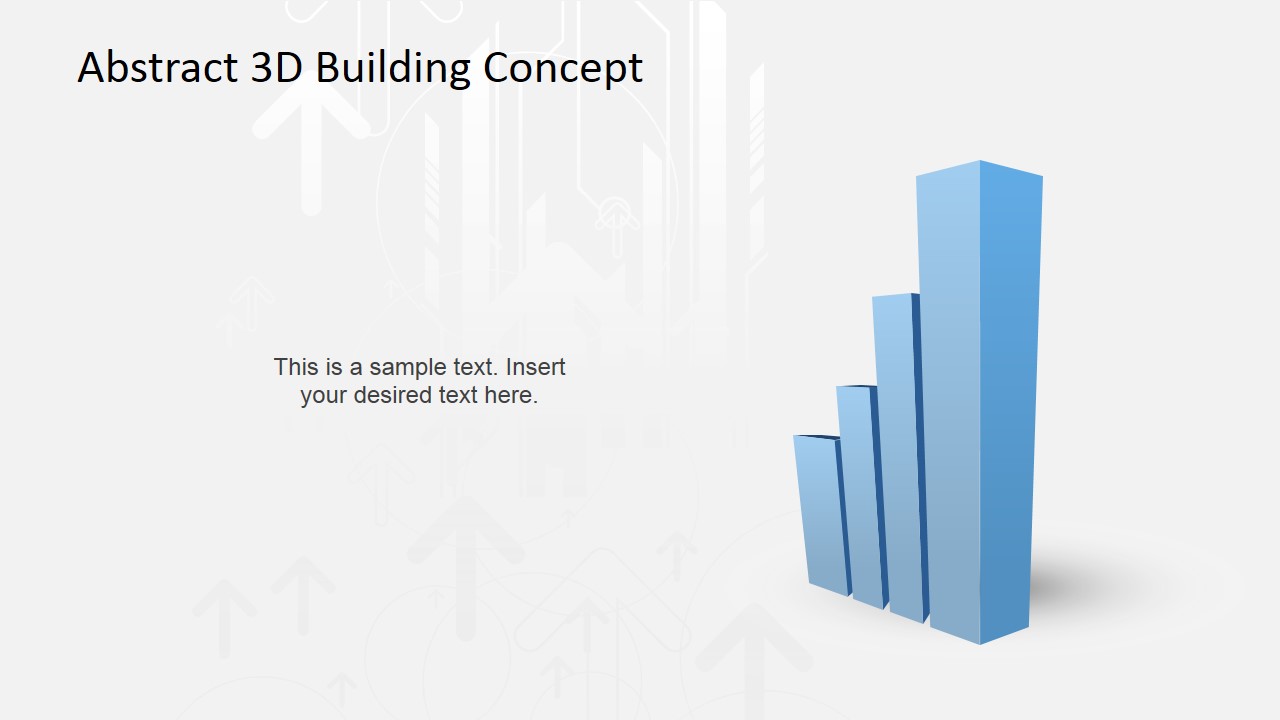
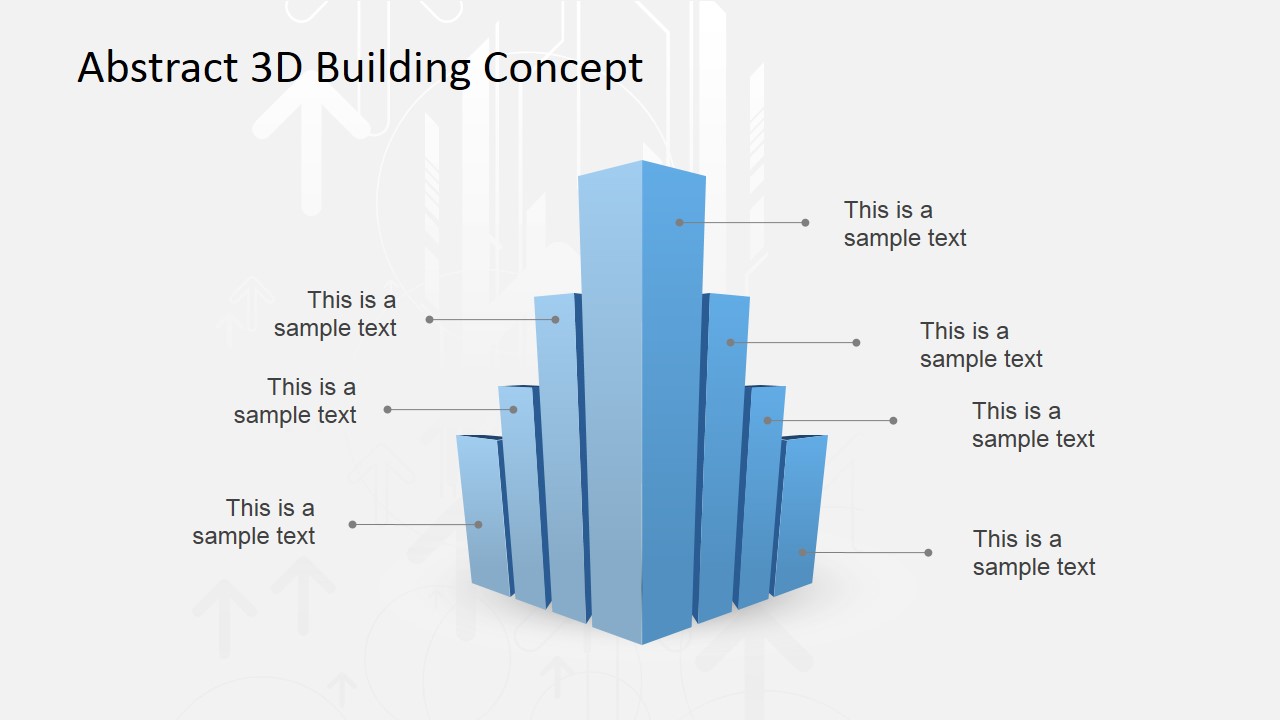
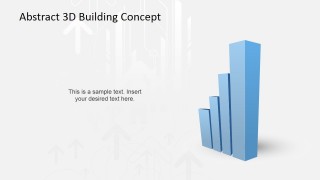
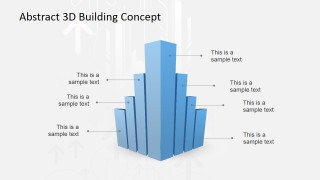
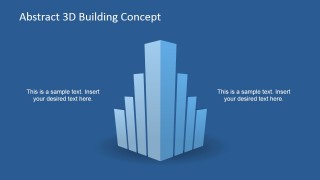
The PowerPoint graphics are created with vertical 3D bars, which are arranged together in different heights. They are presented either in an ascending pattern, or as a mirrored stair shape. The bars have a dual purpose. The first of which is that they resemble a corporate building, which the presenter can relate to construction and design. The other purpose is that the graphics can indicate a pattern in the statistical information regarding the construction. This second use draws on the objects’ resemblance to bar charts.
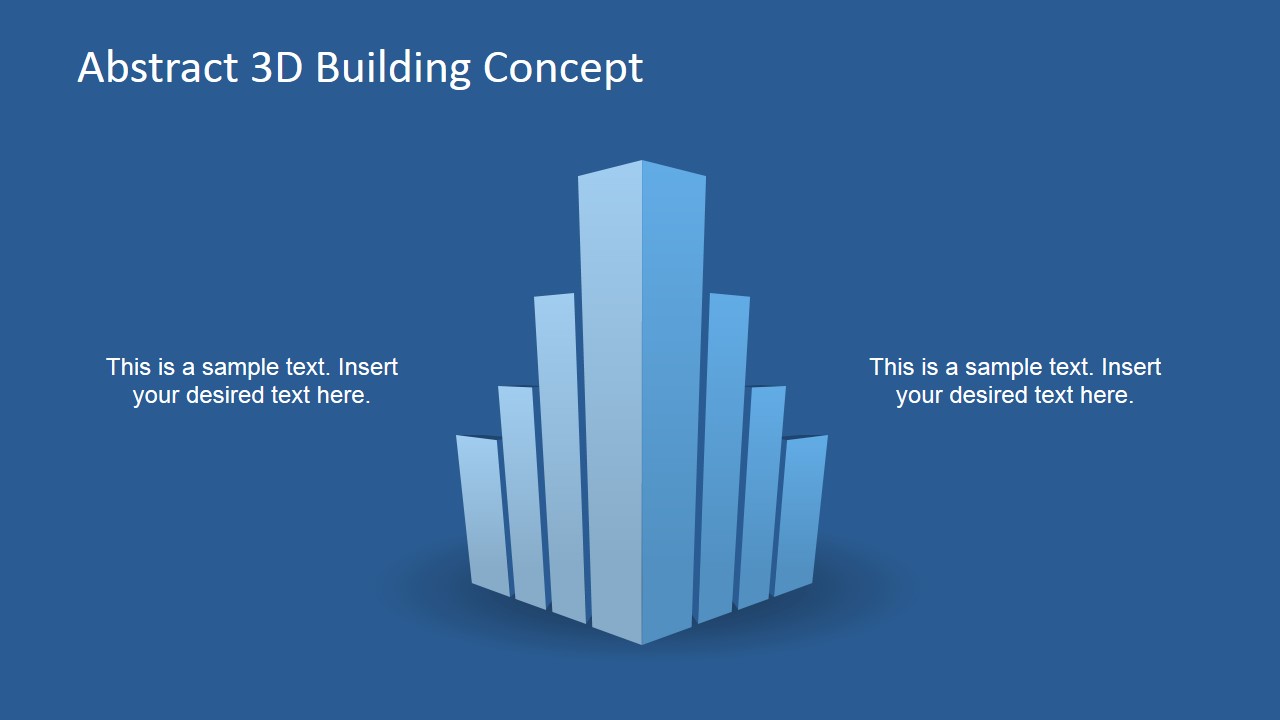
The abstract bars are located at the center of the slide designs. The bars are shown in blue, with shadows to create a 3D effect. The PowerPoint slides have either a dark blue or a gray presentation background. The bars can be used as a visual representation of the progress of a process ,mapped to the metaphor of construction. They lend an interesting modern twist to the effect of the presentation.
Suitable for projects proposals and progress reports, the Abstract 3D Building Concept Idea for PowerPoint is created with PowerPoint clipart. Any modifications made to their color, size, and arrangement will have no effect on their image resolution. The flexible design allows the user to customize the presentation to a specific audience.
What’s inside this template
Example presentation scenarios
- An architect can use the central 3D building layout to introduce a design concept and connect the idea to scale, structure, and visual growth.
- A real estate consultant can use the side-text layouts to explain a development opportunity while keeping attention on the building-shaped bar illustration.
- A construction project manager can use the multi-callout slide to label project components, milestones, or work streams around the central structure.
- A business presenter can use the mirrored stair-style bar arrangement to describe growth, expansion, or increasing capacity with an architecture-themed metaphor.
Features
- 100% editable presentation template
- Compatible with Microsoft PowerPoint and Google Slides
- 16:9 aspect ratio slides
- Scalable vector shapes, icons and illustrations
- AI-Ready for Microsoft Copilot and Claude
- Instant access and download
Frequently asked questions
Q: How should a presenter use the 3D building metaphor without making the message too abstract?
A: Assign one clear meaning to the building shape before presenting it: project scale, construction progress, business growth, or portfolio strength. Use the two-text layouts for the headline message and the callout slide for detail. Avoid treating the bars as exact data unless you replace them with real chart information elsewhere.
Q: What type of audience is this template best suited for?
A: This template fits audiences that respond to spatial, architecture, or development language, such as investors, clients, planning teams, and project stakeholders. It works best for short concept explanations, project proposals, and progress updates where a building-like form can represent structure, scale, and forward movement.
Q: Why do the vertical bars and callouts improve communication?
A: The vertical bars create a familiar dual metaphor: they look like a building and also suggest rising values or progress. The callout layout turns the abstract shape into an explanation tool, letting the presenter label parts of a concept without crowding the center. The strong central object gives each slide a clear focal point.
Abstract 3D Building Concept Idea for PowerPoint
5-slide presentation template with 3D building bars and callout layouts for architecture concepts
Abstract 3D Building Concept Idea for PowerPoint is a 5-slide template built around editable 3D building bar illustrations. It includes centered concept layouts, mirrored stair-style bar arrangements, side text placeholders, and a multi-callout annotation slide for architecture, real estate, construction, or growth presentations in Microsoft PowerPoint and Google Slides.
- Category
- Shapes
- Rating


 Loading...
- Aspect ratio
- 16:9, 4:3
- Item ID
- 6778-01
- Colors
 Microsoft PowerPoint
  Microsoft Copilot
  Claude for PowerPoint
 Other formats supported
Subscribe today and get immediate
access to download our PowerPoint templates.