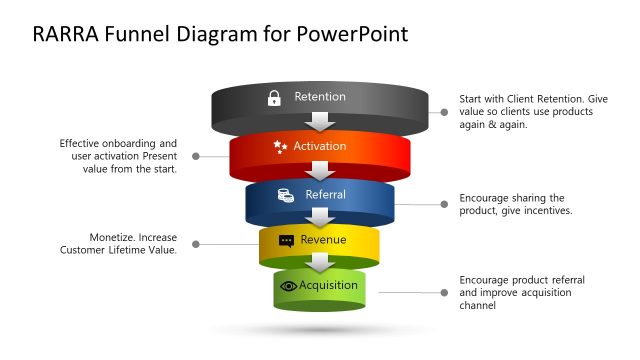
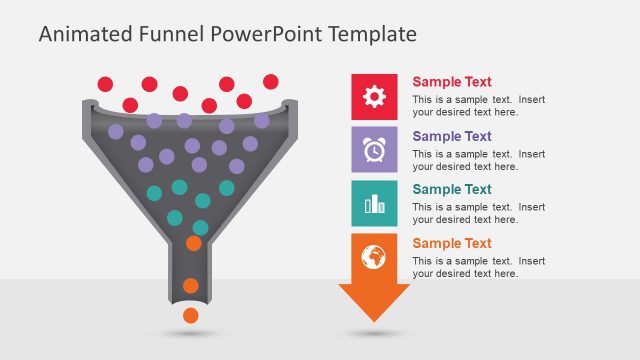
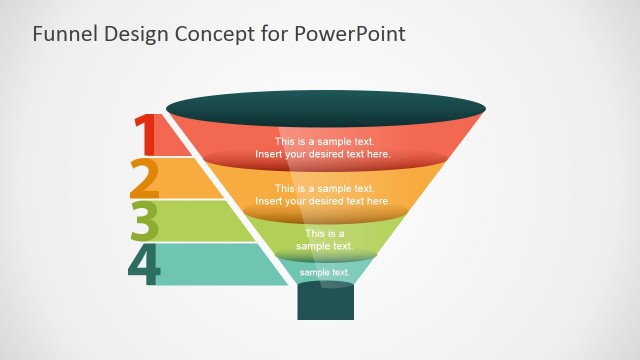
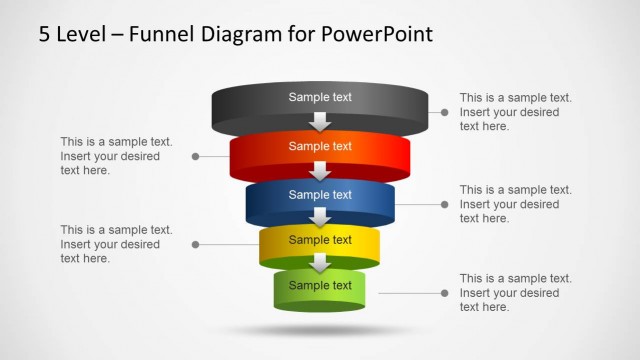
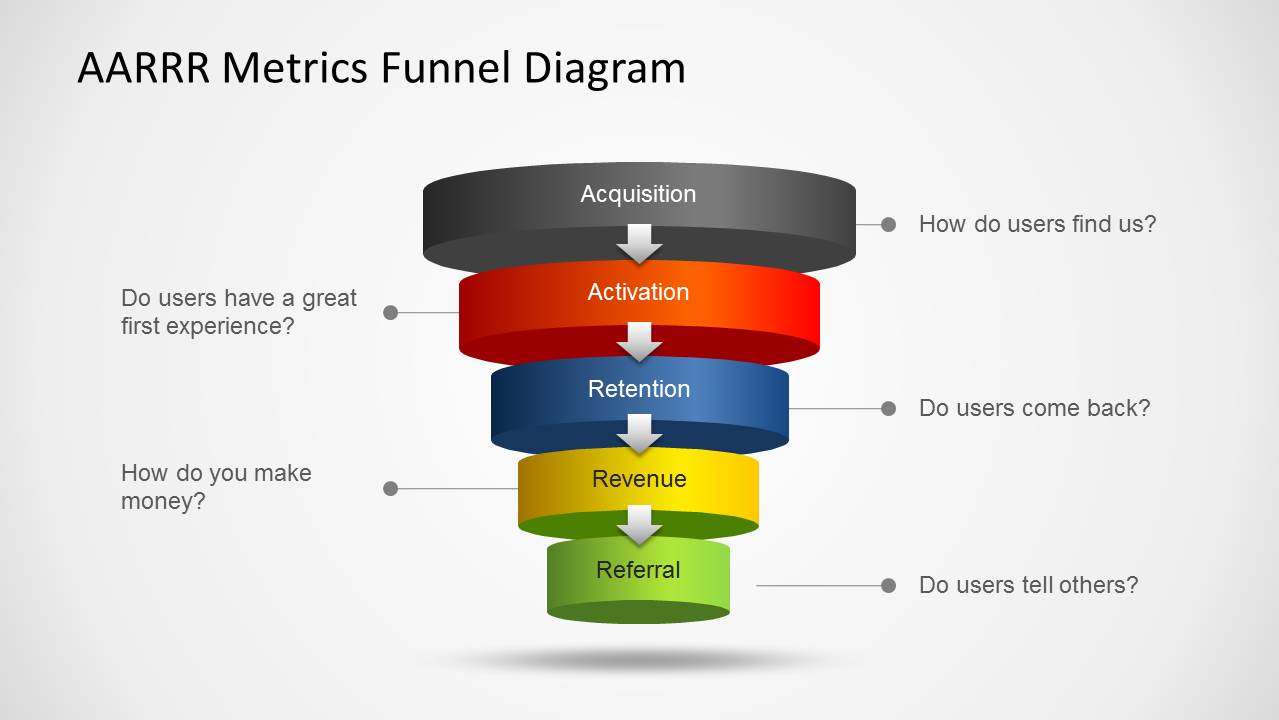
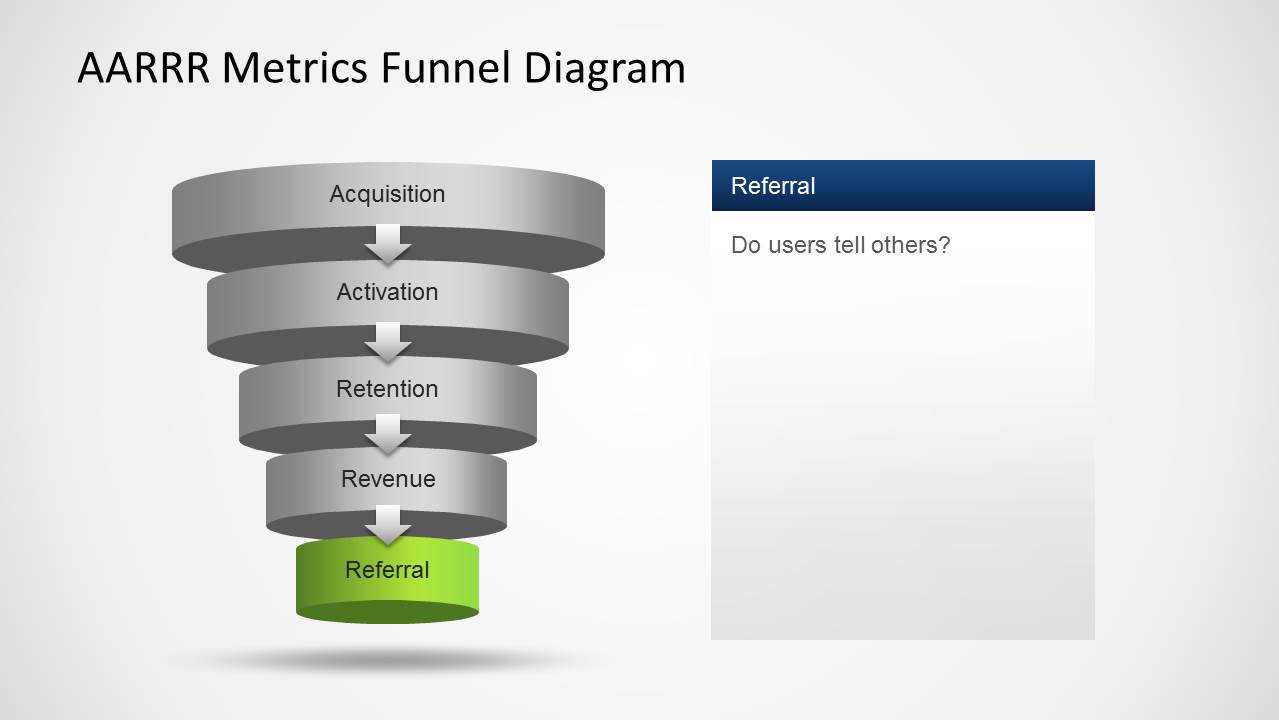
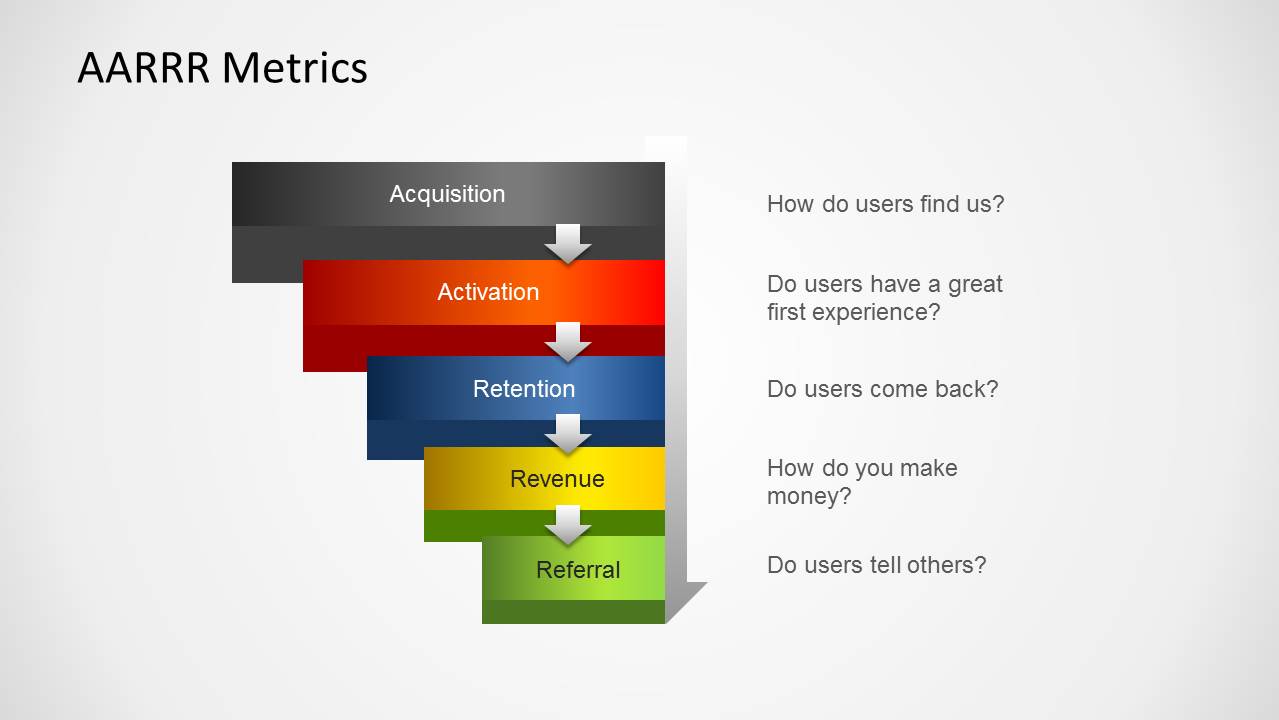
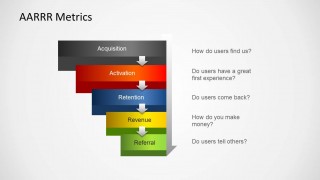
AARRR Metrics Funnel Diagram for PowerPoint– a 5-step funnel diagram design for accommodating Acquisition, Activation, Retention, Revenue, and Referral Metrics. The AARRR is a relative start-up method created by Dave McClure. The layout is colorful with 3D styles. It is of generic form. Thus, it can cater to a huge array of topics. It is highly functional given its quality graphics.
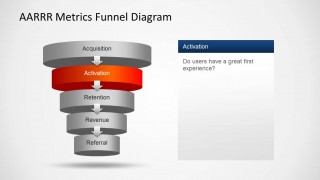
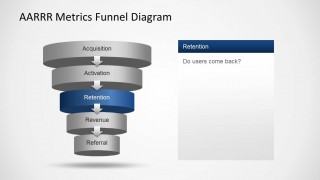
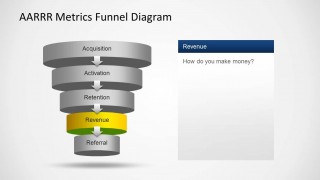
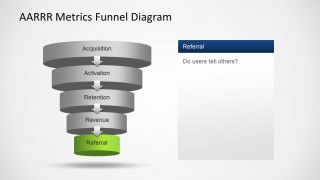
AARRR is under the compilation of 500startups. The framework is specific to the Pirate Metrics concept. It is directed at leaders such as the CEO and other high stakeholders. Its goal is to make them understand consumers more. It is information-focused where technical data is needed. These data are necessary for an assured start-up of any business, project, or undertaking. Acquisition refers to the market or the audience and where they come from. Activation means that amount of the initial buyers has a positive experience. Retention answers the question, “do they come back?”. Referral refers to the concept of advertisement by mouth or if the consumer relates the product to others. Revenue concentrates on the valuation of these measurements to money.
This Sales Funnel template is handy for feasibility studies. It is ideal for business presentations. It can metaphor a personal-level report where an individual plans on a new venture or change. It is a decision-making tool. It is perfect for marketing, sales, product analysis, and strategic planning. It can be associated with Lean Startup reports. The plot can be used as a dashboard or a stand-alone presentation.
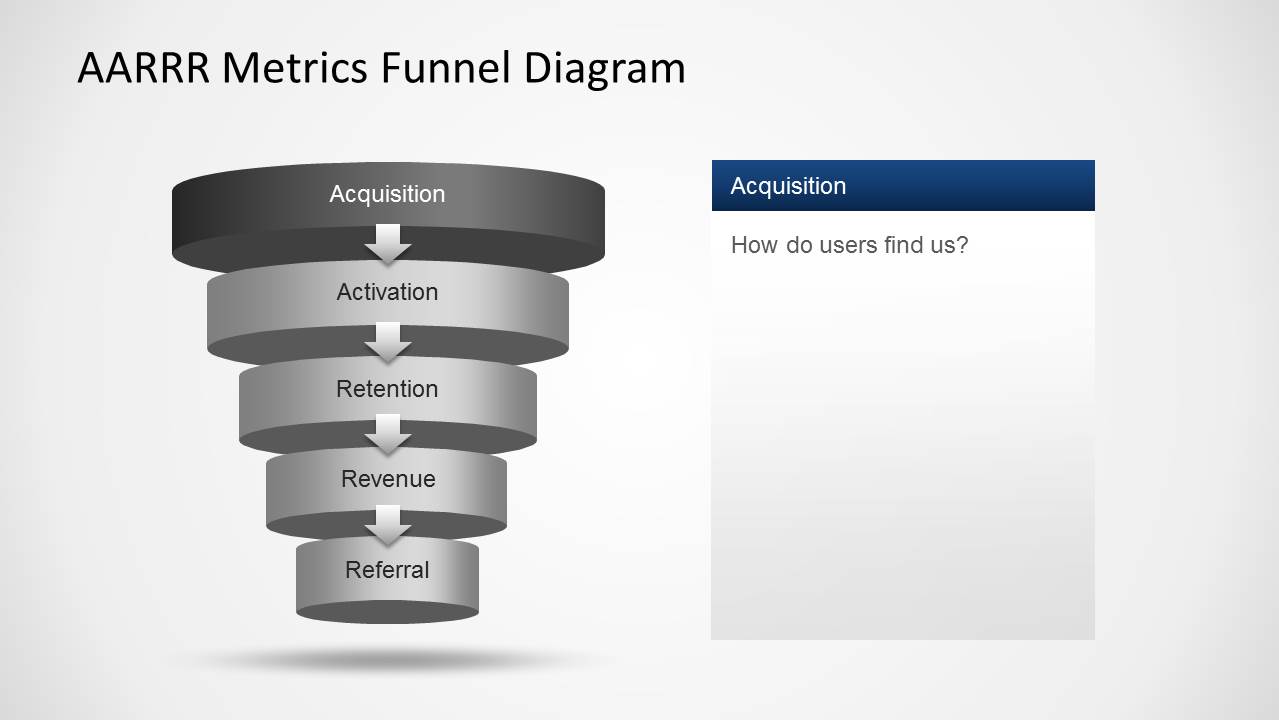
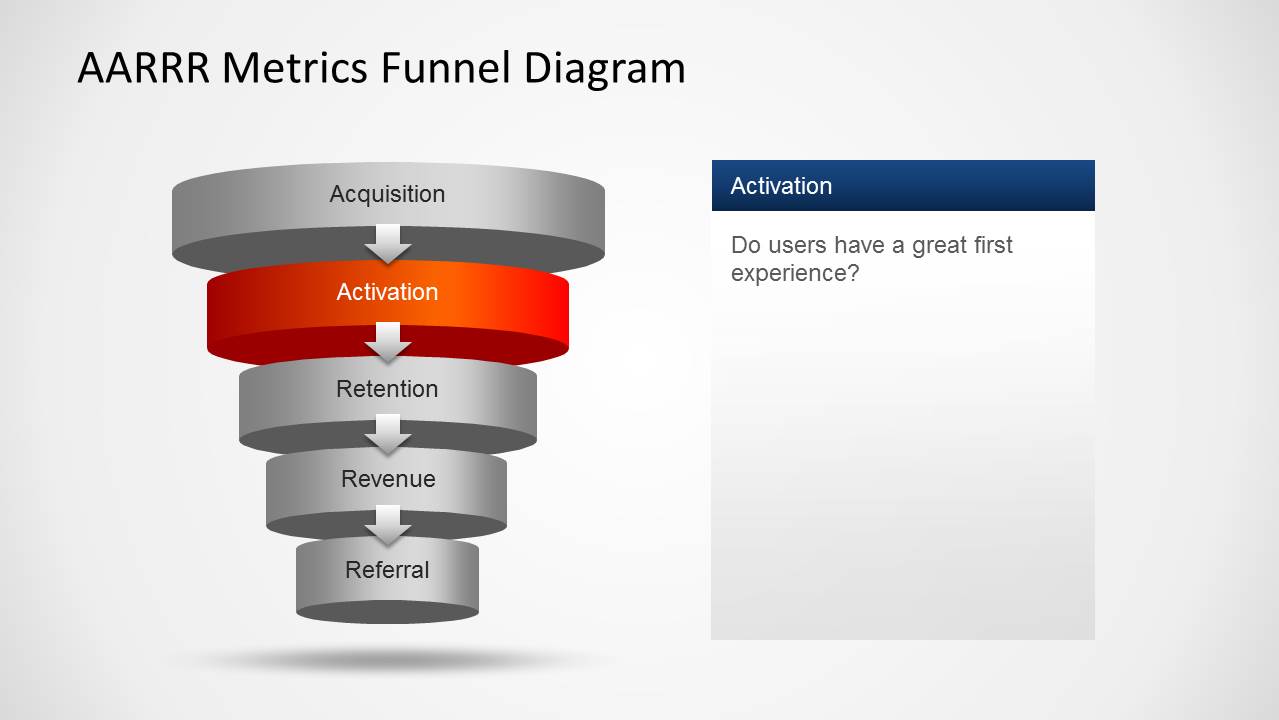
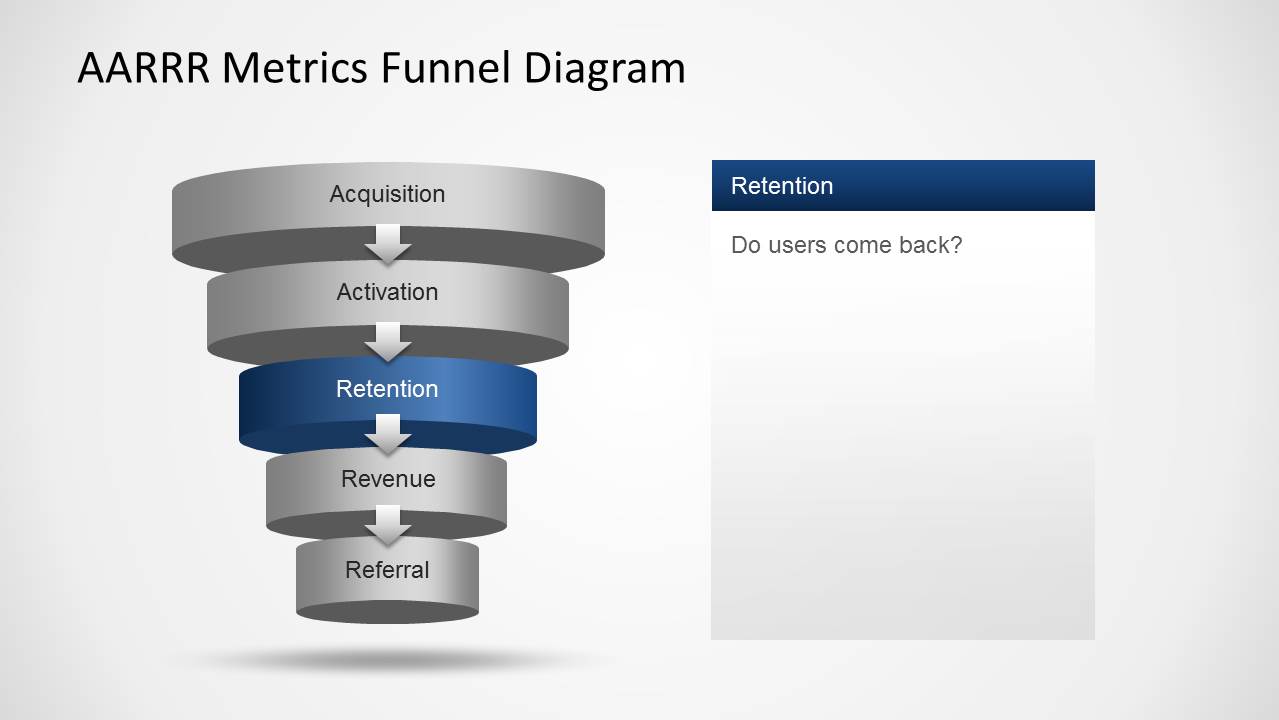
In the first slide of the PowerPoint template, the user can find a completed diagram. The 5 steps of the funnel are colored black, orange, blue, yellow, and green. Each represents a measurement component for the model—the following 5 slides highlight every element, going from the Acquisition to the Revenue model slides. The last slide also features a finished funnel with corresponding text placeholders.
Use AARRR Metrics Funnel Diagram for PowerPoint for effective and professional visual aids. Alternatively, you can download other modern variants of this model, like the RARRA Funnel template for PowerPoint, or download the Lean Startup Methodology PowerPoint Template is downloadable at the SlideModel gallery.
What’s inside this template
Example presentation scenarios
- A startup founder can use the overview funnel and five metric focus slides to explain how customer acquisition connects to activation, retention, revenue, and referral.
- A growth marketer can present the highlighted acquisition and activation slides to discuss which channels bring users in and whether the first experience creates traction.
- A product manager can use the retention and referral slides to frame a product adoption review around returning users and word-of-mouth behavior.
- An executive team can use the final recap funnel to align a growth meeting around the five AARRR questions before assigning metric owners.
Features
- 100% editable presentation template
- Compatible with Microsoft PowerPoint and Google Slides
- Scalable vector shapes, icons and illustrations
- AI-Ready for Microsoft Copilot and Claude
- Instant access and download
Frequently asked questions
Q: How should a presenter explain the AARRR framework with this deck?
A: Start with the full funnel overview to define the customer path, then move through the five highlighted stage slides in order. Keep each stage tied to one decision question: where users come from, whether they have a strong first experience, whether they return, how money is made, and whether users tell others.
Q: Who is this funnel diagram best suited for?
A: This template fits founders, growth marketers, and product managers who need to explain a startup growth model without building a dense analytics report. It is best for framing a discussion around the AARRR stages before showing detailed acquisition data, activation findings, retention evidence, revenue logic, or referral plans.
Q: Why does the funnel metaphor work for AARRR metrics?
A: The stacked funnel makes the growth model feel sequential and filtered, which helps audiences see how each metric depends on the previous one. Highlighting one colored stage at a time reduces visual noise while keeping the full AARRR system in view, so the presenter can focus discussion without losing context.

AARRR Metrics Funnel Diagram for PowerPoint
7-slide presentation template for AARRR funnel metrics, startup analytics, and pirate metrics reporting
AARRR Metrics Funnel Diagram for PowerPoint is a 7-slide PowerPoint diagram template for explaining pirate metrics in a startup or growth presentation. It includes a full AARRR funnel overview, individual acquisition, activation, retention, revenue, and referral focus slides, plus a recap funnel with question prompts and editable vector shapes.


 Loading...
 Microsoft PowerPoint
  Microsoft Copilot
  Claude for PowerPoint
 Other formats supported
Subscribe today and get immediate
access to download our PowerPoint templates.