Slide 13 of 15 from A3 Thinking PowerPoint Template
Before Vs After Comparison Diagram Slide
Before vs. After Comparison Slide Overview
- Diagram
- Comparison Split
- Comparison Slide
- 16:9
- 100% Editable
The Before vs. After Comparison Slide from the A3 Thinking PowerPoint Template offers a clear, structured layout ideal for business presentations requiring visual contrasts. This slide template features editable shapes and vector icons arranged in two columns to effectively showcase project updates, product enhancements, or performance evaluations. Its design supports concise communication of progress and results within a corporate presentation or pitch deck template.
What’s on This Slide
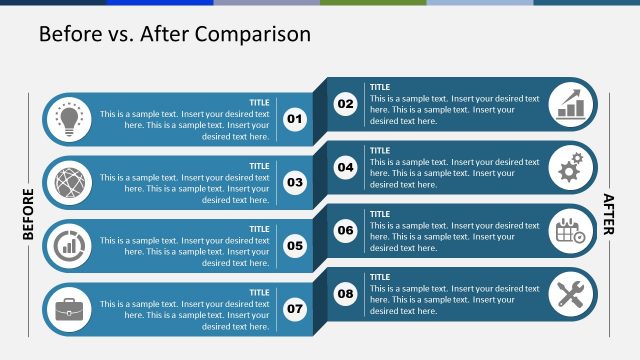
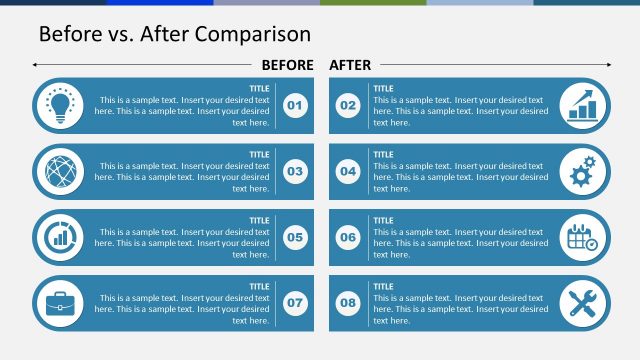
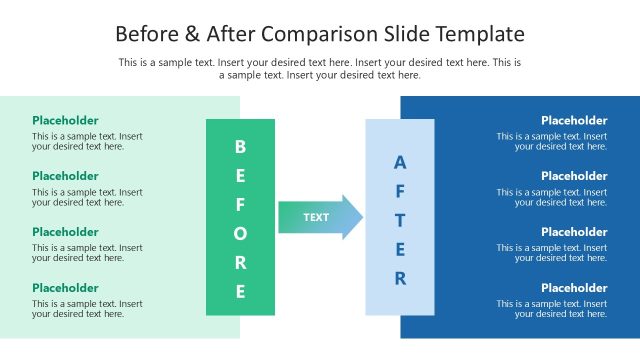
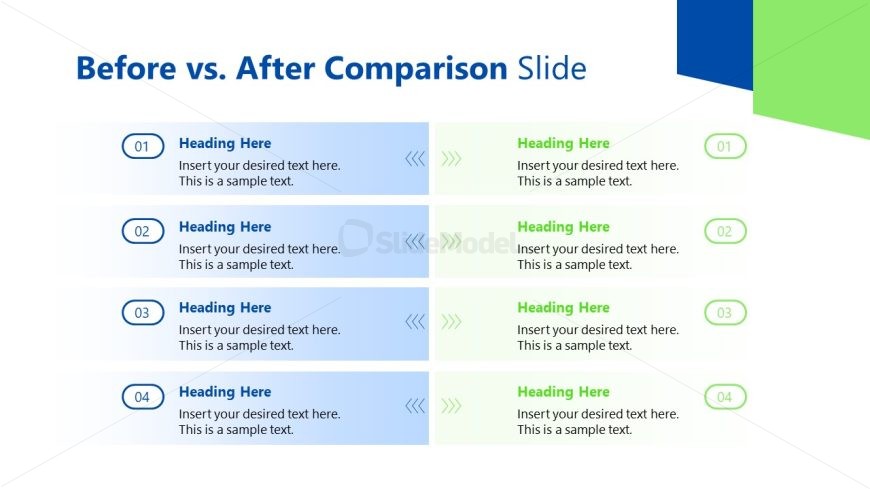
The layout features two columns for comparison, with four rows of repeating units. Each row contains a circular icon on the left, labeled with numbers one through four, followed by a heading placeholder and a body text placeholder. The left column has a light blue background, while the right column transitions from light green to white. The text placeholders are aligned left in each row, with arrows indicating flow from the left to the right. The overall composition is structured and organized for clarity.
How to Use It
This layout serves as a before-and-after comparison tool, ideal for illustrating changes or improvements. It fits well in a presentation sequence after problem identification and before conclusion slides. This structure is useful in business scenarios such as project updates, product enhancements, or performance evaluations, where clear contrasts are necessary to convey progress or results effectively.
Text Placeholders & Capacity
Keep your copy within these limits so it fits without resizing. Body slots can hold roughly 15-20 words each.
| Placeholder | Count | Max characters (approx.) |
|---|---|---|
| Item heading | 4 | 20 |
| Item body | 4 | 100 |
| Slide title | 1 | 40 |
Slide Keywords
Download unlimited PowerPoint templates, charts and graphics for your presentations with our annual plan.
DOWNLOADReturn to A3 Thinking PowerPoint Template.