Slide 10 of 10 from 9 Steps Rectangular PowerPoint Funnel
Stage 9 Rectangular PowerPoint Funnel
9-Step Funnel Diagram for Presentations
- Diagram
- Funnel
- Process Slide
- 16:9
- 100% Editable
The 9-Step Funnel Diagram slide from the 9 Steps Rectangular PowerPoint Funnel template offers a clear visual process ideal for marketing presentations and sales training. This diagram uses editable shapes and vector icons to represent each step, facilitating customer journey mapping and project management within a corporate presentation or pitch deck template.
What’s on This Slide
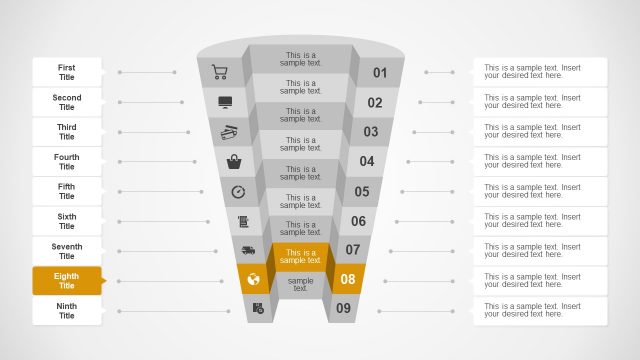
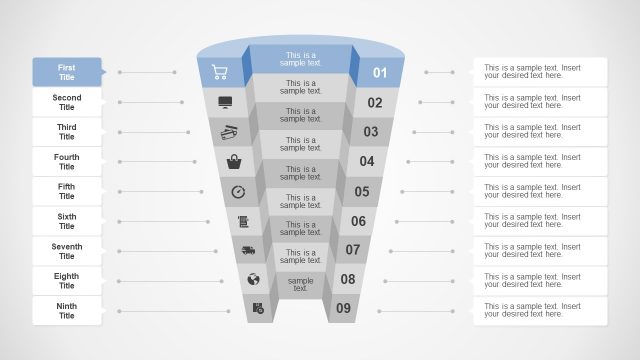
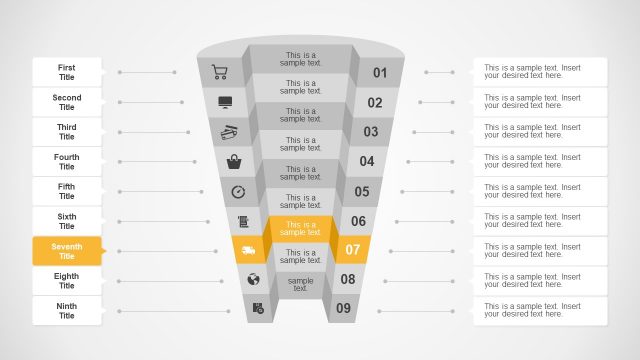
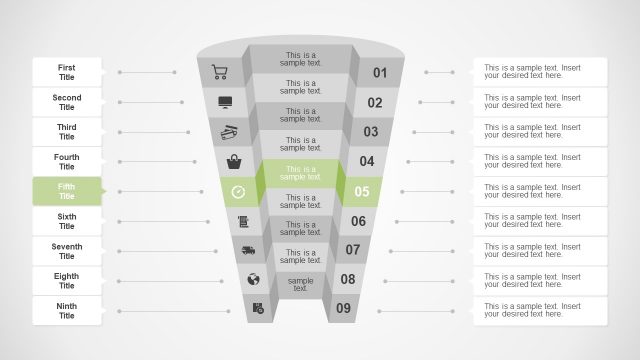
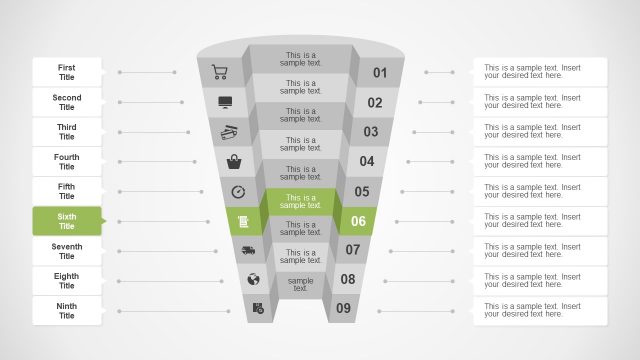
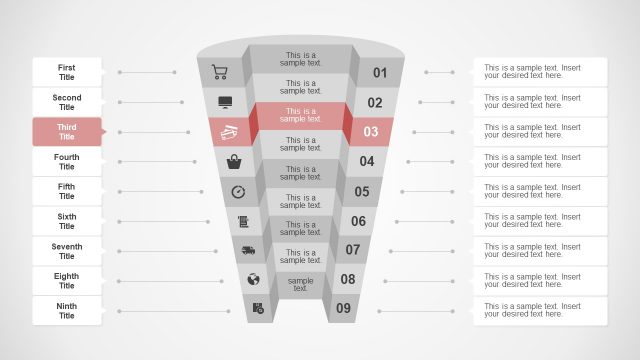
The slide features a funnel diagram positioned centrally, tapering from top to bottom. It has nine horizontal segments, each labeled with a number from one to nine, indicating steps in a process. The left side contains corresponding titles for each step, aligned vertically. Each segment includes an icon representing the step's theme, with a larger placeholder for descriptive text at the bottom. The background is light gray, providing contrast to the dark blue and gray elements. Text placeholders are present for titles and descriptions, maintaining a clear visual hierarchy.
How to Use It
This layout serves as a structured representation of a step-by-step process, ideal for marketing or sales presentations. It fits well at the conclusion of a presentation, summarizing key points or actions. It can be used to illustrate customer journey stages, sales funnels, or project phases. This slide is effective for visually guiding the audience through sequential information, making it suitable for training sessions or strategic planning discussions.
Text Placeholders & Capacity
Keep your copy within these limits so it fits without resizing. Node body slots are tight, roughly 10-12 words each.
| Placeholder | Count | Max characters (approx.) |
|---|---|---|
| Item heading | 9 | 20 |
| Item body | 9 | 50 |
| Slide title | 1 | 30 |
Slide Keywords
Download unlimited PowerPoint templates, charts and graphics for your presentations with our annual plan.
DOWNLOADReturn to 9 Steps Rectangular PowerPoint Funnel.